SIM001 › The ground station › Ground control station › Planning a mission
Writing to and reading from the vehicle
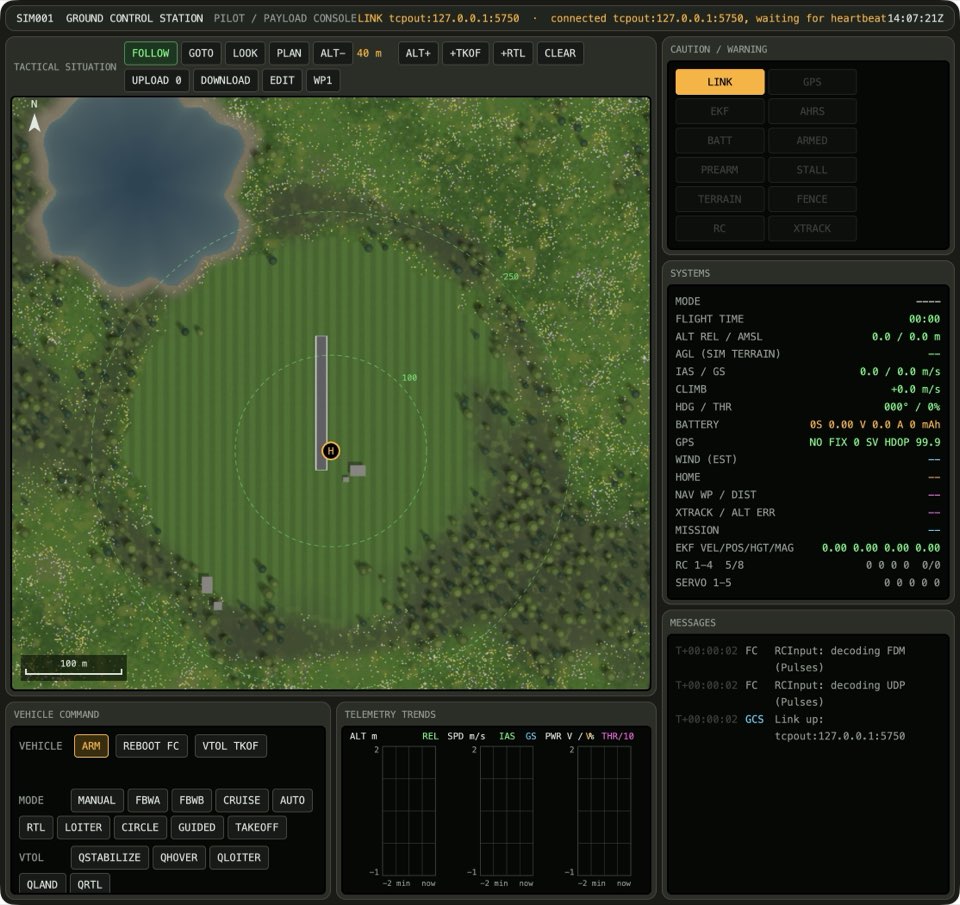
UPLOAD replaces the mission on the vehicle with the plan. The button shows the number of items that it sends. DOWNLOAD reads the mission from the vehicle, so that you can see what it flies. EDIT copies the mission from the vehicle into the plan, so that you can change it.
UPLOAD writes the plan to the vehicle
After the upload, the map goes back to panning. Thus an accidental click does not change the plan.
If the plan has at least 1 item, press UPLOAD. The solid line of the mission on the vehicle is the same as the dashed plan. The map is back to panning.
See it in Planning a hand-launched circuit, Surveying a field, From plan to flight.
How this is tested verified
Given the plan has at least 1 item
When the operator uploads the plan
Then the vehicle mission is up to date
  And the map tool is pan
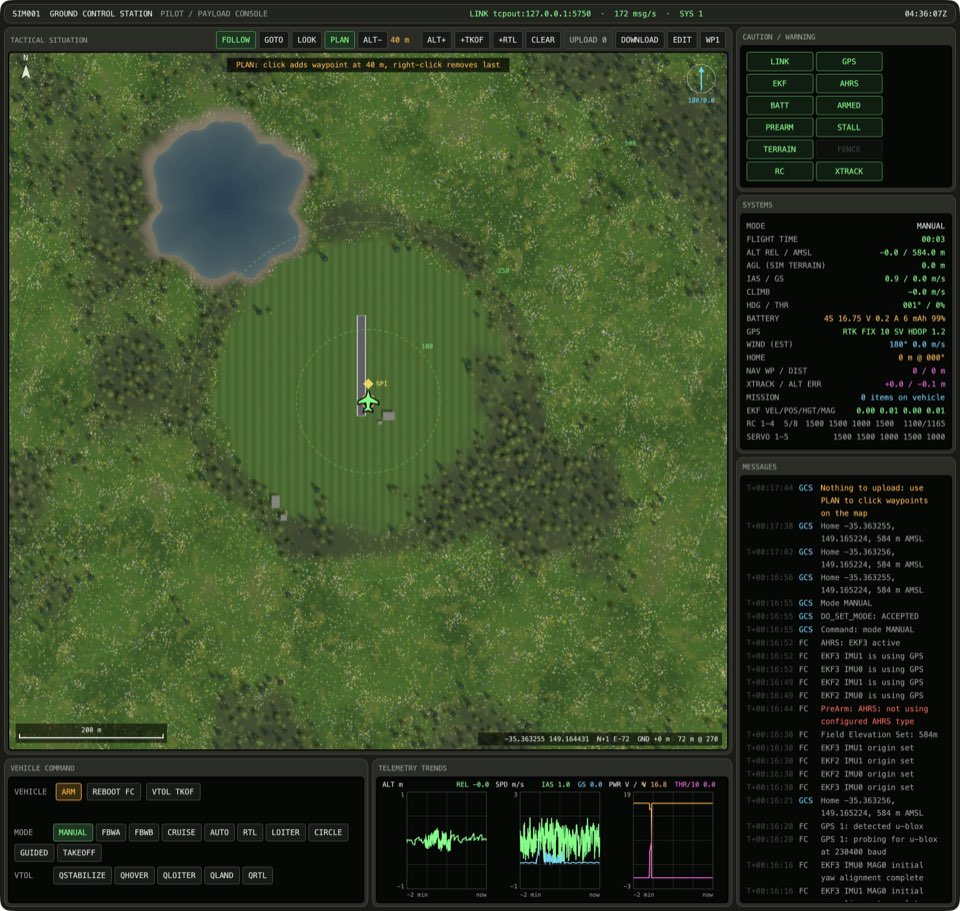
UPLOAD does not send an empty plan
If the plan has 0 items, press UPLOAD. The solid line of the mission on the vehicle does not change.
How this is tested verified
Given the plan has 0 items
When the operator uploads the plan
Then the vehicle mission stays the same
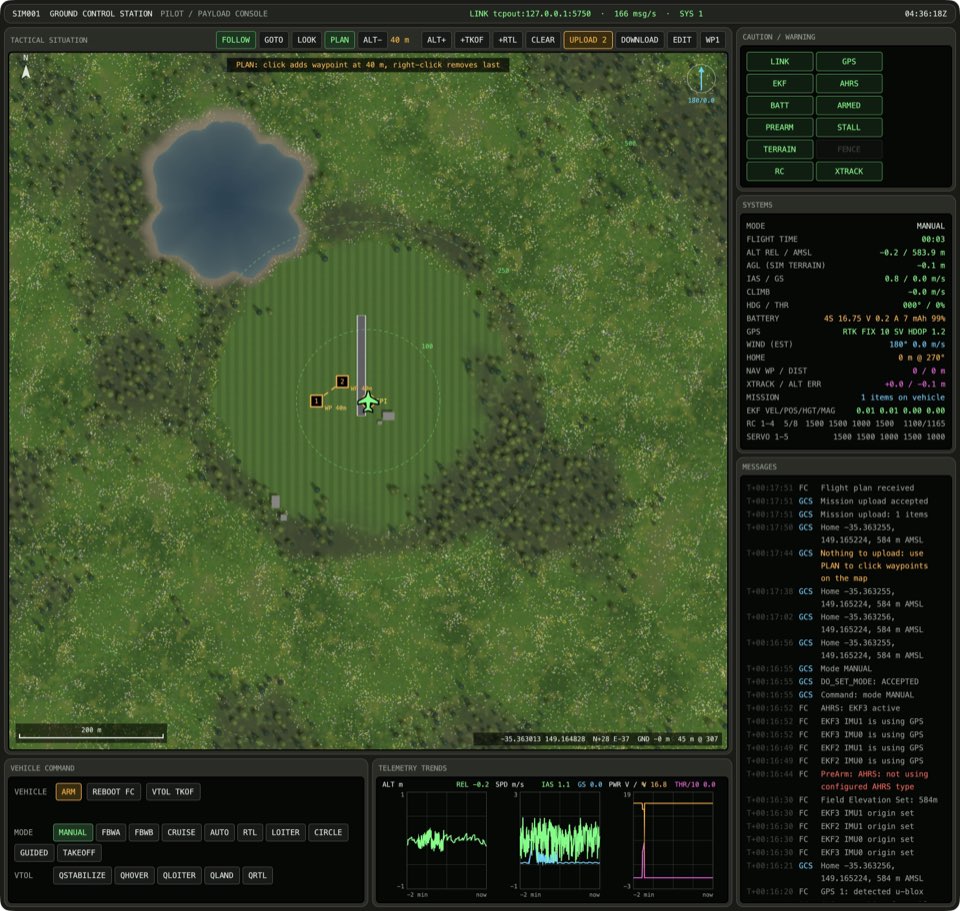
Changing the plan makes the vehicle's copy out of date
If the vehicle mission is up to date and the map tool is PLAN, click the map. The dashed plan and the solid line of the mission on the vehicle are different.
How this is tested verified
Given the vehicle mission is up to date
  And the map tool is PLAN
When the operator clicks the map
Then the vehicle mission is out of date
DOWNLOAD only reads
Press DOWNLOAD. The solid line of the mission on the vehicle does not change. The dashed plan and the count on UPLOAD do not change.

How this is tested verified
When the operator downloads the vehicle's mission
Then the vehicle mission stays the same
  And the plan stays the same
EDIT brings the vehicle's mission back into the plan
If the vehicle mission is out of date, press EDIT. The solid line of the mission on the vehicle is the same as the dashed plan. The PLAN button lights up.

How this is tested not supported yet
Given the vehicle mission is out of date
When the operator edits the vehicle's mission
Then the vehicle mission is up to date
  And the map tool is PLAN