SIM001 › Beyond the cockpit › The flight computer
Losing the TX15
If the serial line goes quiet, the flight computer does the same as a receiver that lost its link. It sets the throttle channel below the failsafe level of ArduPilot. ArduPilot then starts its failsafe.
A quiet line is a failsafe
If the TX15 throttle stick is 50 %, connect the TX15 to the flight computer, or unplug it. Then wait 5 seconds. The throttle channel is at most 900 us. 0: the screen of the TX15 shows this uplink quality.
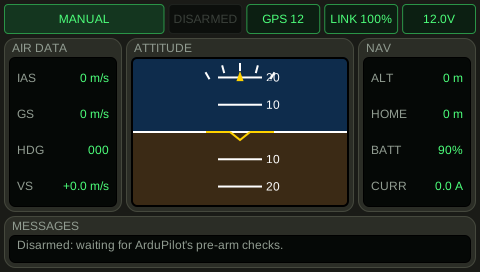
See it in Unplug.
How this is tested verified
Given the TX15 throttle stick is 50 %
When the TX15 is not connected
  And 5 seconds pass
Then the throttle channel is at most 900 us
  And the TX15 uplink quality is 0 %
The plane flies again when the TX15 comes back
If the TX15 is not connected and the TX15 throttle stick is 50 %, connect the TX15 to the flight computer, or unplug it. Then wait 5 seconds. The throttle channel is at least 1490 us. 100: the screen of the TX15 shows this uplink quality.
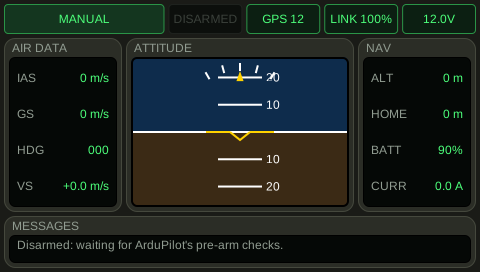
See it in Plug in again.
How this is tested verified
Given the TX15 is not connected
  And the TX15 throttle stick is 50 %
When the TX15 is connected
  And 5 seconds pass
Then the throttle channel is at least 1490 us
  And the TX15 uplink quality is 100 %