SIM001 › Flying in the sim › The simulator
Pause
P stops the flight. Press P again to continue from the point where it stopped. During the pause, the HUD says PAUSED (P). The views, the help and the other keys continue to work.
P pauses the sim
If the sim is running, press P. Everything stops, and the HUD says PAUSED (P).
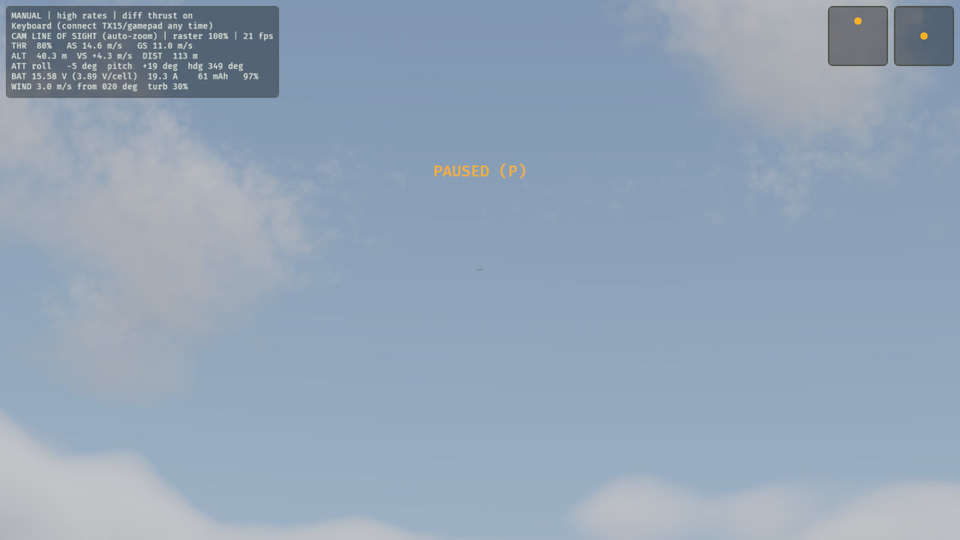
See it in Taking a break.
How this is tested verified
Given the sim is running
When the pilot toggles pause
Then the sim is paused
P again resumes
If the sim is paused, press P. PAUSED (P) goes away, and the flight continues from the point where it stopped.
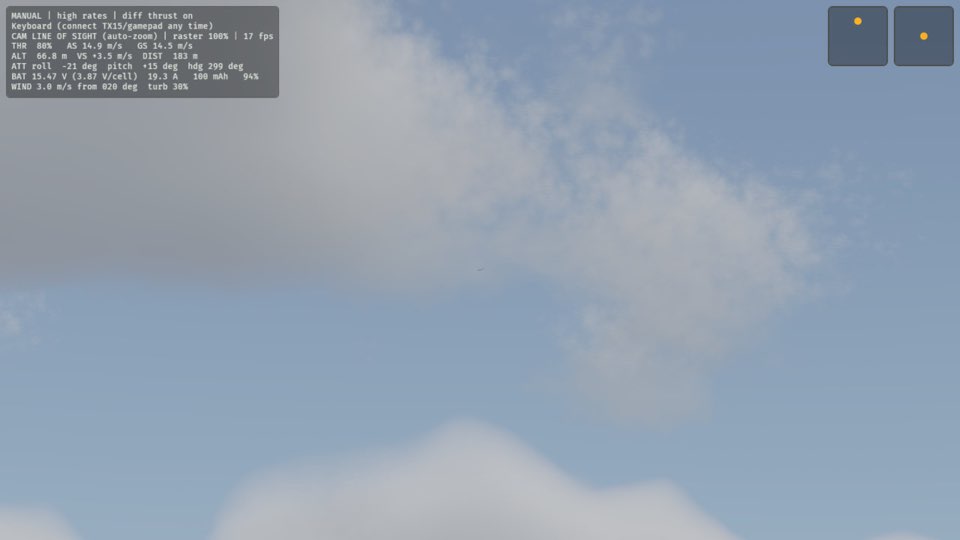
See it in Taking a break.
How this is tested verified
Given the sim is paused
When the pilot toggles pause
Then the sim is running
A pause holds the plane in your hand
The throttle cannot throw the plane while time is stopped. Nothing happens: the plane stays in your hand, and the HUD still says PAUSED (P).
If the plane is in hand and the sim is paused, set the throttle above 55 % with Shift, or with the number keys. The plane is in your hand at the pilot box.
An exception to Throttle up throws the plane.
An exception to A throw with the nose down crashes the plane.
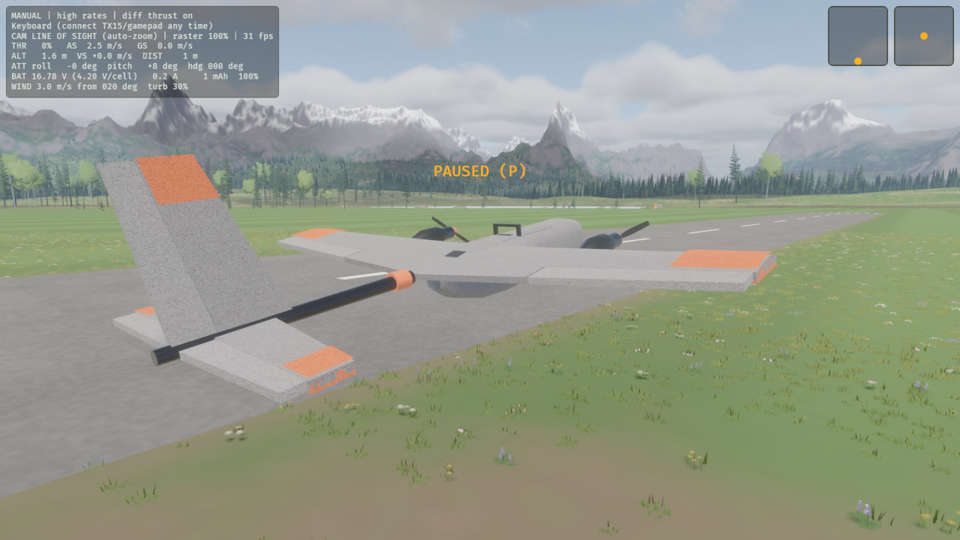
How this is tested verified
Given the plane is in hand
  And the sim is paused
When the throttle is above 55 %
Then the plane is in hand
A throw during a pause waits for the pause to end
Space starts the throw, but nothing moves until you press P again. Then the plane leaves your hand.
If the plane is in hand and the sim is paused, press Space to throw the plane. The throw starts, and the plane leaves your hand when time runs again.
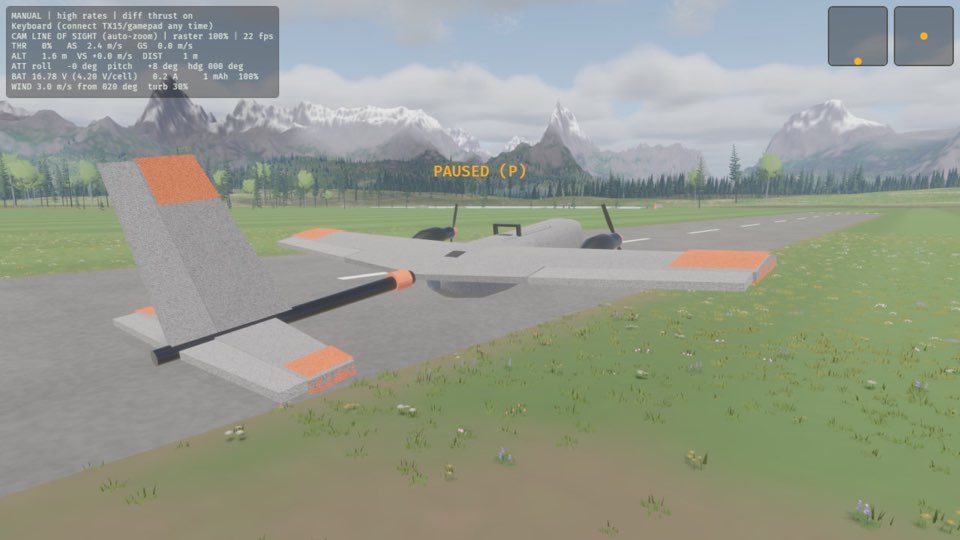
How this is tested verified
Given the plane is in hand
  And the sim is paused
When the pilot throws the plane
Then the plane is launching