SIM001 › Beyond the cockpit › The flight computer
Losing the TX15 and getting it back
Plug in again
Connect the TX15 to the flight computer, or unplug it. Then wait 5 seconds.
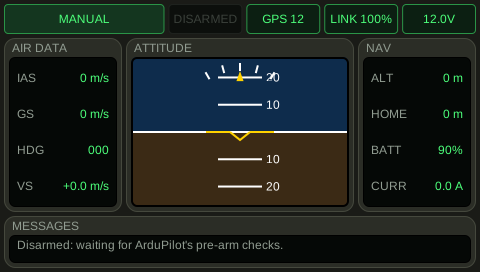
The throttle channel is at least 1490 us. 100: the screen of the TX15 shows this uplink quality.
Learn more
How this is tested passed
This tutorial is also an acceptance test. Its report has every step, check and screenshot from the last run.
The user story: As a pilot with a TX15, I want the plane to fail safe when the line goes quiet, so that a lost link does not leave the throttle open.
Given the TX15 is not connected
  And the TX15 throttle stick is 50 %
When the TX15 is connected
  And 5 seconds pass
Then the throttle channel is at least 1490 us
  And the TX15 uplink quality is 100 %