SIM001 › Beyond the cockpit › Flying by plan
Letting a plan run out
Each plan is good only for its time to live. You send a plan that is good for 5 s, and you send nothing after it. The plane circles where it is and tells you why. A new plan ends the circle.
Type
plan goto 80 10 40 0 5in the console. This go-to plan is good for only 5 s.The plane replies with COMMAND_ACK, result 0 (ACCEPTED). The console shows
ackwithresult=0.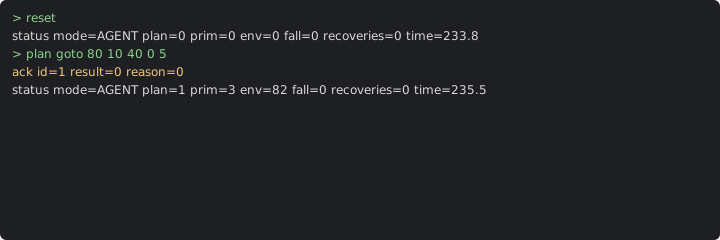
Type
wait 10in the console.AG_FALL is 1 (
fall=1), and the plane circles where it is.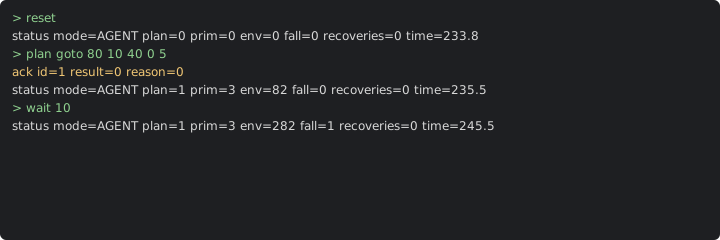
Type
plan goto 80 10 40 0 600in the console. This plan tells the plane to fly to the point 80 m north and 10 m east of home, at 40 m.The reported fallback is none or recovery. AG_PLAN is 2, and the console shows
plan=2.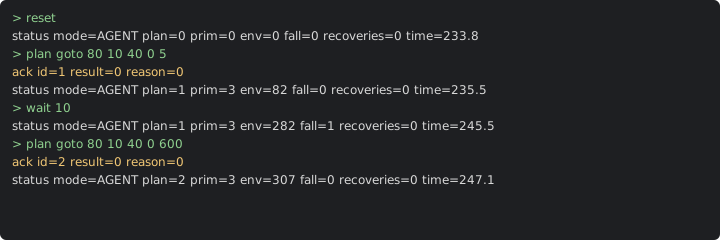
Learn more
How this is tested passed
This tutorial is also an acceptance test. Its report has every step, check and screenshot from the last run.
The user story: As an operator of a plane in AGENT mode, I want the plane to stay safe when the plans stop, so that a lost link does not send the plane away.
When the ground sends a short go-to plan
Then the reply to the plan is accepted
When the plane flies on for 10 seconds
Then the reported fallback is plan expired
When the ground sends a go-to plan
Then the reported fallback is none or recovery
  And the reported plan is 2