SIM001 › Flying the VTOL › Flying with a flight controller
Your first hover
This is the VTOL's Your first throw. The sim starts ArduPilot for itself, so start the sim with the T1-S VTOL (it is the default plane) and nothing else. The VTOL does not need a throw. You arm it, and it takes off straight up in QHOVER, the first mode of the radio. In this tutorial you lift off, hold the hover, and then you send the plane home. It flies back to the pilot box and lands by itself.
Press B, the arm switch of ArduPilot.
The line at the top of the HUD says ARMED.
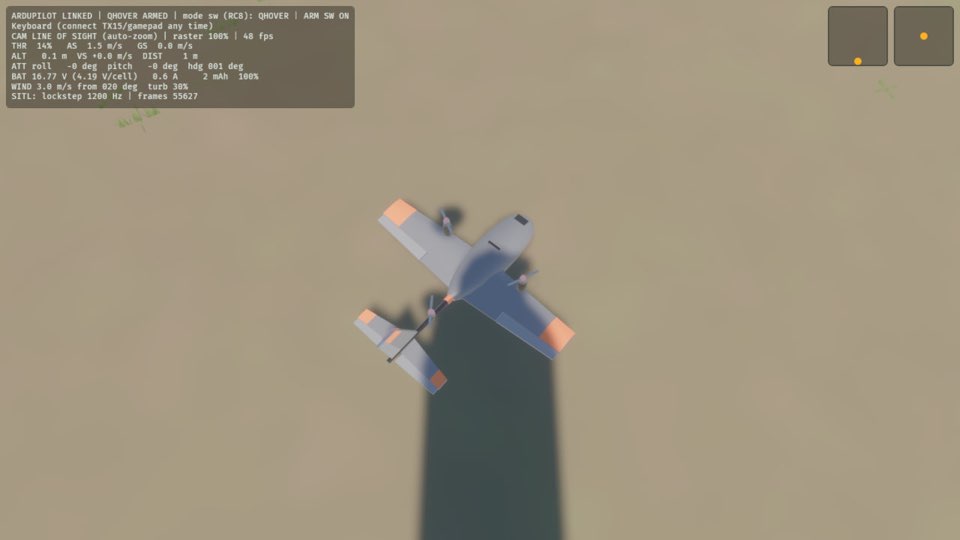
Press 4. In the hover modes the middle of the throttle holds the height, and the throttle that you set above it is the climb.
The plane leaves your hand and climbs away.
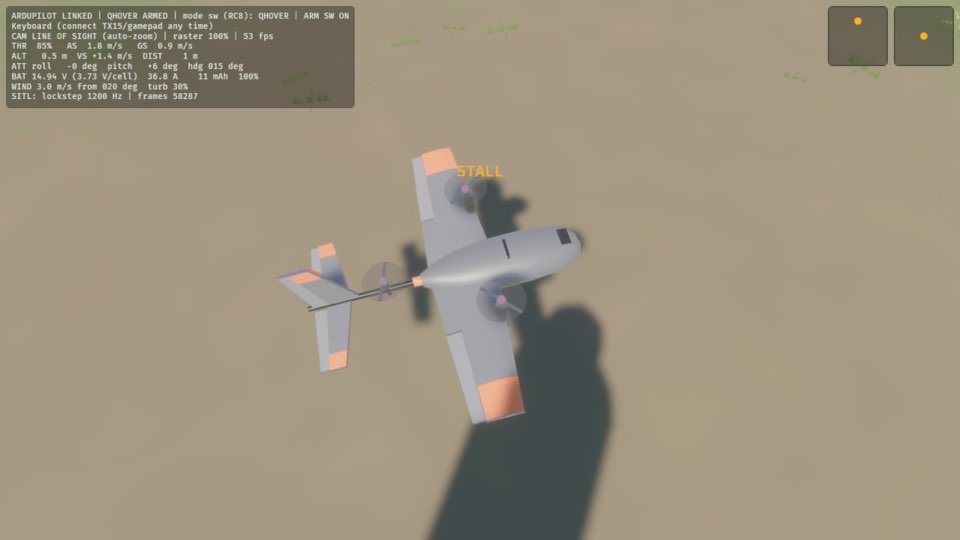
Press 0 to close the throttle.
The plane leaves your hand and climbs away.
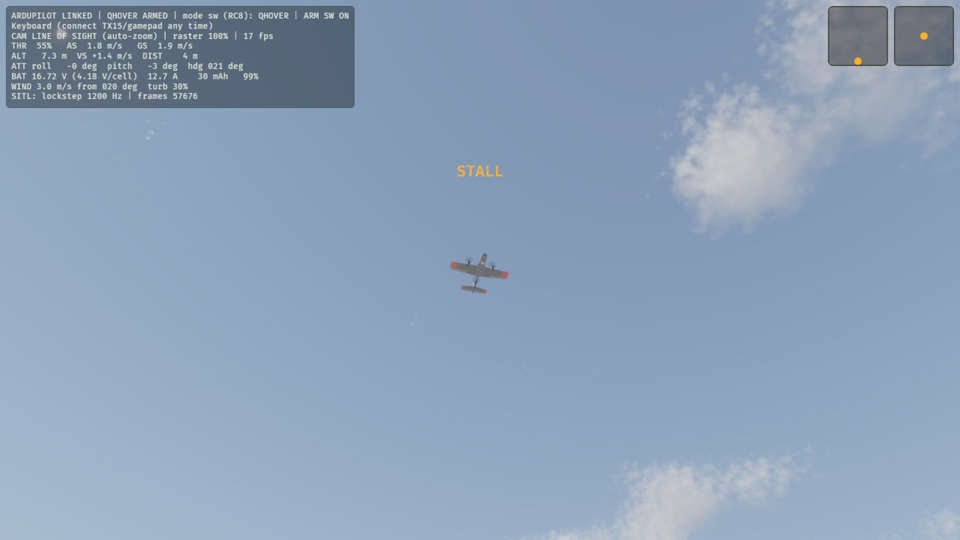
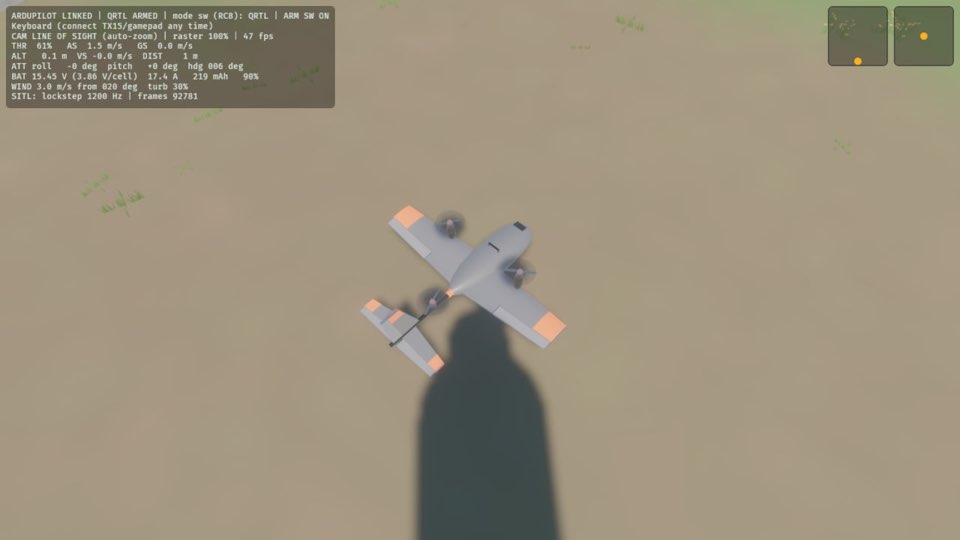
Press button 6 on the front of the radio. The plane flies to home, and lands there.
The plane lands and stops on the ground.
Learn more
How this is tested passed
This tutorial is also an acceptance test. Its report has every step, check and screenshot from the last run.
The user story: As a new pilot with a VTOL, I want to lift off, hold a hover and bring the plane home to land, so that I can fly the T1-S VTOL from the sim alone, with no ground station.
Given the autopilot is disarmed
When the pilot arms the plane
Then the autopilot is armed
When the pilot opens the throttle to climb
Then the plane is flying
When the pilot closes the throttle
Then the plane is flying
When the pilot sends the plane home
Then the plane is on the ground