SIM001 › Flying the VTOL › Flying with a radio
Flying a VTOL with self-levelling
This tutorial follows Taking off with the TX15 and uses the same radio. You lift off in QLOITER. Then you press button 3 for FBWA, and the plane flies forward on its wing. In FBWA the plane levels itself, so you bank it with the aileron stick and then let go. At the end you press button 2 to hover again, and you press button 6. The plane flies home and lands softly.
Put the arm switch on: SE pressed in is on, and SE out is off (with a toggle fitted in place of the button, up is on and down is off).
The ARMED annunciator lights up.
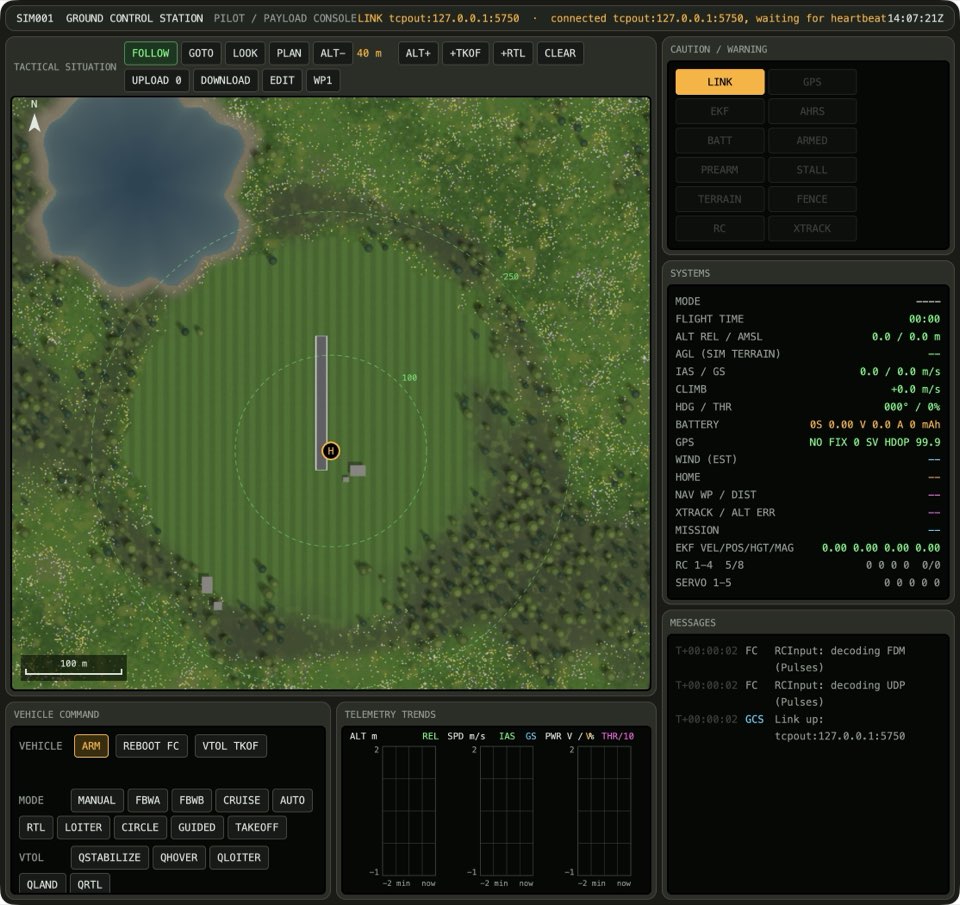
Press the button for QLOITER on the front of the radio: button 1 is QHOVER, 2 is QLOITER, 3 is FBWA, 4 is CRUISE, 5 is AUTO and 6 is QRTL.
The QLOITER button lights up.
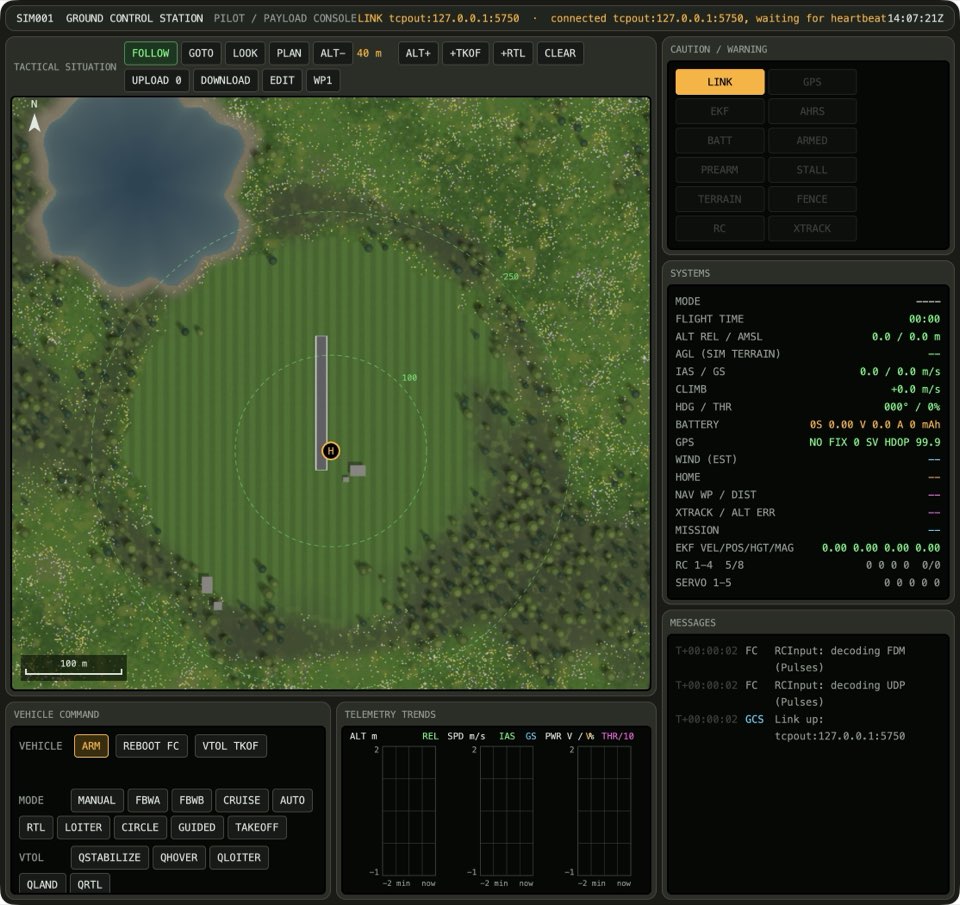
Move the throttle stick to the high position: all the way down is low, the middle is middle, and three quarters up is high.
The plane stays at one place in the air, and the speed in the PFD is near 0. The plane leaves your hand and climbs away. The height above home is at least 15 m.
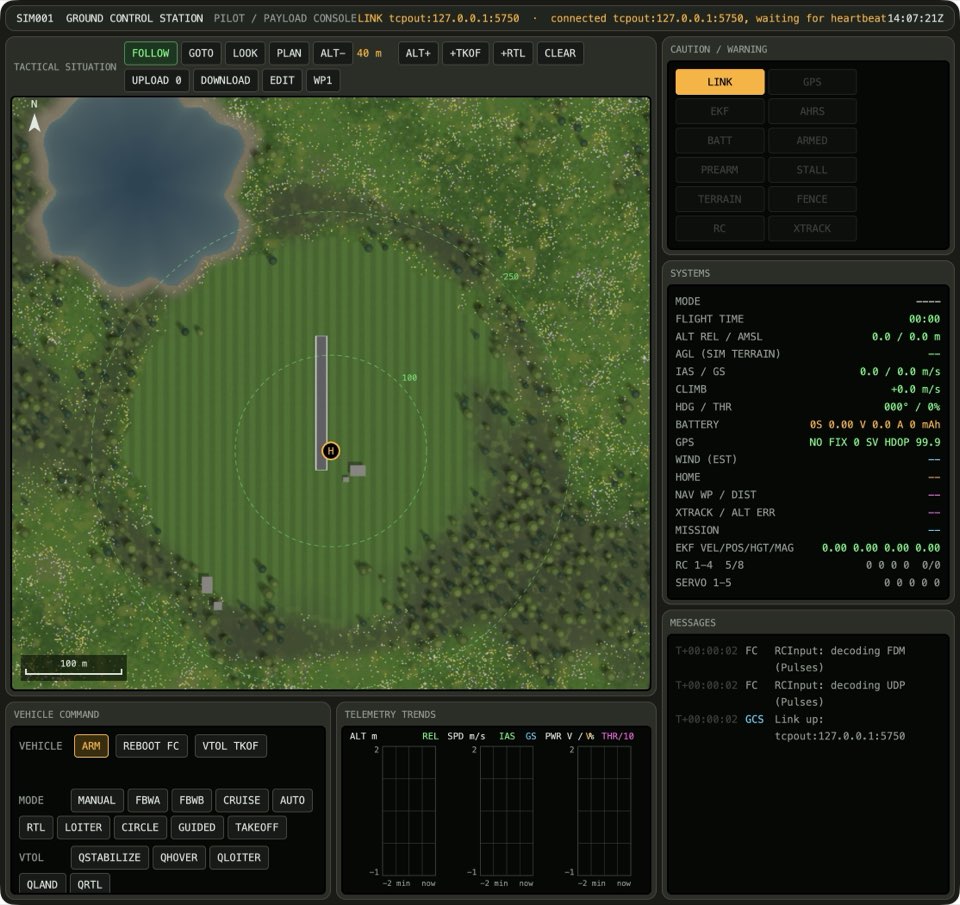
Push the throttle stick all the way up, pull the elevator stick back a little, and press button 3 on the front of the radio. The wing motors tilt forward and the plane speeds up.
The speed in the PFD is above 11 m/s, and the plane flies forward. The FBWA button lights up.

Screenshot to come. Move the aileron stick right: all the way left, in the middle, or all the way right.
The horizon in the PFD is tilted, and the roll reading is more than 10° from 0.
Screenshot to come. Move the aileron stick centred: all the way left, in the middle, or all the way right.
The horizon in the PFD is flat, and the roll reading is near 0.
Screenshot to come. Centre the elevator stick, put the throttle stick in the middle, and press button 2 on the front of the radio. The plane slows down and the wing motors tilt up.
The plane stays at one place in the air, and the speed in the PFD is near 0.
Screenshot to come. Press button 6 on the front of the radio. The plane flies to home, and lands there.
The QRTL button lights up. The plane lands and stops on the ground. The plane touches the ground at less than 2 m/s, and the HUD of the sim does not say CRASHED.
Screenshot to come.
Learn more
How this is tested failed
This tutorial is also an acceptance test. Its report has every step, check and screenshot from the last run.
The user story: As a pilot learning to fly a VTOL, I want the plane to level itself when I let go of the sticks, so that I can fly it forward, bring it back to a hover and land it softly while I learn.
When the arm switch is on
Then the vehicle is armed
When the mode switch is QLOITER
Then the autopilot mode is QLOITER
When the throttle stick is high
Then the flight is hovering
  And the plane is flying
  And the height above home is at least 15 m
When the pilot switches to forward flight
Then the flight is cruising
  And the autopilot mode is FBWA
When the aileron stick is right
Then the VTOL's wings are banked
When the aileron stick is centred
Then the VTOL's wings are level
When the pilot switches back to a hover
Then the flight is hovering
When the pilot sends the plane home
Then the autopilot mode is QRTL
  And the plane is on the ground
  And the last landing is soft