SIM001 › The ground station › Ground control station › Planning a mission
Fixing a misplaced waypoint
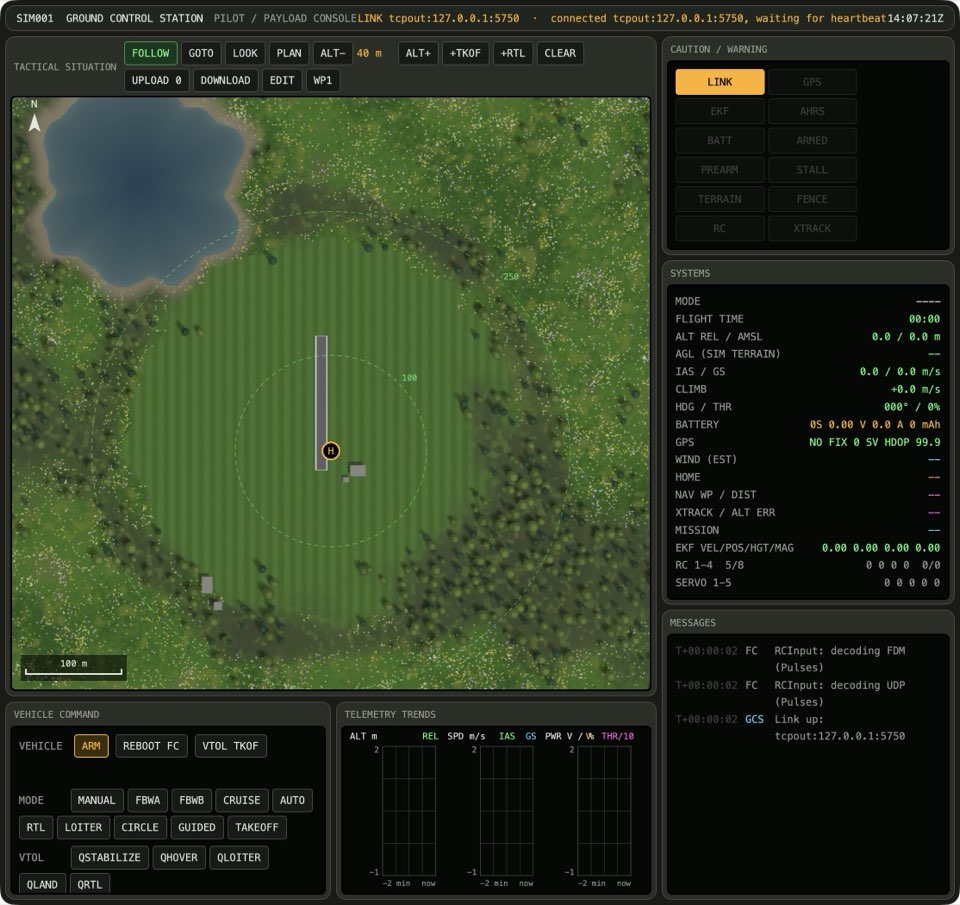
It is easy to remove a waypoint that you put in the wrong place. A right-click removes the last item. Then you can click the correct place.
Click the map at two points over the valley floor near home.
The UPLOAD button reads UPLOAD 2.

Right-click the map.
The UPLOAD button reads UPLOAD 1.
Learn more
How this is tested passed
This tutorial is also an acceptance test. Its report has every step, check and screenshot from the last run.
The user story: As a pilot, I want to take back a waypoint I put in the wrong place, so that I don't have to start the plan again.
When the operator plans two waypoints
Then the plan has 2 items
When the operator right-clicks the map
Then the plan has 1 item