SIM001 › Flying in the sim › The simulator
Watching from every view
You can see the plane in three views. Line of sight is from the pilot box, as you fly at the field. Chase is from behind the plane, and FPV is through its nose camera. Throw the plane, then look at it in each view.
Press 4 to set the throttle to 80 %.
The plane leaves your hand and climbs away.
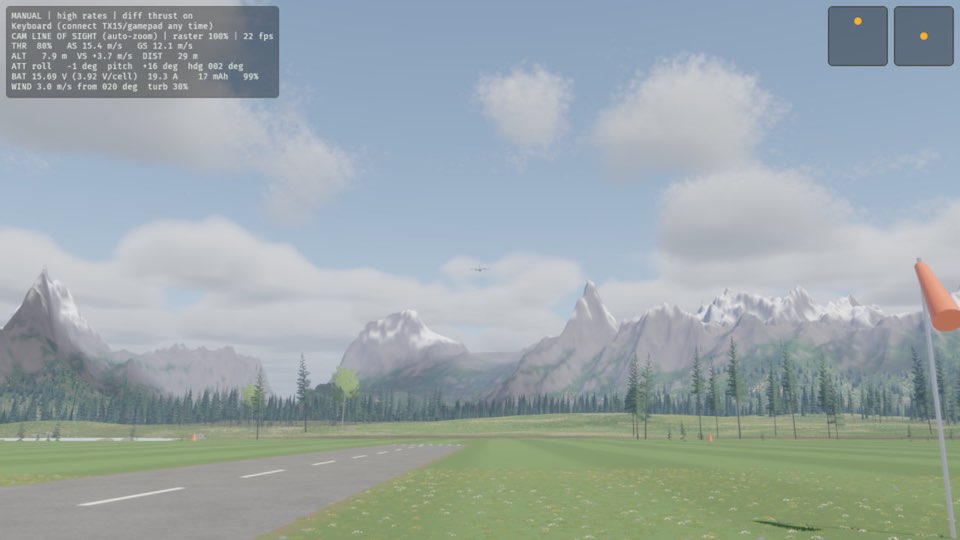
Press C.
The view follows the plane from behind, and the HUD says CAM CHASE.
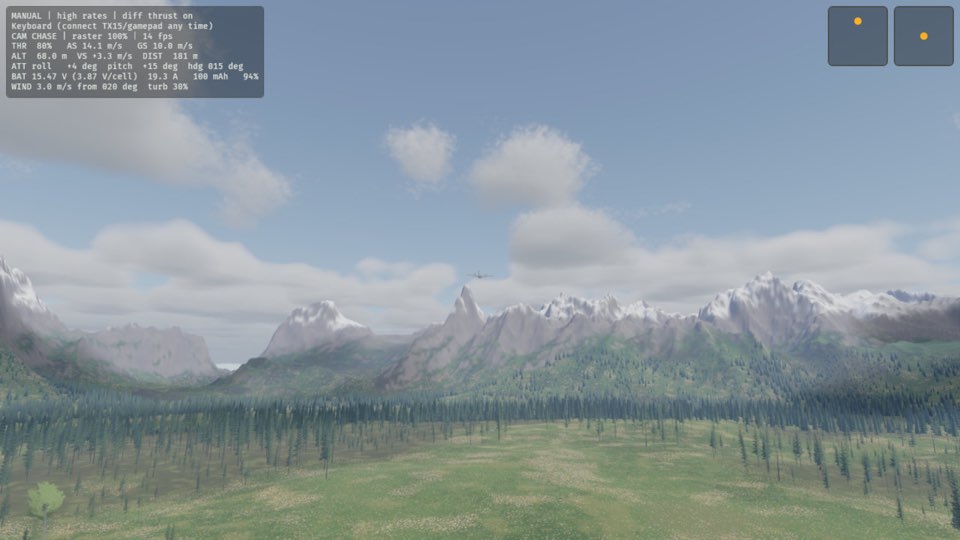
Press C.
You see the picture from the nose camera of the plane, and the HUD says CAM FPV.
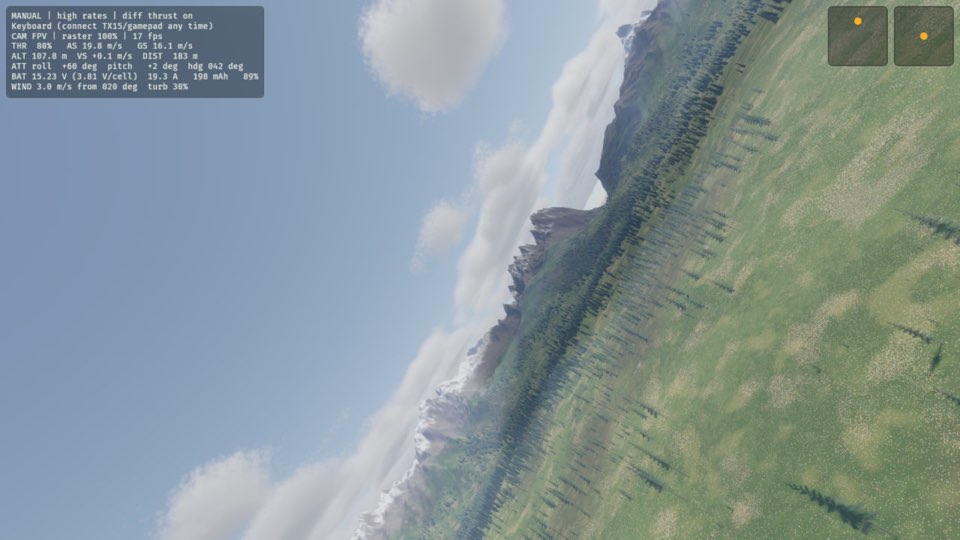
Press C.
You see the plane from the pilot box again, and the HUD says CAM LINE OF SIGHT.
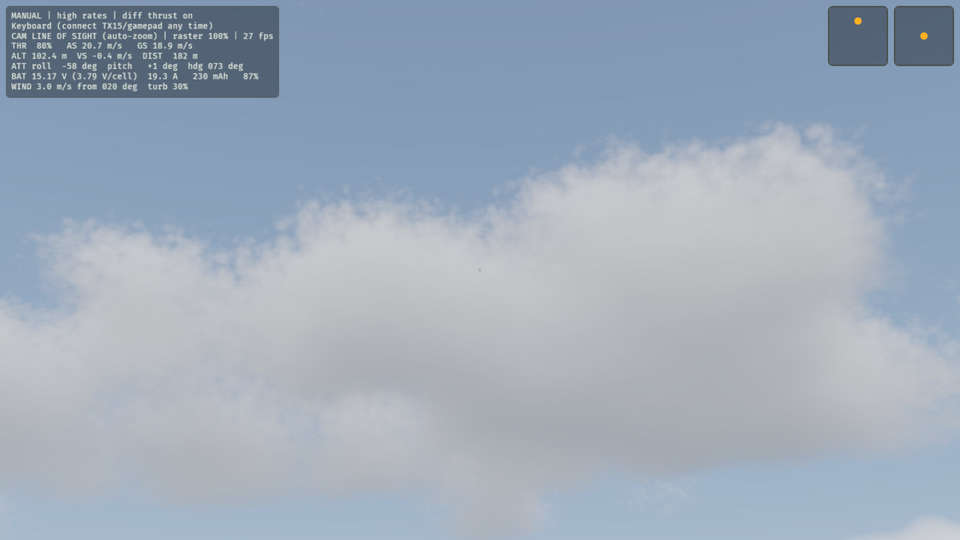
Learn more
How this is tested passed
This tutorial is also an acceptance test. Its report has every step, check and screenshot from the last run.
The user story: As a pilot, I want to see the plane from the pilot box, from behind it and from its nose camera, so that I can fly the way I like and watch it the way I want.
When the pilot throws the plane with the throttle
Then the plane is flying
When the pilot changes the view
Then the view is chase
When the pilot changes the view
Then the view is FPV
When the pilot changes the view
Then the view is line of sight