SIM001 › The ground station › Ground control station › Planning a mission
Planning a hand-launched circuit
A circuit is the simplest useful mission. The plane takes off, flies to some waypoints and comes back. The takeoff waits for your throw. The return brings the plane back to the point where you armed it.
Press +TKOF.
The UPLOAD button reads UPLOAD 1. The first item of the plan is a takeoff at home.
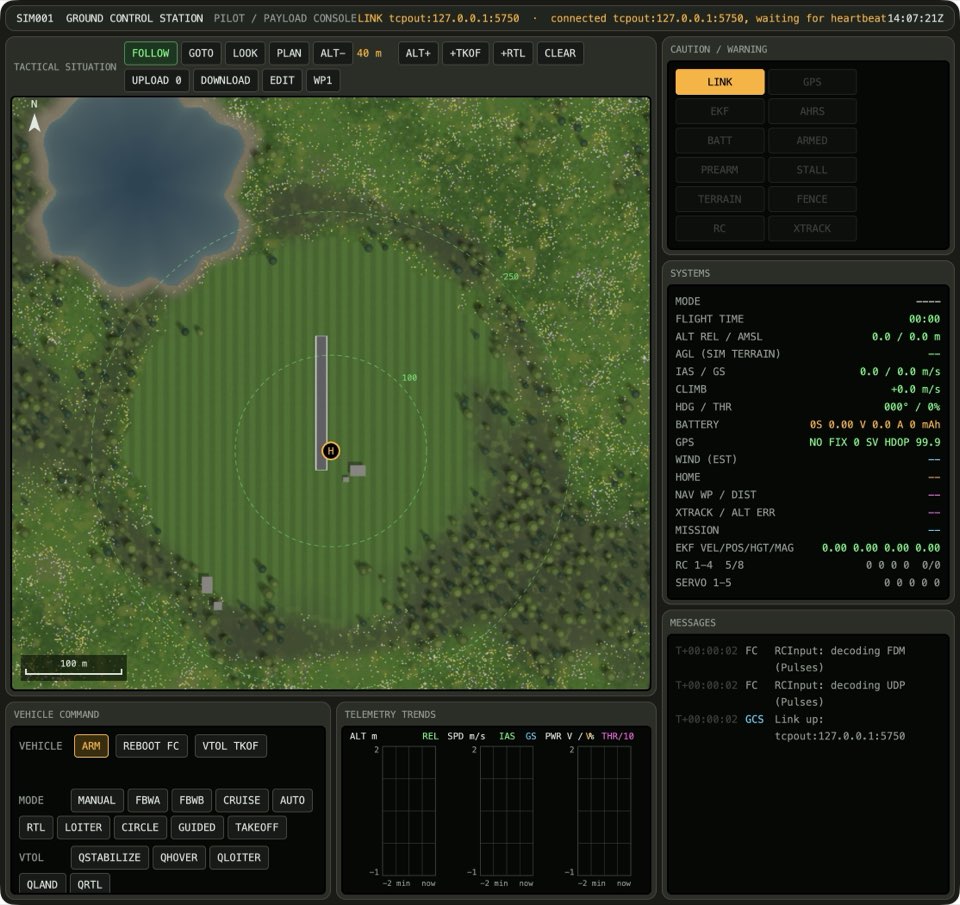
Click the map at three points over the valley floor near home.
The UPLOAD button reads UPLOAD 4.
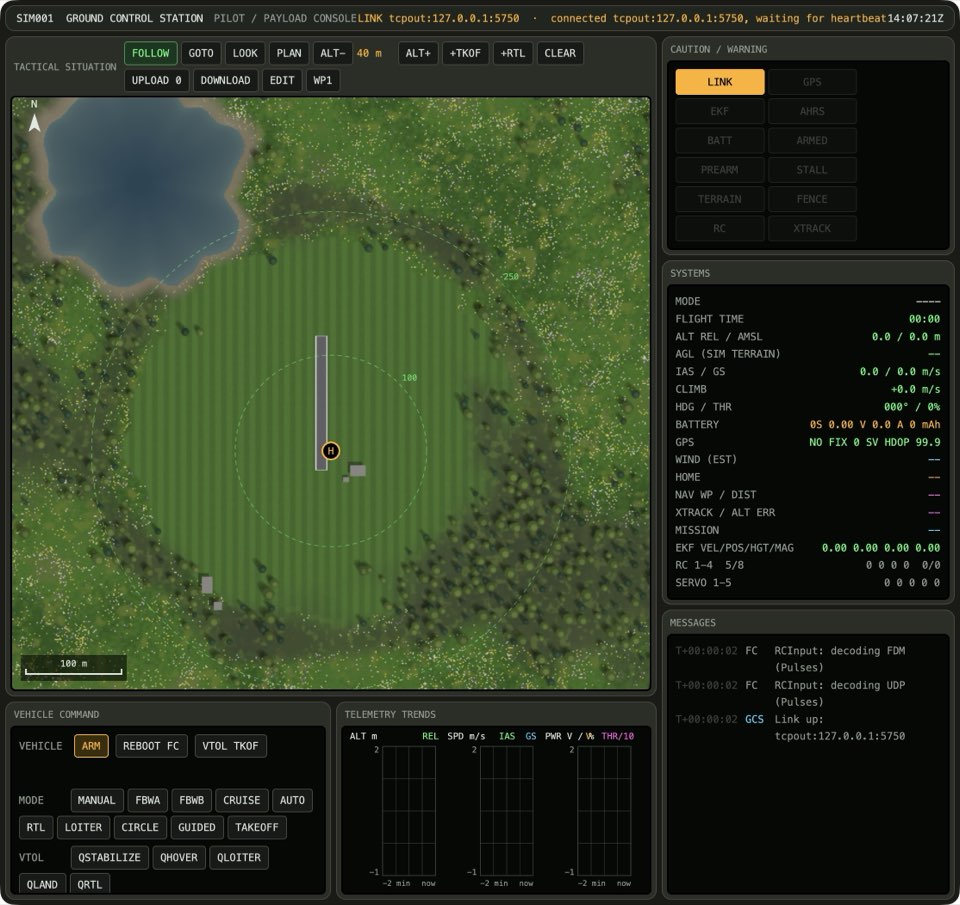
Press +RTL.
The last item of the dashed plan is RTL.
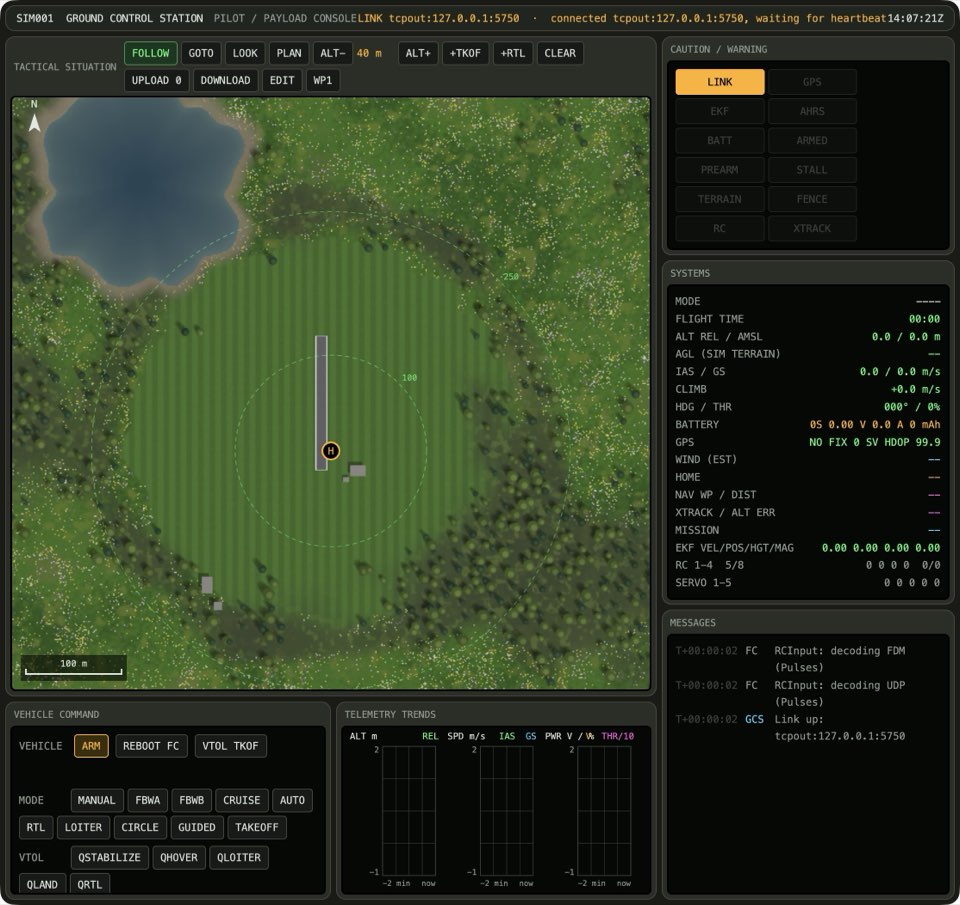
Press UPLOAD.
The solid line of the mission on the vehicle is the same as the dashed plan.
Learn more
How this is tested passed
This tutorial is also an acceptance test. Its report has every step, check and screenshot from the last run.
The user story: As a pilot at the field, I want to plan a takeoff, a few waypoints and a return home, so that the plane flies the circuit on its own after I throw it.
When the operator adds a takeoff
Then the plan has 1 item
  And the takeoff is planned
When the operator plans three waypoints
Then the plan has 4 items
When the operator adds a return home
Then the last plan item is RTL
When the operator uploads the plan
Then the vehicle mission is up to date