SIM001 › Flying in the sim › The simulator
Crashing and starting again
A crash in the sim costs nothing. In this tutorial, you throw the plane with the nose down, so that it crashes. Then you pick it up again.
Hold W to push the nose down, and at the same time press 5 for full throttle.
The plane hits the ground, and the HUD says CRASHED with the reason and "Press R to reset".
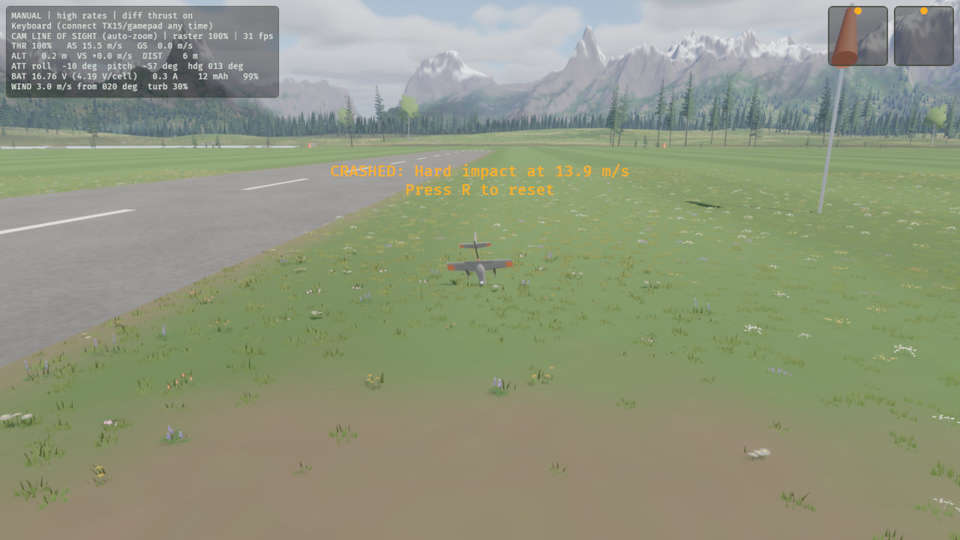
Release W. Then press 0 to close the throttle.
The THR reading on the HUD is 0%.
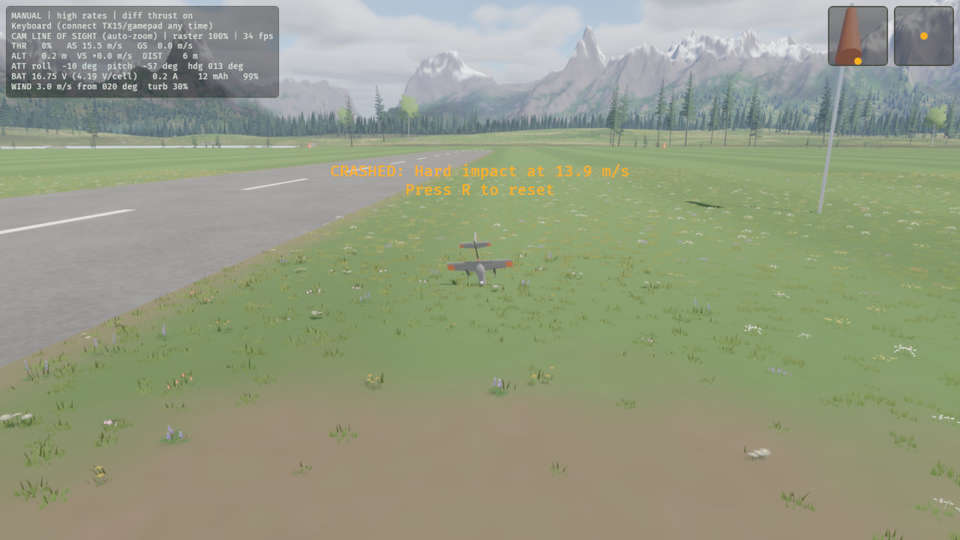
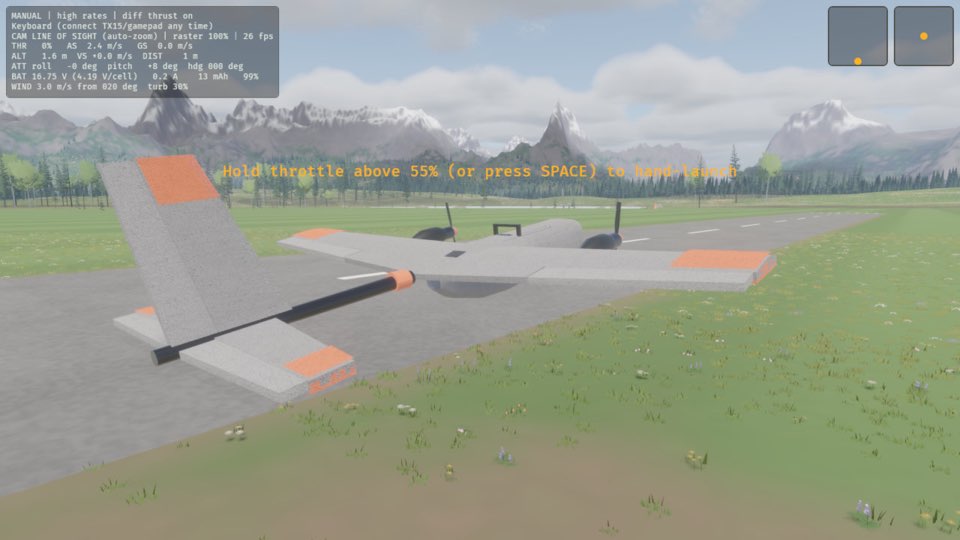
Press R.
The plane is in your hand at the pilot box.
Learn more
How this is tested passed
This tutorial is also an acceptance test. Its report has every step, check and screenshot from the last run.
The user story: As a pilot, I want to pick the plane up again straight after a crash, so that a mistake costs seconds, not a repair.
When the pilot throws the plane nose-down
Then the plane is crashed
When the pilot lets go and closes the throttle
Then the throttle is 0 %
When the pilot resets the plane
Then the plane is in hand