SIM001 › Flying in the sim › The simulator
Help and battery
H (or F1) shows the keys on the view. Press H again or Esc to hide them. If a gamepad is connected, H shows a diagram of the gamepad. V installs a new 4S 1800 mAh battery, and the BAT reading on the HUD goes back to approximately 100 %.
H shows the help screen
If the help screen is hidden, press H. The help screen appears on the view.
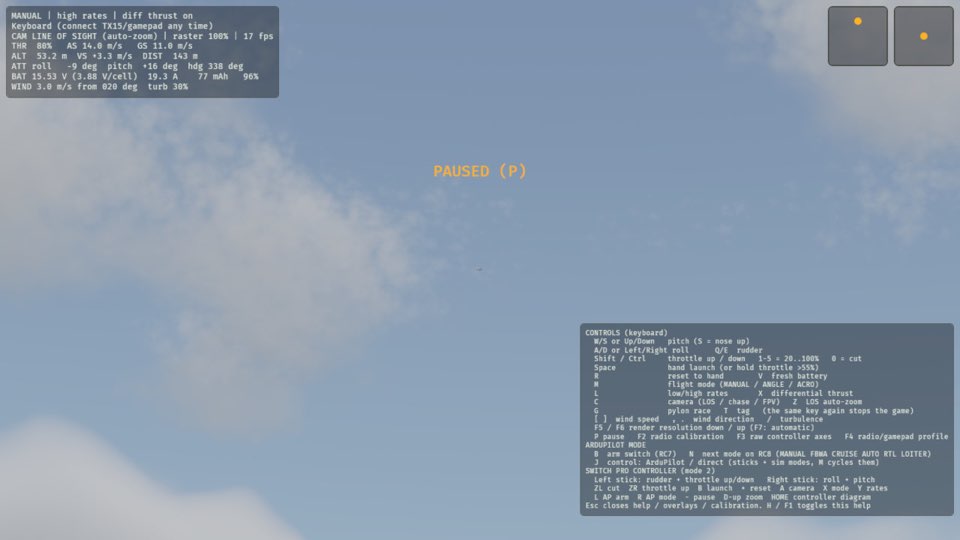
See it in Taking a break, Checking the controls before a flight.
How this is tested verified
Given the help screen is hidden
When the pilot toggles the help
Then the help screen is shown
H again hides it
If the help screen is shown, press H. The help screen goes away.
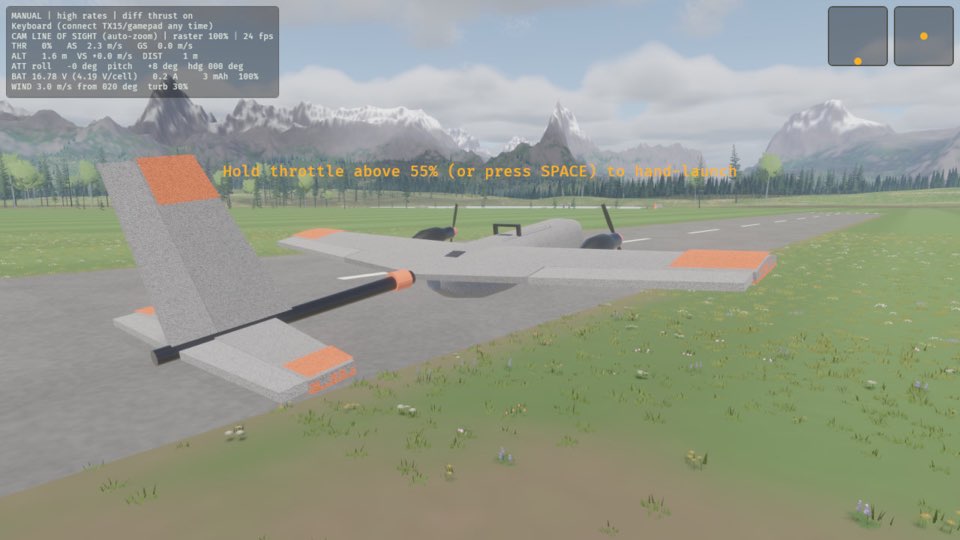
See it in Checking the controls before a flight.
How this is tested verified
Given the help screen is shown
When the pilot toggles the help
Then the help screen is hidden
Esc hides the help screen
Press Esc. The help screen goes away.
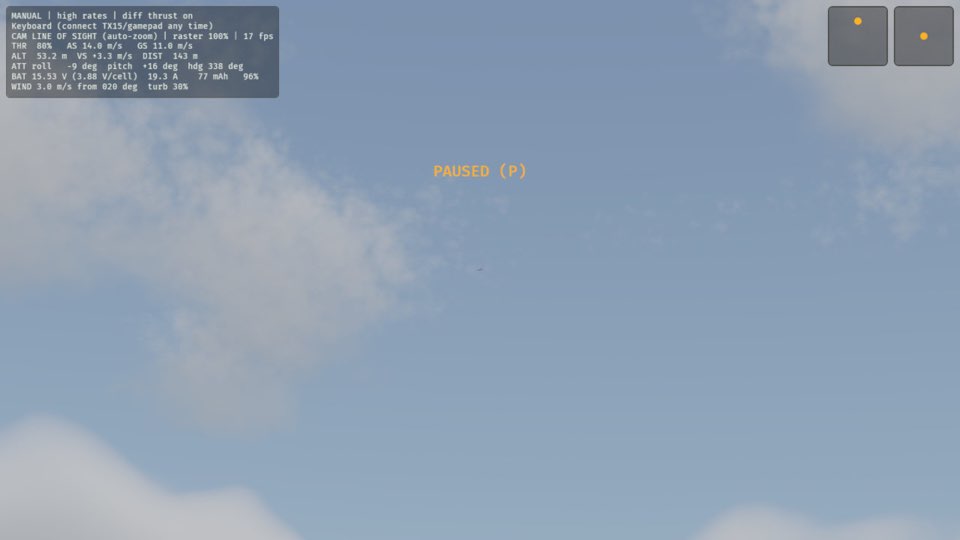
See it in Taking a break.
How this is tested verified
When the pilot closes the help
Then the help screen is hidden
V fits a fresh battery
Press V. The BAT reading on the HUD is approximately 100 % again.
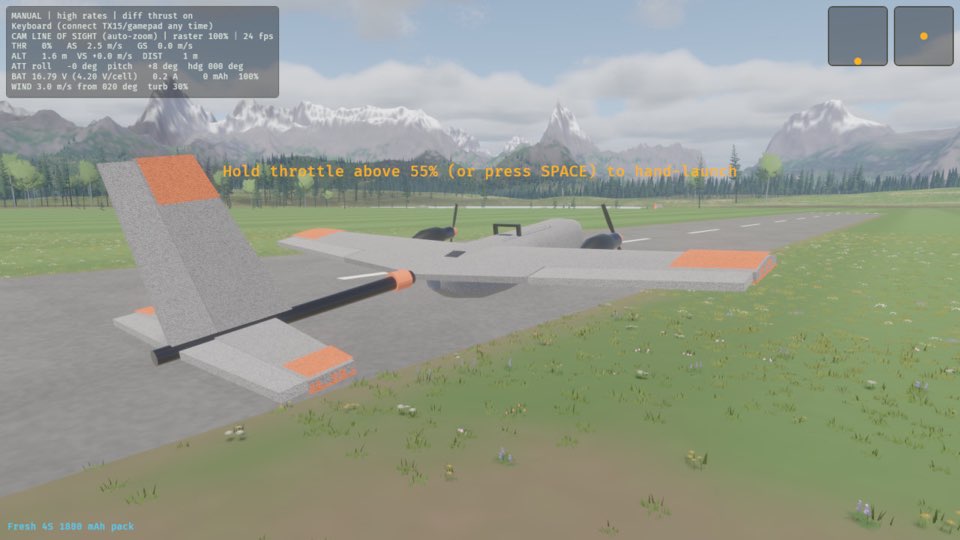
How this is tested verified
When the pilot fits a fresh battery
Then the battery is at least 99 %