SIM001 › The ground station › Ground control station › Planning a mission
Planning at the altitude limit
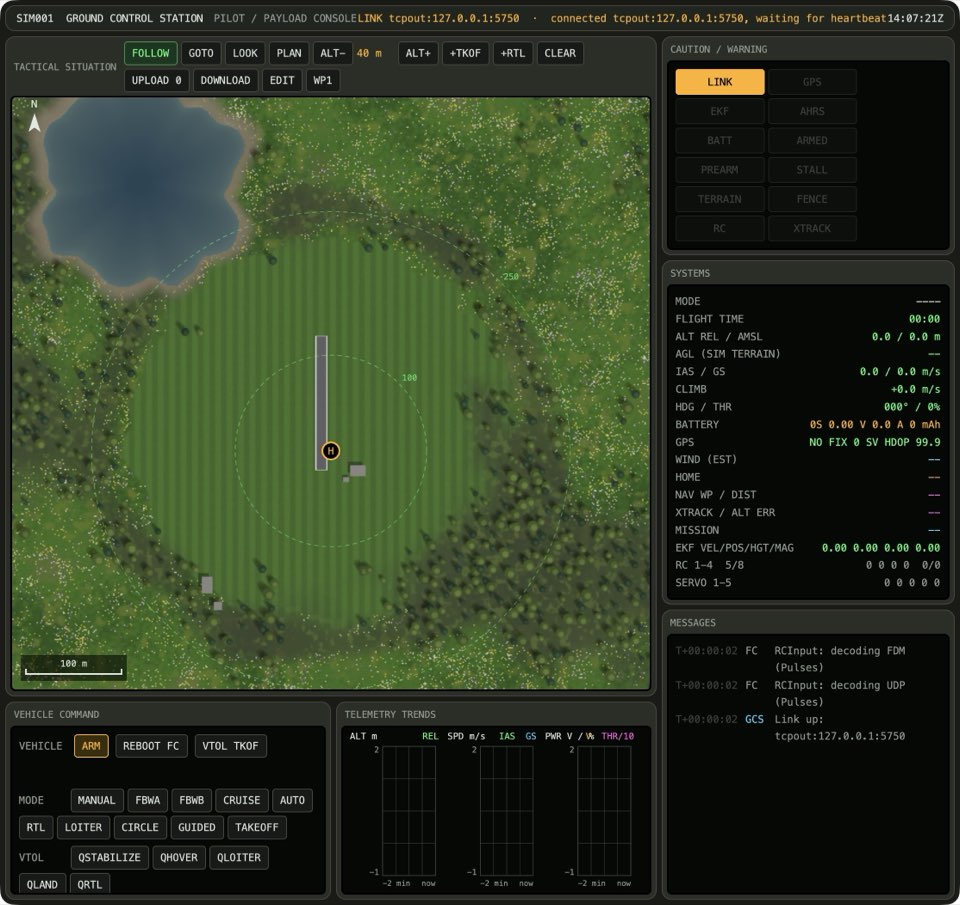
The plan altitude cannot go higher than 300 m above home. At 300 m, ALT+ does nothing, if you press it one time or many times.
Press ALT+.
The plan altitude between ALT- and ALT+ reads 300 m.
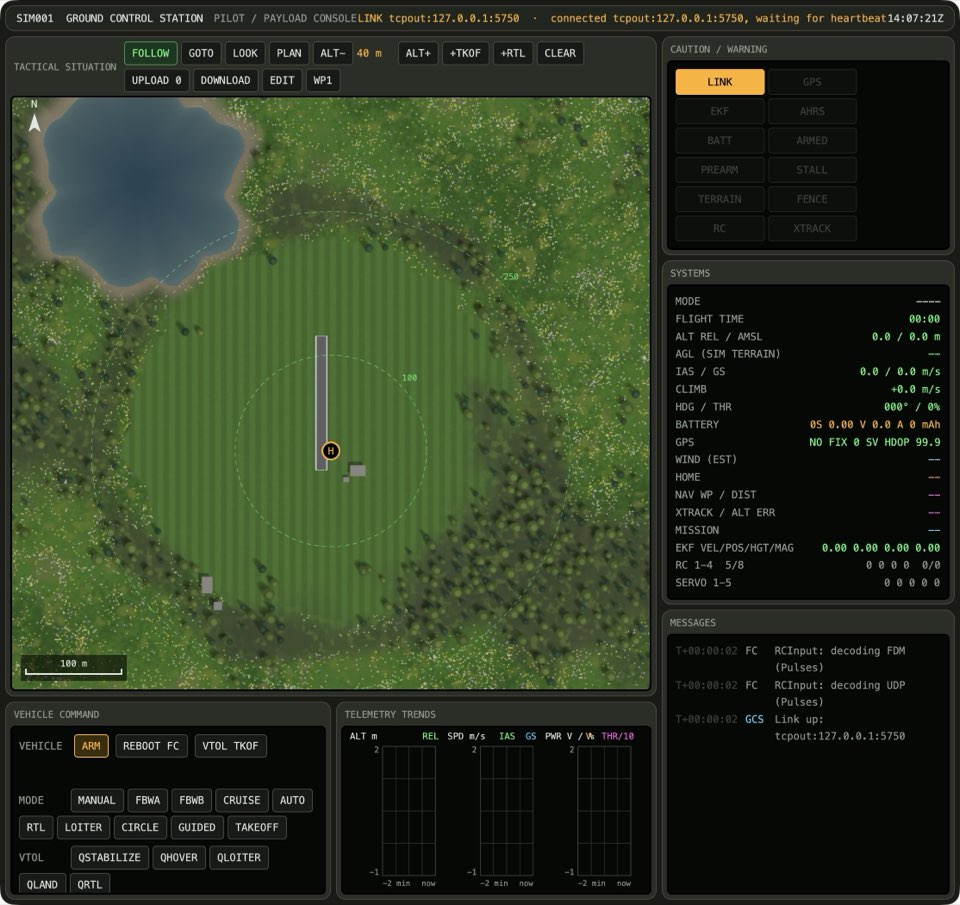
Press ALT+.
The plan altitude between ALT- and ALT+ reads 300 m.
Learn more
How this is tested passed
This tutorial is also an acceptance test. Its report has every step, check and screenshot from the last run.
The user story: As a pilot planning over the mountains, I want the plan altitude to stop at its limit, so that I can't plan the plane higher than it should fly.
Given the plan altitude is 290 m
When the operator raises the plan altitude
Then the plan altitude is 300 m
When the operator raises the plan altitude
Then the plan altitude is 300 m