SIM001 › Flying in the sim › The simulator
Your first throw
You launch the T1-S Ranger by hand. At the field, you hold it up, open the throttle and let it go. The sim works in the same way. In this tutorial, you throw the plane one time. Then you bring it back to your hand, so that you can throw it again. This tutorial flies the T1-S Ranger. To fly the T1-S VTOL from the sim alone, see Your first hover.
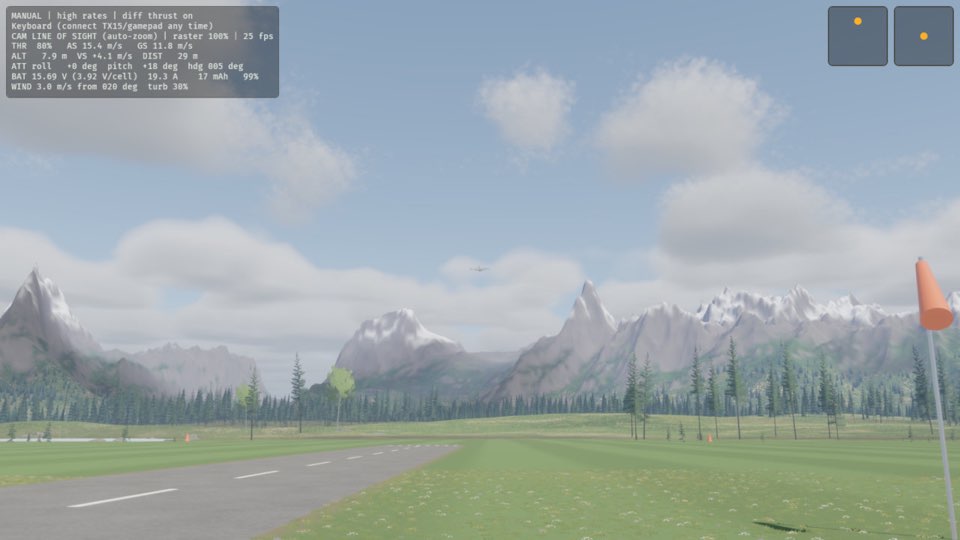
Press 4 to set the throttle to 80 %.
The plane leaves your hand and climbs away.
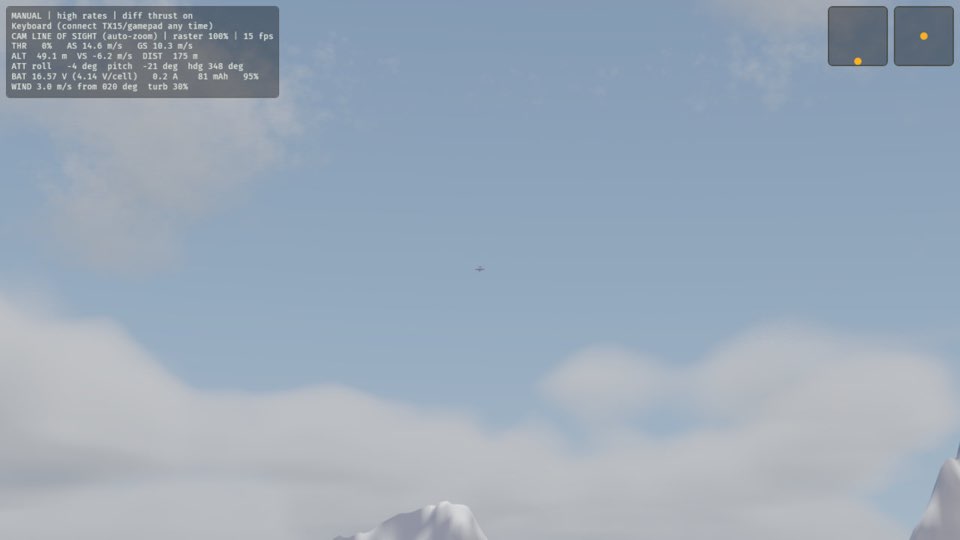
Press 0 to close the throttle.
The THR reading on the HUD is 0%.
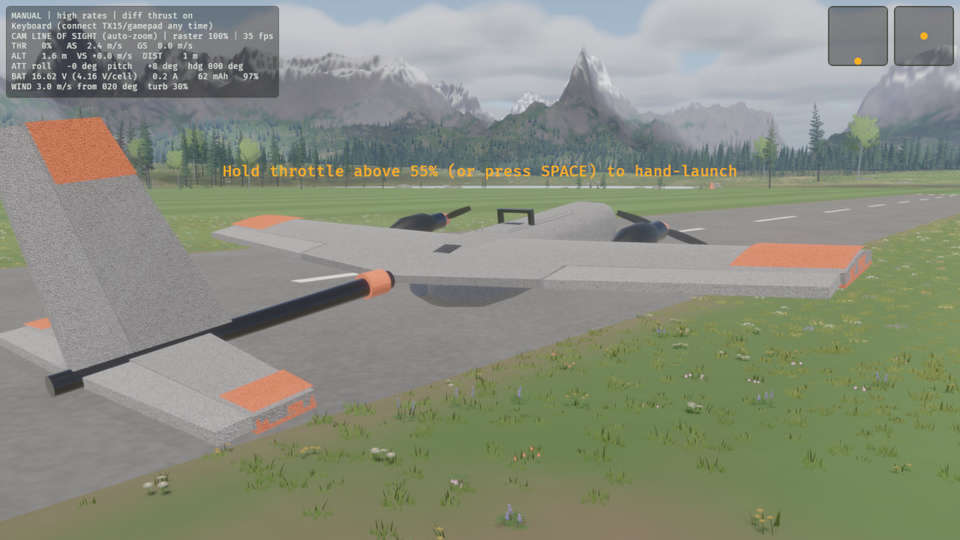
Press R.
The plane is in your hand at the pilot box.
Learn more
How this is tested passed
This tutorial is also an acceptance test. Its report has every step, check and screenshot from the last run.
The user story: As a new pilot, I want to throw the plane by opening the throttle, like at the field, so that launching in the sim feels like the real thing.
When the pilot throws the plane with the throttle
Then the plane is flying
When the pilot closes the throttle
Then the throttle is 0 %
When the pilot resets the plane
Then the plane is in hand