SIM001 › The ground station › Ground control station
Planning a mission
A mission is the list of items that the autopilot flies in AUTO: waypoints, loiters, a takeoff, a landing or a return home. You draw it on the tactical map as a plan with the PLAN tool. Then you write it to the vehicle with UPLOAD. These pages start when you plan, so the PLAN tool is selected and the plan is empty.
Tutorials
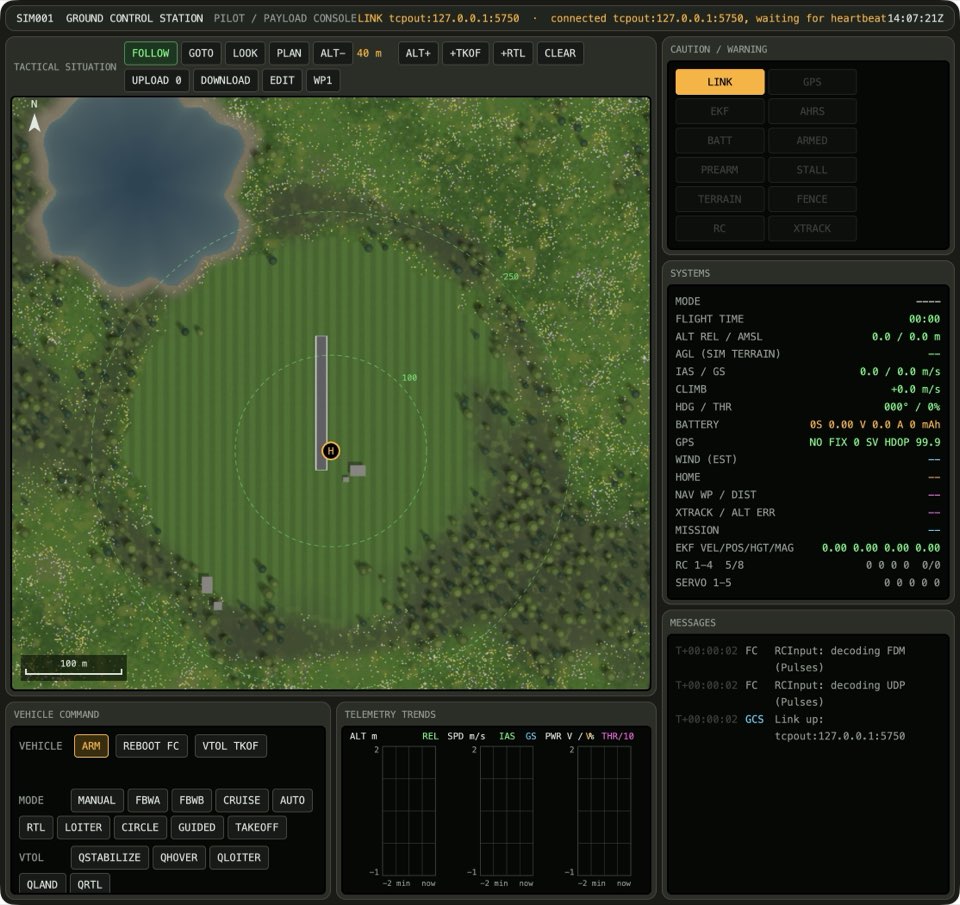 Planning a hand-launched circuitA circuit is the simplest useful mission. The plane takes off, flies to some waypoints and comes back. The takeoff waits for your throw. The return brings the plane back to the point where you armed it.
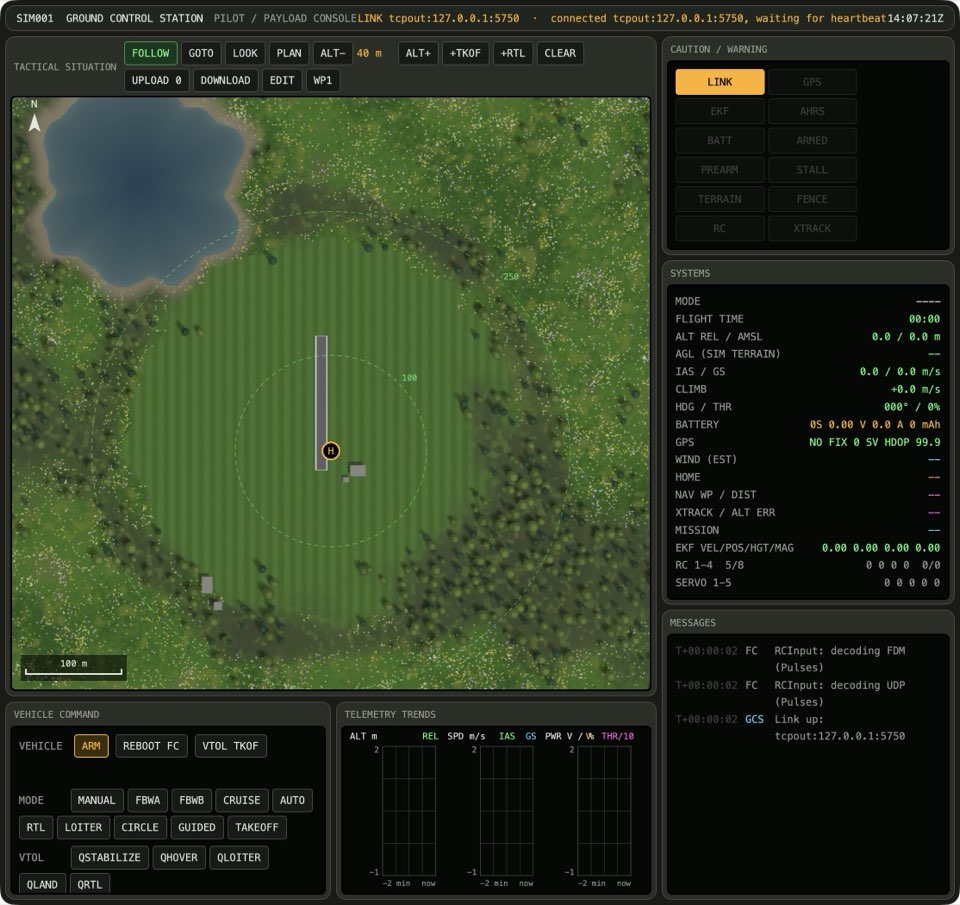 Fixing a misplaced waypointIt is easy to remove a waypoint that you put in the wrong place. A right-click removes the last item. Then you can click the correct place.
 Clearing the ridgeThe ridges of the valley are higher than the default plan altitude. Before you put waypoints near the ridges, increase the plan altitude. Then compare the plan with the terrain. The planner raises each waypoint that is too low.Keeping a mission for the fieldSave a plan that you want to use again. If you change the plan after that, load the file to get the saved plan back.Surveying a fieldTo make a map of a field, draw a line around the field. The planner fills the area with survey lines. Then write the plan to the plane, as with all other plans.
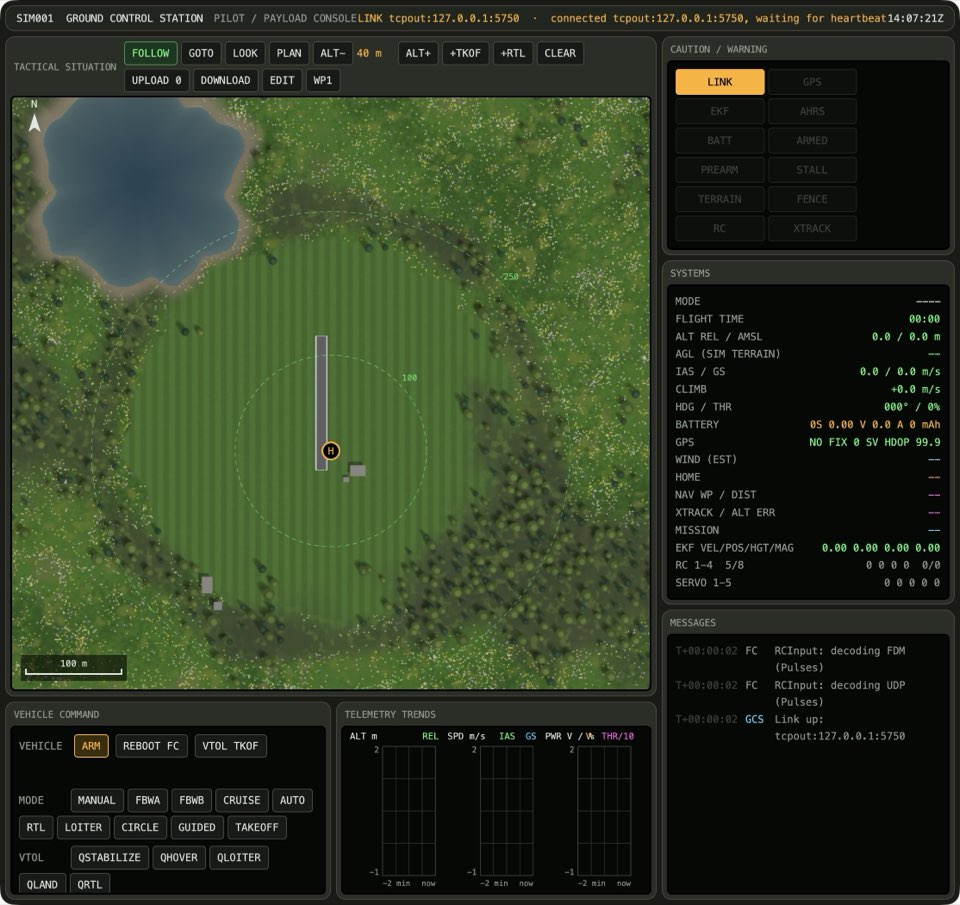 Planning at the altitude limitThe plan altitude cannot go higher than 300 m above home. At 300 m, ALT+ does nothing, if you press it one time or many times.
Topics
- Waypoints
- When PLAN is selected, each click on the map adds a waypoint at the end of the plan, at the plan altitude. A right-click removes the last item, and CLEAR removes all items. The map shows the plan as a dashed line, and the mission on the vehicle as a solid line.
- Altitude
- New waypoints go at the plan altitude, which shows between ALT- and ALT+. These buttons change it in steps of 10 m, from 10 m to 300 m. All altitudes are relative to home. A change to the plan altitude does not move the waypoints that are already in the plan.
- Takeoff and return
- +TKOF puts a takeoff at home at the start of the plan. Its altitude is the plan altitude, but not more than 40 m. With a hand launch, the takeoff waits for the throw. +RTL adds a return to launch at the end of the plan. Then the plane comes back to the point where you armed it.
- Mission commands
- Each item in the plan is a MAVLink mission command. The plan shows its short name, for example WAYPOINT for MAV_CMD_NAV_WAYPOINT. These commands fly the plane to a point: WAYPOINT, LOITER_UNLIM, LOITER_TURNS, LAND and RTL. LOITER_UNLIM circles until you give a new command, and LOITER_TURNS circles a set number of times. When you change the command of an item, the item stays in its place in the plan.
- Writing to and reading from the vehicle
- UPLOAD replaces the mission on the vehicle with the plan. The button shows the number of items that it sends. DOWNLOAD reads the mission from the vehicle, so that you can see what it flies. EDIT copies the mission from the vehicle into the plan, so that you can change it.
- Mission files
- Save the plan to a file to keep it. Load the file later, for example to fly the same circuit again at the field. In Mission Planner, these are Save WP File and Load WP File.
- Survey grids
- To make a map of an area, draw a polygon around it. The planner fills the polygon with parallel lines of waypoints at the plan altitude. The distance between the lines suits the camera. In Mission Planner, this is Auto WP, Grid. As in Mission Planner, the grid cannot have holes. If the polygon has the shape of a U, the plane also flies over the open middle.
- Measuring distance
- The cursor readout always shows the range and bearing from home. To find the distance between two points, measure from one point to the other. The map shows the distance.