SIM001 › Flying the VTOL
Flying with a radio
The T1-S VTOL flies with a radio. A RadioMaster TX15 (or another EdgeTX radio) in USB joystick mode gives the sim the sticks and the switches. The sim sends them to ArduPilot as the radio signals of a real receiver, so the plane reacts as it does with the real radio. ArduPilot reads the sticks, the arm switch (SE) and the mode buttons (1 to 6 on the front of the radio). In the hover modes, the middle of the throttle stick holds the height. Above the middle the plane climbs, and below the middle it goes down.
The first time, you set the radio up once (see Setting up the radio), and the sim saves it. After that, plug the radio in and start the station.
Tutorials
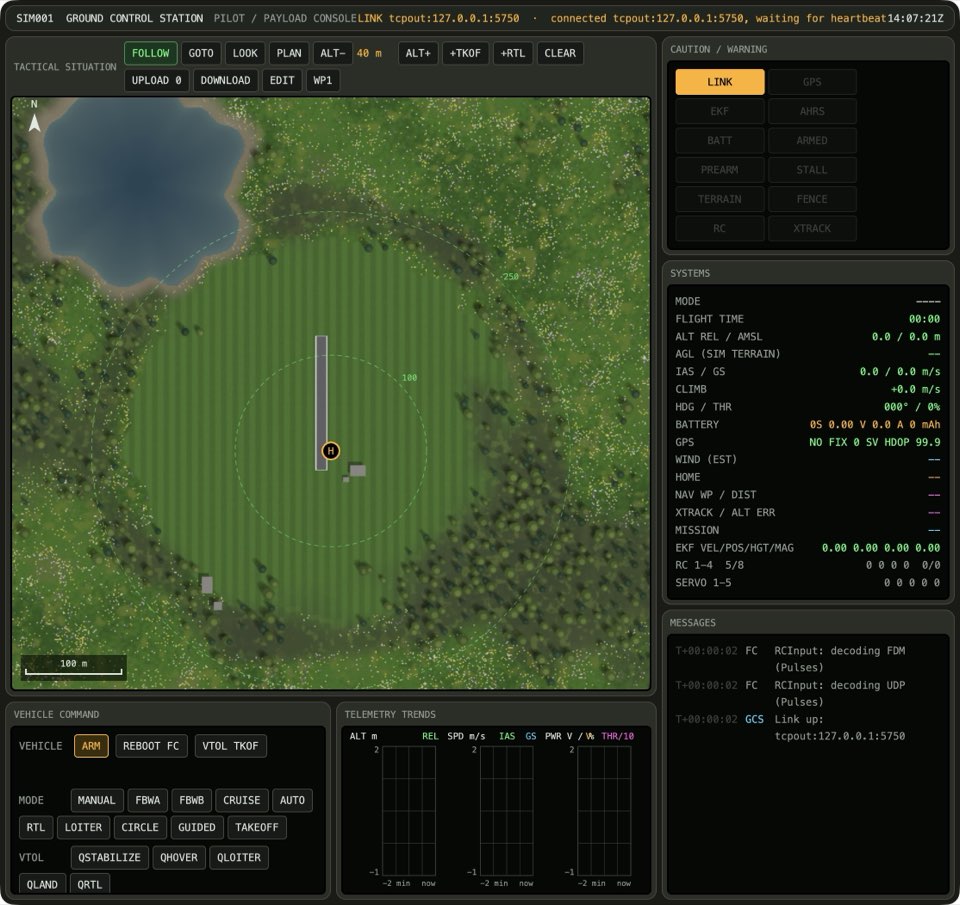 Taking off with the TX15This tutorial starts with the station and ends with a landing. The station opens three windows: the console, the sensor feed and the sim. The plane is on the ground at the pilot box. You arm the plane with SE and pick QLOITER with button 2. Push the throttle stick up, and the plane climbs straight up. Put the stick in the middle, and the plane keeps its height. Pull the stick down, and the plane lands.
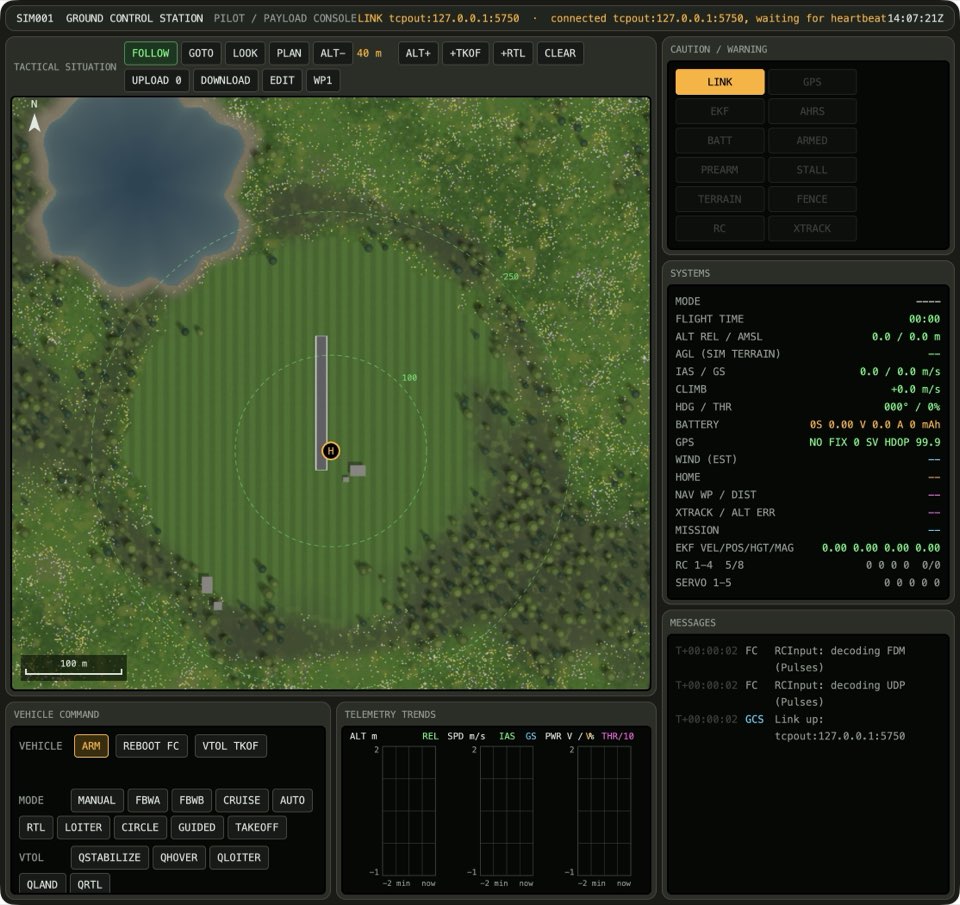 Flying a VTOL with self-levellingThis tutorial follows Taking off with the TX15 and uses the same radio. You lift off in QLOITER. Then you press button 3 for FBWA, and the plane flies forward on its wing. In FBWA the plane levels itself, so you bank it with the aileron stick and then let go. At the end you press button 2 to hover again, and you press button 6. The plane flies home and lands softly.
 Trying the buttons of the radioThis tutorial uses the same radio as Taking off with the TX15. You lift off in QLOITER, and then you try the other modes in the air. Button 1 is QHOVER, and the plane drifts with the wind. Button 4 is CRUISE, and the plane flies forward on its wing. Button 6 is QRTL, and the plane flies home and lands softly. Flying a VTOL with self-levelling shows button 3, FBWA.
Topics
- Switches
- SE is the arm switch (channel 5). When you press it in, the autopilot arms the plane. When you let it out, the autopilot disarms it. The six buttons on the front of the radio are the mode switch. The radio mixes them into one channel (channel 8), and the autopilot divides the channel into six positions: each button is a flight mode. Button 1 is QHOVER, 2 is QLOITER, 3 is FBWA, 4 is CRUISE, 5 is AUTO and 6 is QRTL. QLOITER is the hover mode that holds the plane at one place. CRUISE is forward flight.
- The throttle stick in a hover
- In a hover mode, the throttle stick does not set the power. It sets how fast the plane climbs or descends. In the middle, the plane keeps its height. Push the stick above the middle and the plane climbs straight up. Pull it below the middle and the plane goes down.
- Forward flight with self-levelling
- FBWA is the self-levelling mode of the VTOL, and button 3 of the radio selects it. In FBWA, the sticks set the angle of bank and pitch. When you release the sticks, the plane levels its wings and nose by itself. Thus you can learn to fly the plane on its wing, with no risk of a roll-over. From a hover, FBWA also starts the transition: the wing motors tilt forward and the plane speeds up. In FBWA the throttle stick sets the power, so push it all the way up. At cruise speed, the wing needs a little nose up to hold the height: pull the elevator stick back a little.
- The six buttons of the radio
- The six buttons on the front of the radio are the six flight modes that the plane needs. Press one button to choose the flight mode.