SIM001 › Flying in the sim › The simulator
Checking the controls before a flight
The help screen shows all the keys and what they do. Open it before your first throw. Open it again when you forget a key.
Press H.
The help screen appears on the view.
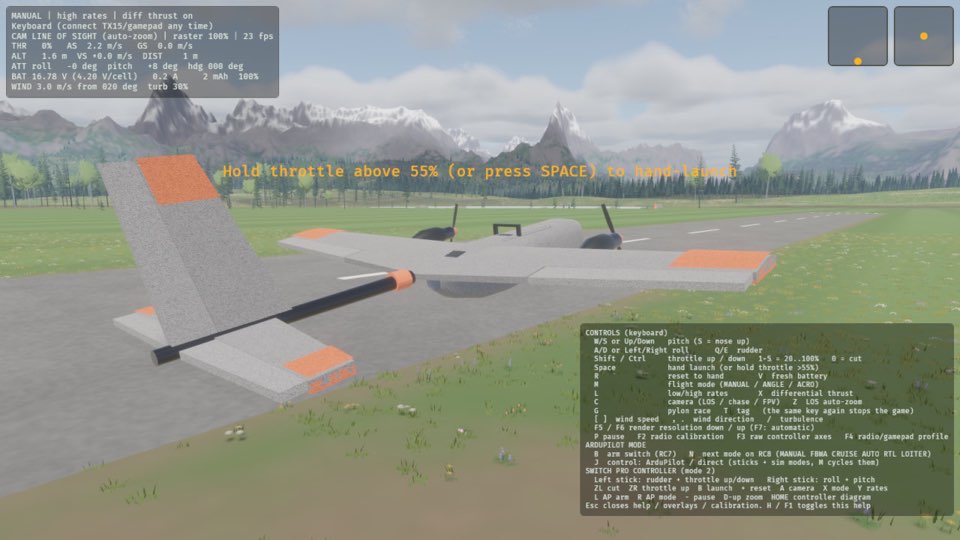
Press H.
The help screen goes away.
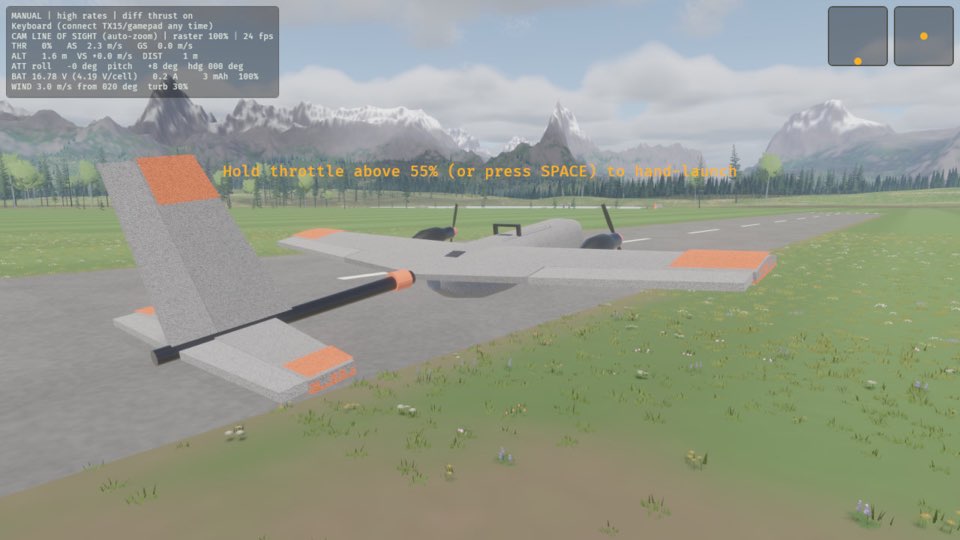
Learn more
How this is tested passed
This tutorial is also an acceptance test. Its report has every step, check and screenshot from the last run.
The user story: As a new pilot, I want to look up the keys before I throw, so that I know how to fly before the plane is in the air.
When the pilot toggles the help
Then the help screen is shown
When the pilot toggles the help
Then the help screen is hidden