SIM001 › The ground station › Ground control station › Planning a mission
Altitude
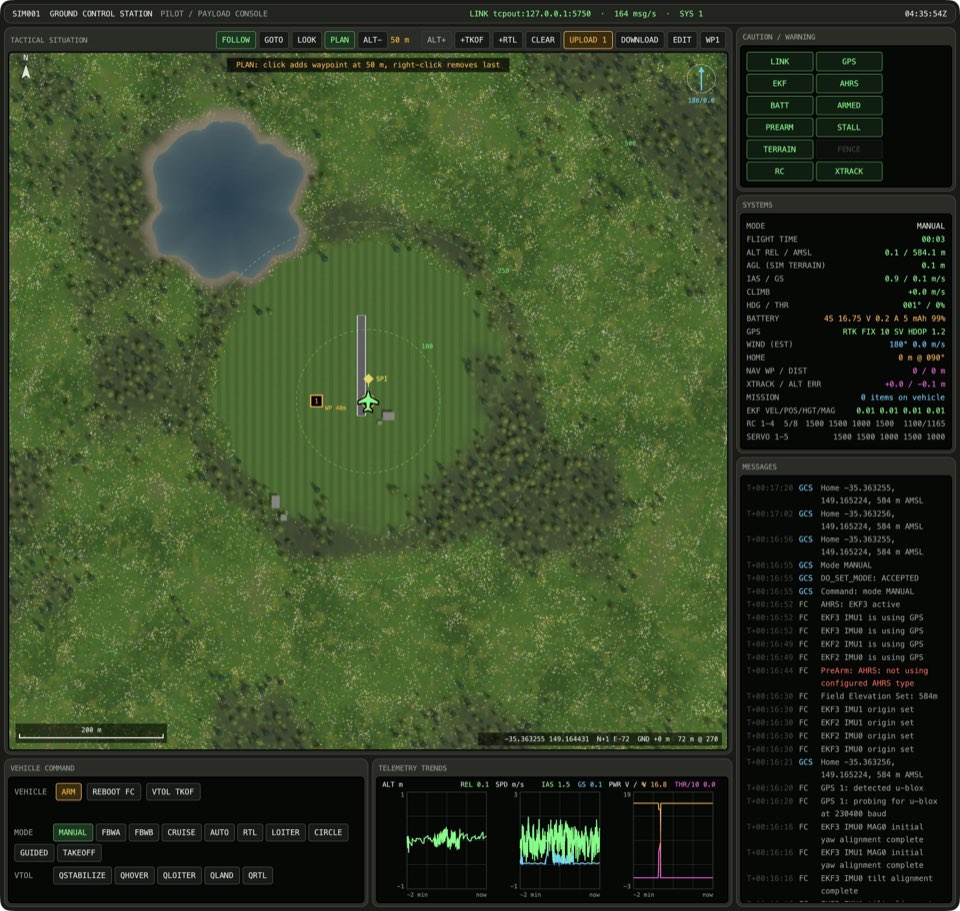
New waypoints go at the plan altitude, which shows between ALT- and ALT+. These buttons change it in steps of 10 m, from 10 m to 300 m. All altitudes are relative to home. A change to the plan altitude does not move the waypoints that are already in the plan.
Over hills, compare the plan with the terrain. The planner compares each waypoint with the ground below it, in the height map of the sim. It raises each waypoint that is too low. Mission Planner calls this Verify height.
ALT+ raises the plan altitude
If the plan altitude is below 300 m, press ALT+. The plan altitude between ALT- and ALT+ goes up by 10 m.
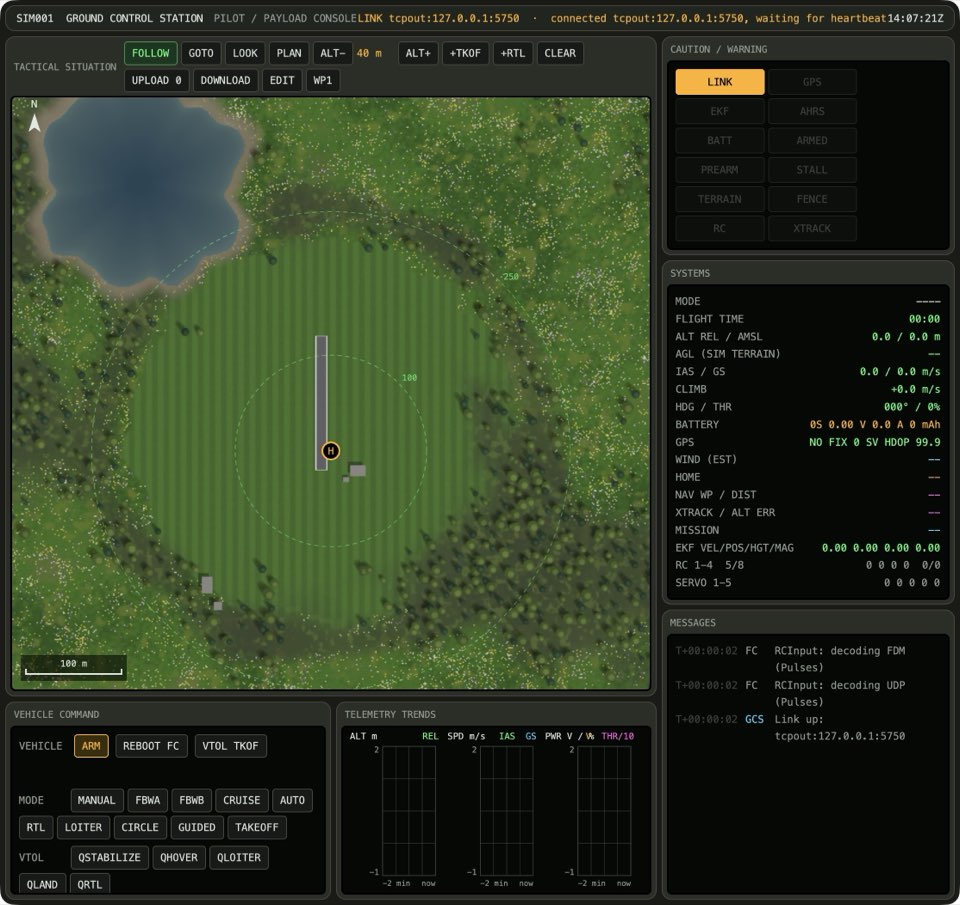
See it in Clearing the ridge, Planning at the altitude limit.
How this is tested verified
Given the plan altitude is below 300 m
When the operator raises the plan altitude
Then the plan altitude goes up by 10 m
ALT+ stops at 300 m
If the plan altitude is 300 m, press ALT+. The plan altitude between ALT- and ALT+ does not change.
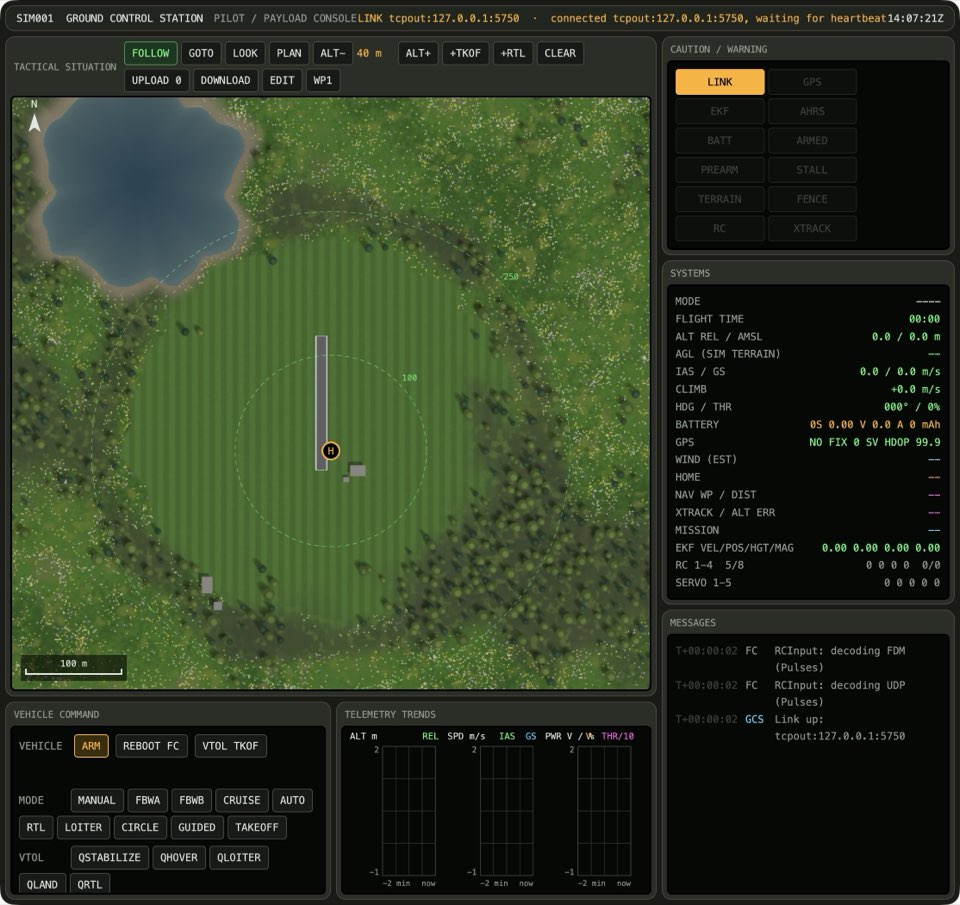
See it in Planning at the altitude limit.
How this is tested verified
Given the plan altitude is 300 m
When the operator raises the plan altitude
Then the plan altitude stays the same
ALT- lowers the plan altitude
If the plan altitude is above 10 m, press ALT-. The plan altitude between ALT- and ALT+ goes down by 10 m.
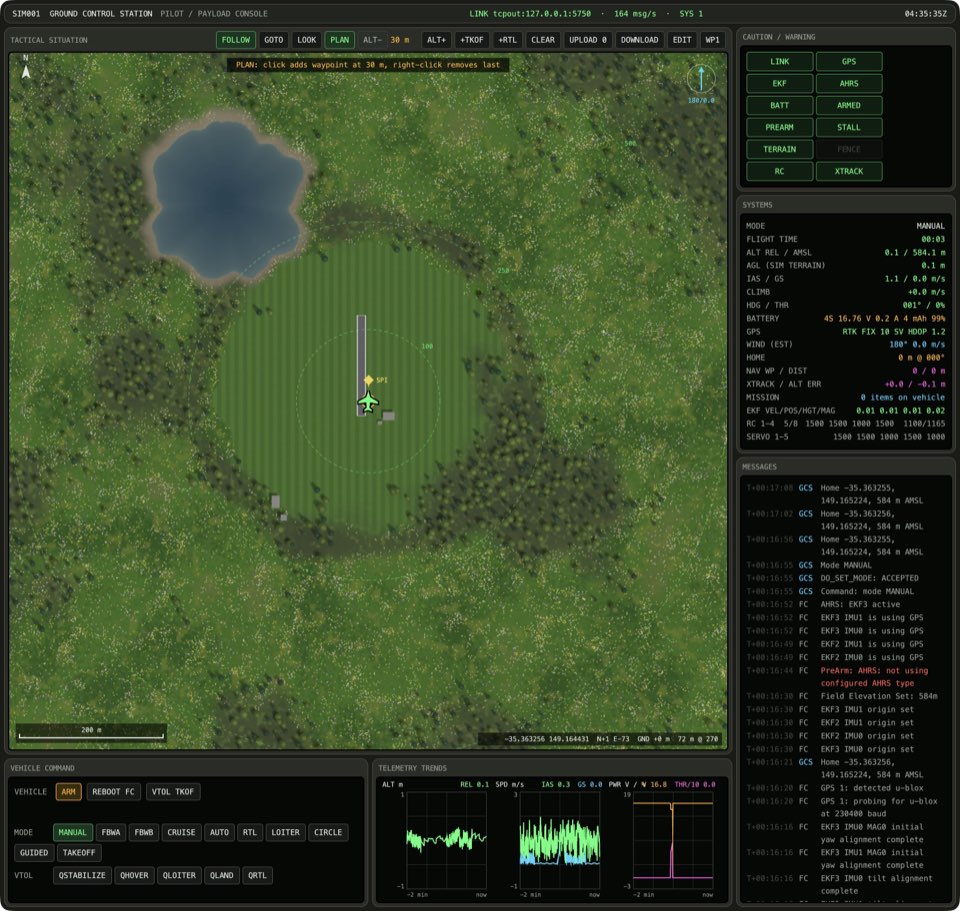
How this is tested verified
Given the plan altitude is above 10 m
When the operator lowers the plan altitude
Then the plan altitude goes down by 10 m
ALT- stops at 10 m
If the plan altitude is 10 m, press ALT-. The plan altitude between ALT- and ALT+ does not change.
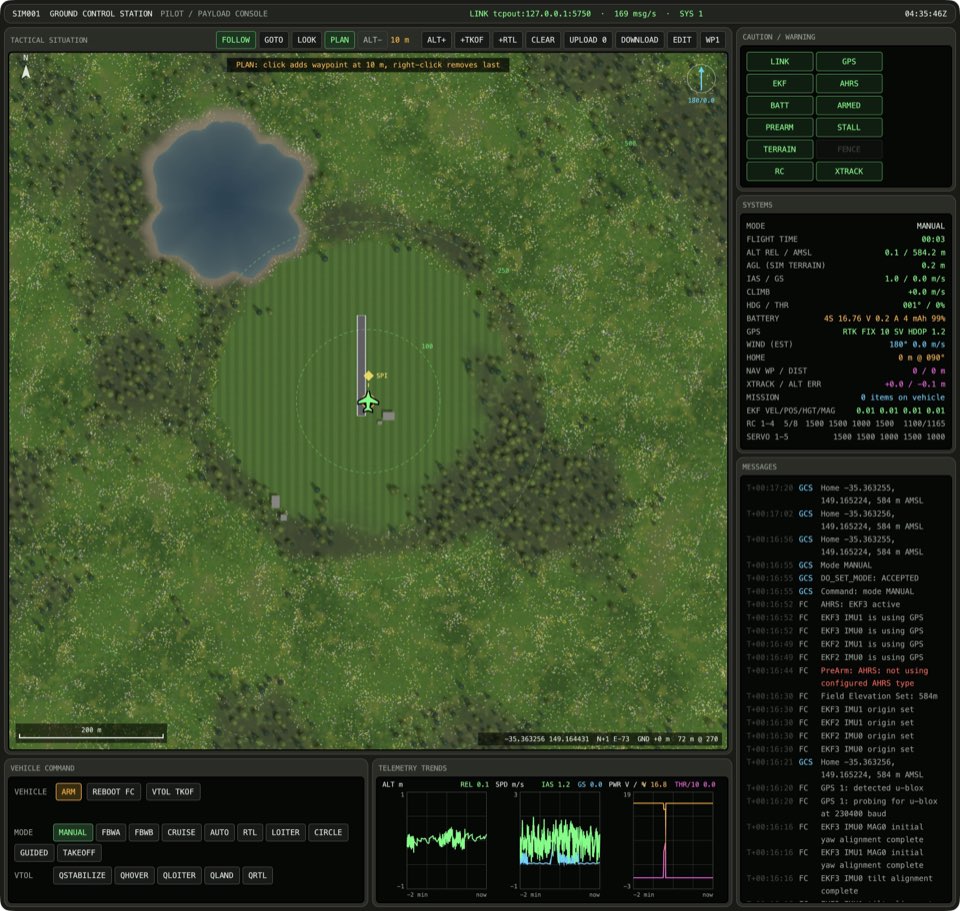
How this is tested verified
Given the plan altitude is 10 m
When the operator lowers the plan altitude
Then the plan altitude stays the same
Waypoints already planned keep their altitude
If the plan has at least 1 item, the newest waypoint is at the plan altitude and the plan altitude is below 300 m, press ALT+. The waypoints that are already in the plan keep their altitude.
How this is tested verified
Given the plan has at least 1 item
  And the newest waypoint is at the plan altitude
  And the plan altitude is below 300 m
When the operator raises the plan altitude
Then the newest waypoint is at another altitude
A height check raises waypoints above the terrain
If the plan has at least 1 item, check the heights against the terrain. Each waypoint is above the ground below it.

See it in Clearing the ridge.
How this is tested not supported yet
Given the plan has at least 1 item
When the operator checks the heights against the terrain
Then the waypoints are clear of the terrain
A new waypoint needs a new height check
If the waypoints are clear of the terrain and the map tool is PLAN, click the map. The waypoints are unchecked.
How this is tested not supported yet
Given the waypoints are clear of the terrain
  And the map tool is PLAN
When the operator clicks the map
Then the waypoints are unchecked