SIM001 › Flying in the sim › The simulator
Taking a break
You can stop time during a flight. Then you can look around, read the help or rest. The plane stays where it is until you continue.
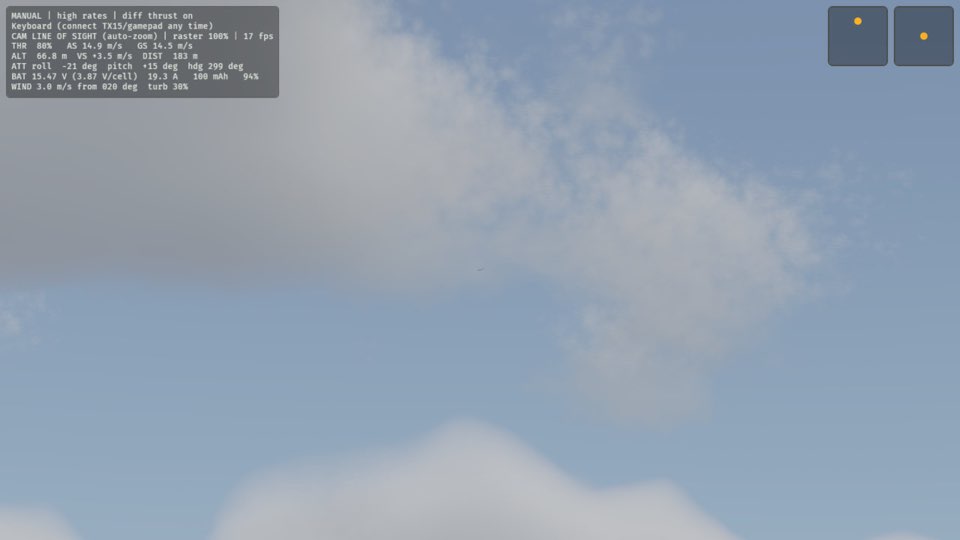
Press 4 to set the throttle to 80 %.
The plane leaves your hand and climbs away.
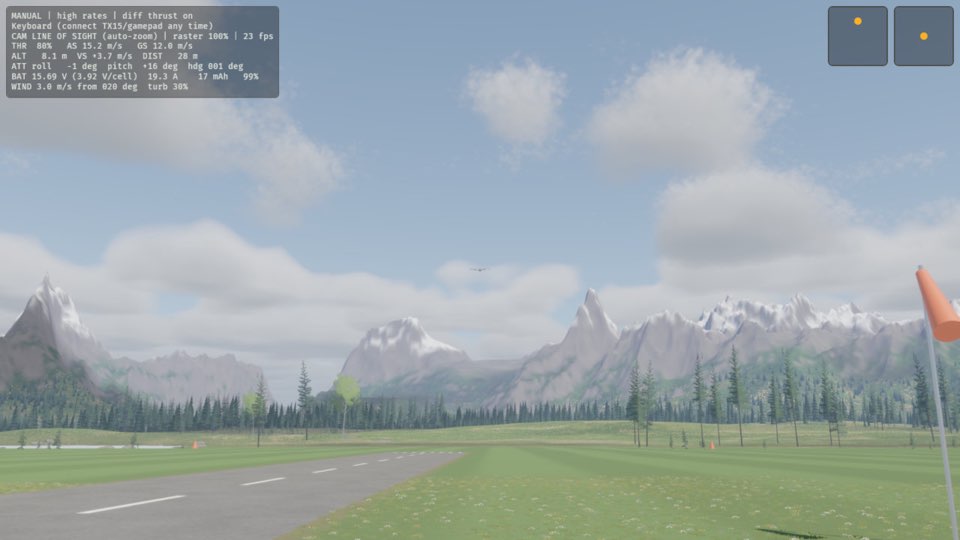
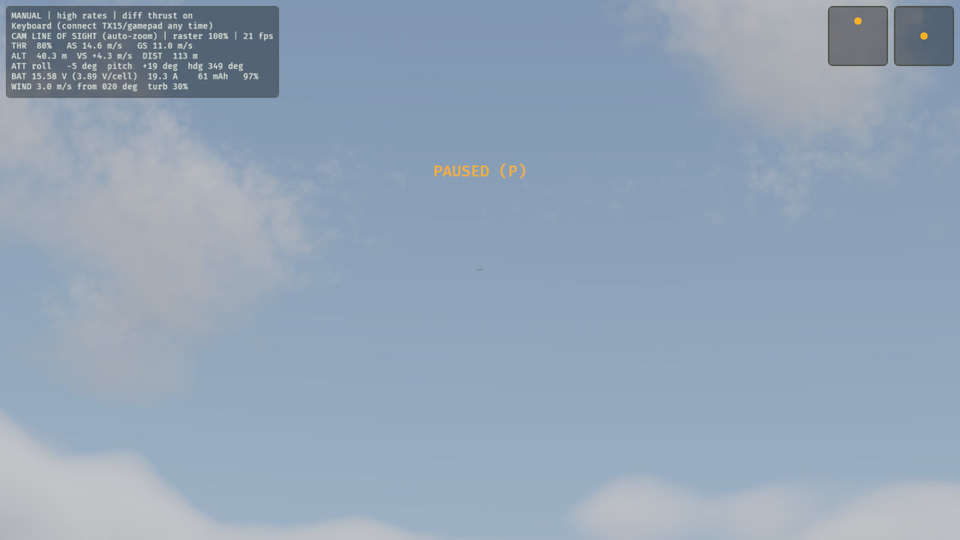
Press P.
Everything stops, and the HUD says PAUSED (P).
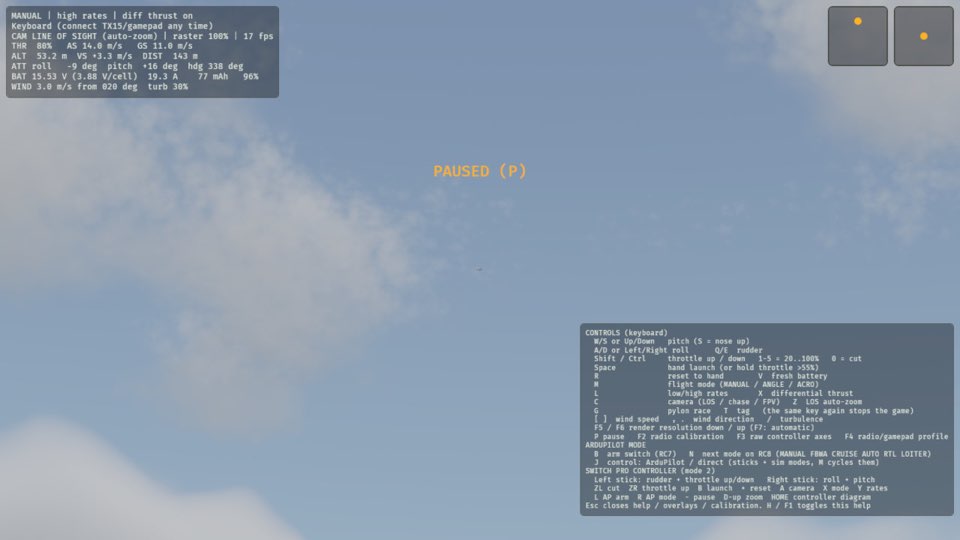
Press H.
The help screen appears on the view.
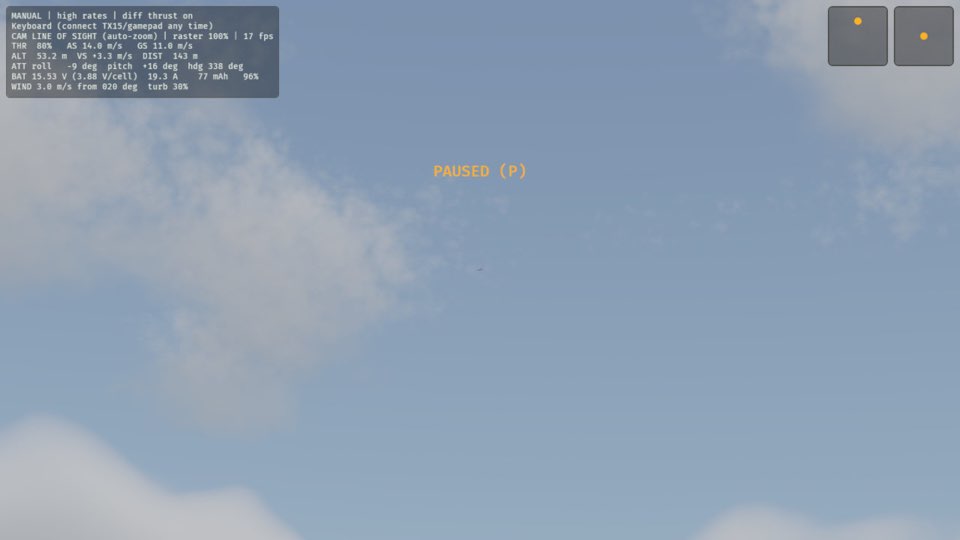
Press Esc.
The help screen goes away.
Press P.
PAUSED (P) goes away, and the flight continues from the point where it stopped.
Learn more
How this is tested passed
This tutorial is also an acceptance test. Its report has every step, check and screenshot from the last run.
The user story: As a pilot, I want to stop time mid-flight, so that I can look around or read the help without losing the plane.
When the pilot throws the plane with the throttle
Then the plane is flying
When the pilot toggles pause
Then the sim is paused
When the pilot toggles the help
Then the help screen is shown
When the pilot closes the help
Then the help screen is hidden
When the pilot toggles pause
Then the sim is running