SIM001 › Flying in the sim › The simulator
Handling
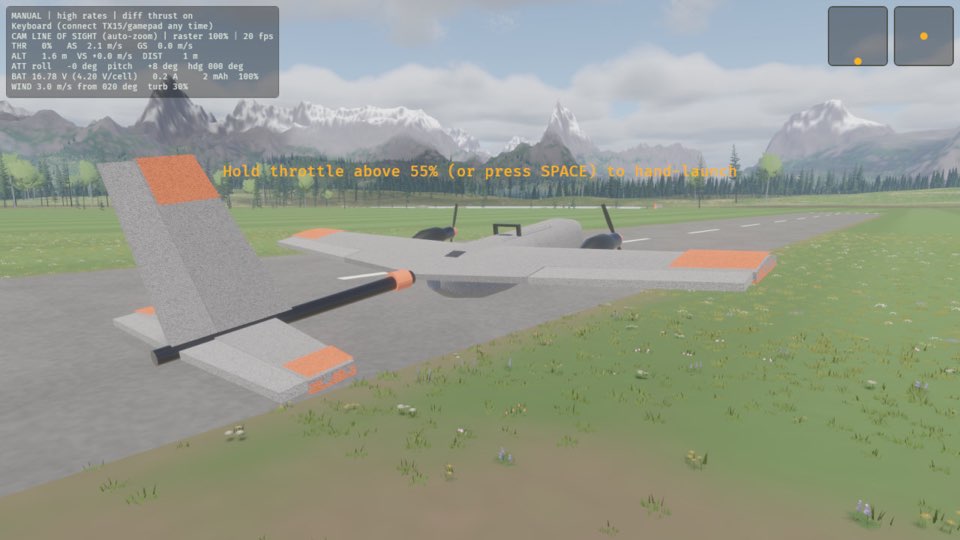
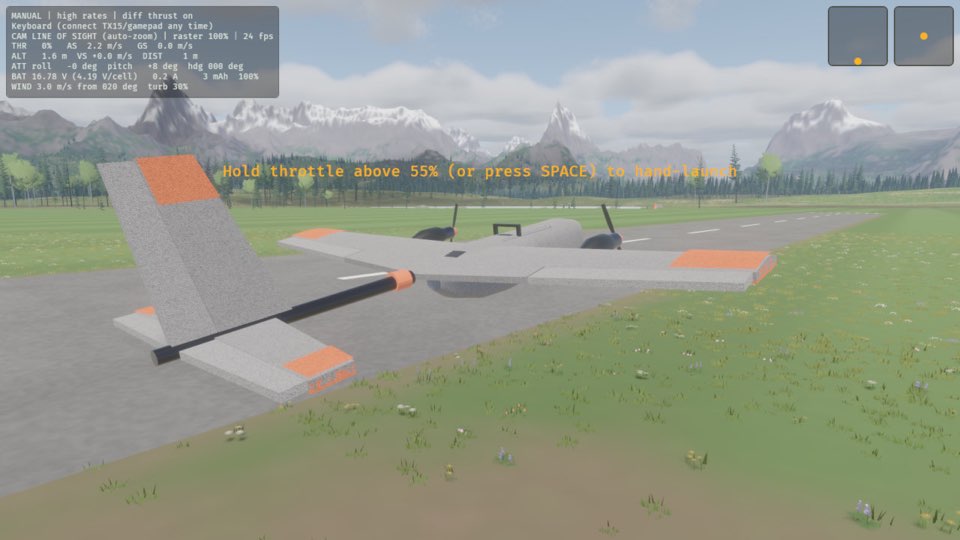
The plain T1-S has no flight controller: only a receiver and two ESCs. The sticks move the ailerons, the elevator and the rudder directly, and nothing helps you. The plane flies as the real plane does. The top line of the HUD says MANUAL. L changes between high and low rates. X turns differential thrust on and off. The top line of the HUD shows both, for example "MANUAL | high rates | diff thrust on". The sim starts with high rates and differential thrust on.
Without a flight controller there is only one mode
Self-levelling and rate hold are jobs for a flight controller, and the plain T1-S does not have one. M does nothing, and the plane stays in MANUAL.
If the flight controller is missing and the flight mode is MANUAL, press M on the keyboard. The top line of the HUD starts with MANUAL.
How this is tested verified
Given the flight controller is missing
  And the flight mode is MANUAL
When the pilot changes flight mode
Then the flight mode is MANUAL
Low rates for gentle flying
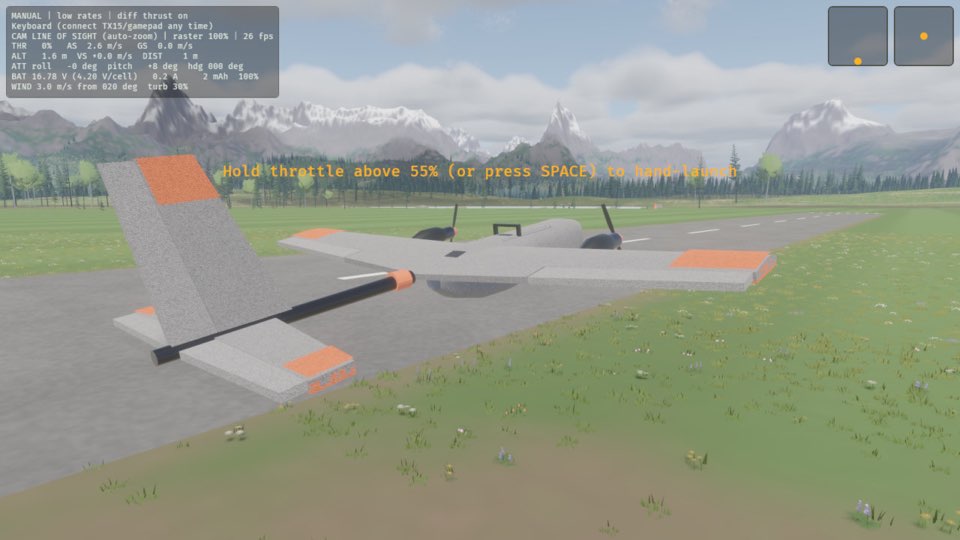
The control surfaces move less for the same movement of the stick, so the plane turns more gently. Use low rates for smooth flight and for a landing.
If the rates are high, press L. The top line of the HUD says low rates.
How this is tested verified
Given the rates are high
When the pilot changes rates
Then the rates are low
High rates for tight turns
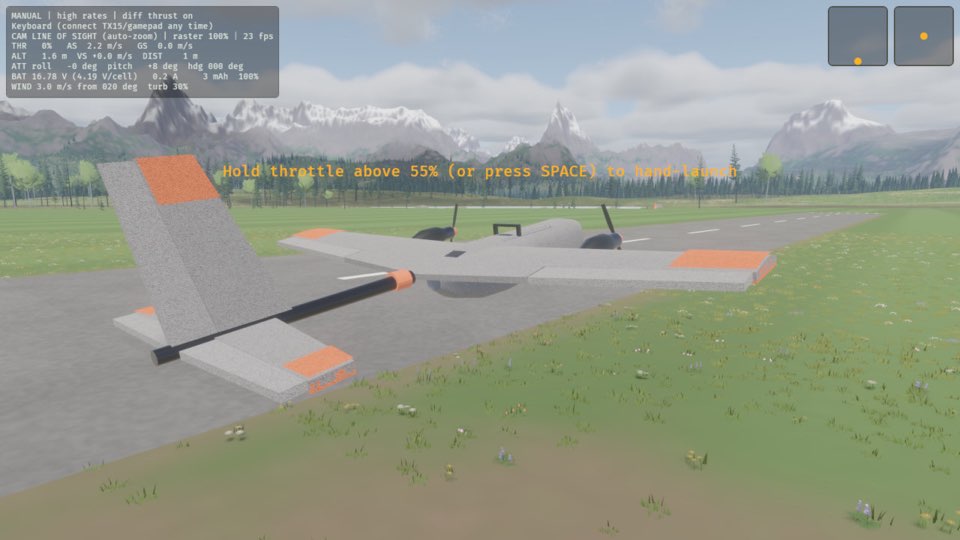
The control surfaces move through their full range. Use high rates for tight turns and rolls.
If the rates are low, press L. The top line of the HUD says high rates.
How this is tested verified
Given the rates are low
When the pilot changes rates
Then the rates are high
Differential thrust off
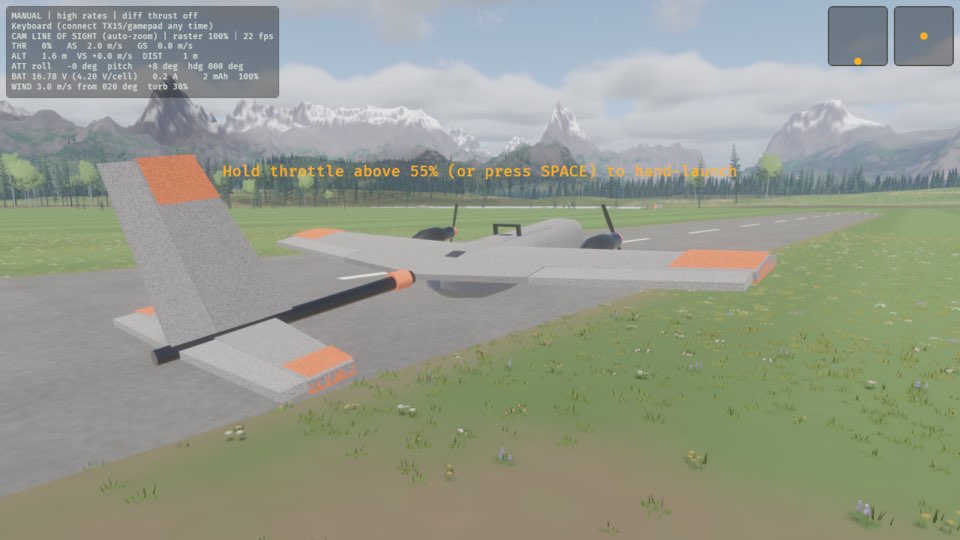
Only the rudder turns the plane in yaw, as on a plane with one motor.
If differential thrust is on, press X. The top line of the HUD says diff thrust off.
How this is tested verified
Given differential thrust is on
When the pilot toggles differential thrust
Then differential thrust is off
Differential thrust on
The motors help the rudder. The outer motor turns faster and the inner motor turns more slowly, so the plane turns more quickly in yaw.
If differential thrust is off, press X. The top line of the HUD says diff thrust on.
How this is tested verified
Given differential thrust is off
When the pilot toggles differential thrust
Then differential thrust is on