SIM001 › The ground station › Ground control station › Planning a mission
Waypoints
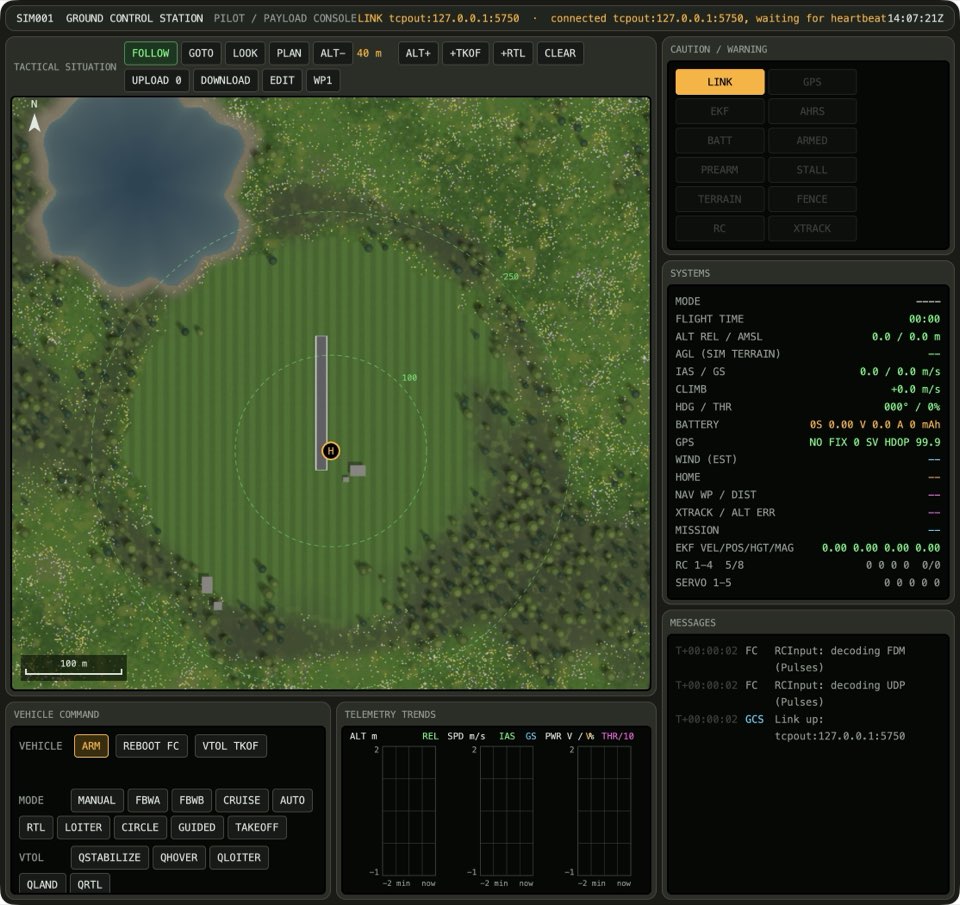
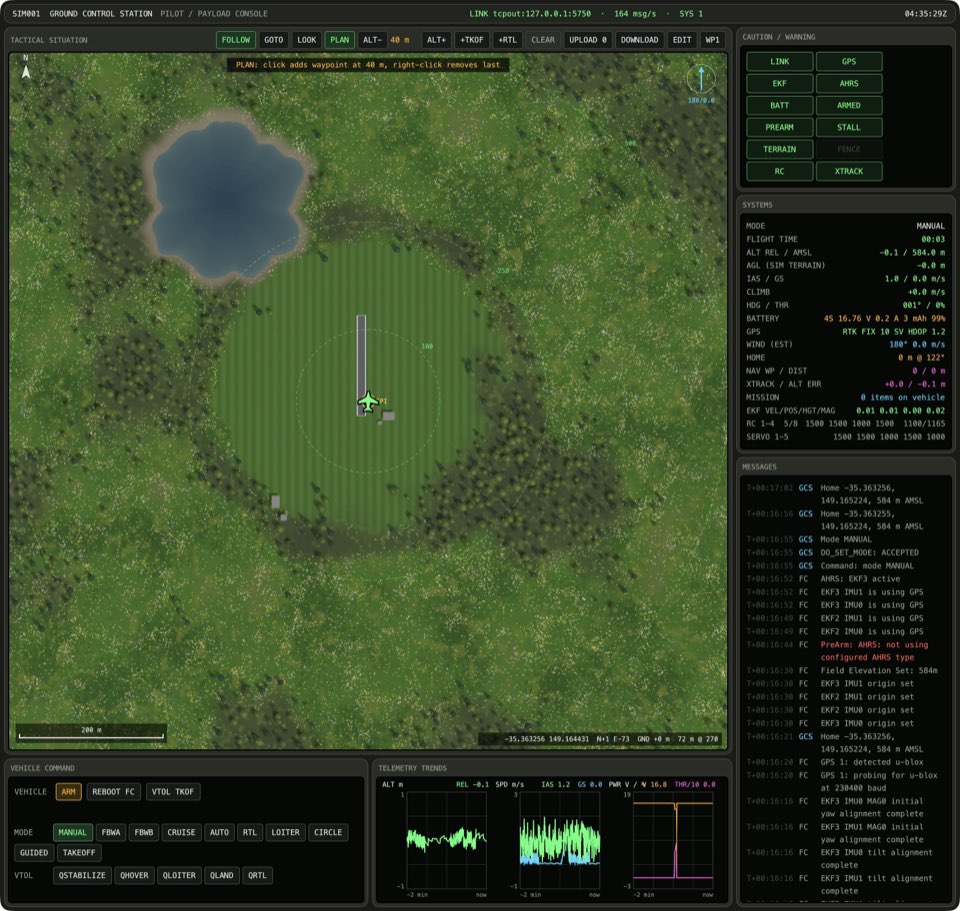
When PLAN is selected, each click on the map adds a waypoint at the end of the plan, at the plan altitude. A right-click removes the last item, and CLEAR removes all items. The map shows the plan as a dashed line, and the mission on the vehicle as a solid line.
A click adds a waypoint
If the map tool is PLAN, click the map. A new marker appears at the end of the dashed plan, and the count on UPLOAD goes up by 1. The last item of the dashed plan is WAYPOINT. The new waypoint goes at the altitude between ALT- and ALT+.
Except when the plan has 650 items: see A full plan takes no more waypoints.
See it in Planning a hand-launched circuit, Fixing a misplaced waypoint, Clearing the ridge, Keeping a mission for the field, From plan to flight.
How this is tested verified
Given the map tool is PLAN
When the operator clicks the map
Then the plan goes up by 1
  And the last plan item is WAYPOINT
  And the newest waypoint is at the plan altitude
Right-click removes the last item
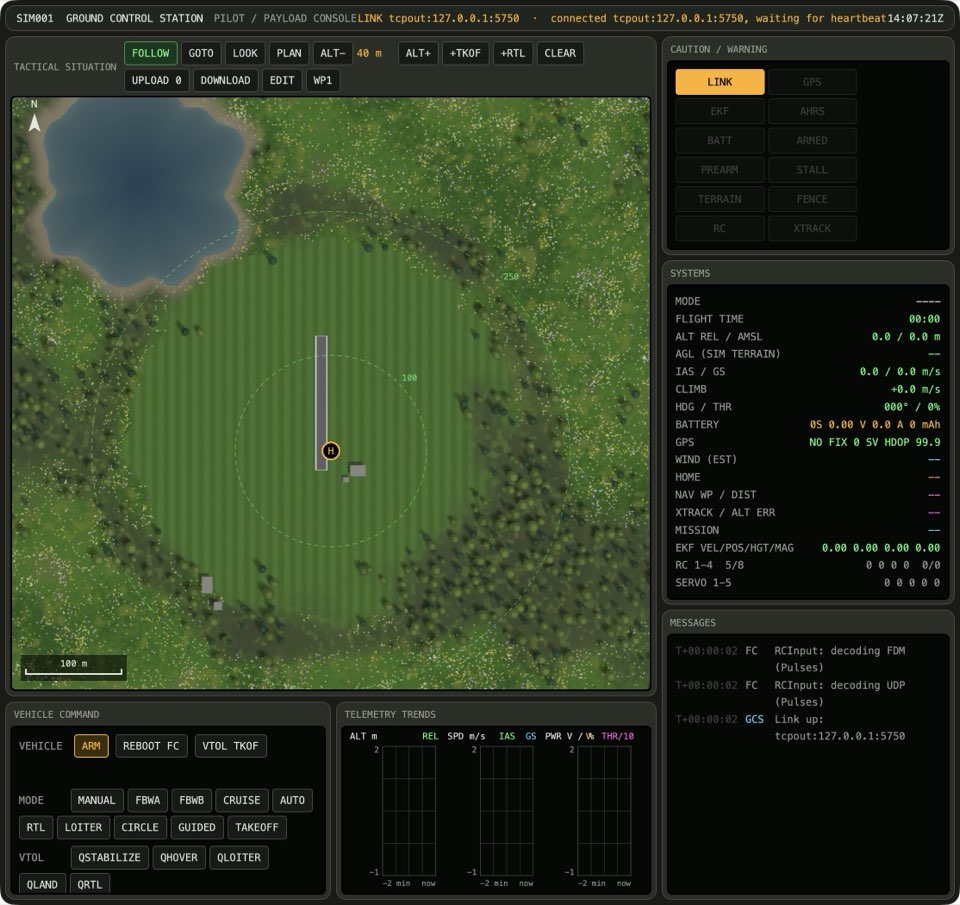
If the map tool is PLAN and the plan has at least 1 item, right-click the map. The last marker goes away from the dashed plan, and the count on UPLOAD goes down by 1.
See it in Fixing a misplaced waypoint.
How this is tested verified
Given the map tool is PLAN
  And the plan has at least 1 item
When the operator right-clicks the map
Then the plan goes down by 1
Right-click on an empty plan does nothing
If the map tool is PLAN and the plan has 0 items, right-click the map. The dashed plan and the count on UPLOAD do not change.

How this is tested verified
Given the map tool is PLAN
  And the plan has 0 items
When the operator right-clicks the map
Then the plan stays the same
CLEAR empties the plan
Press CLEAR. The UPLOAD button reads UPLOAD 0. The plan has no takeoff.
How this is tested verified
When the operator clears the plan
Then the plan has 0 items
  And the takeoff is not planned
A full plan takes no more waypoints
ArduPilot keeps approximately 650 mission items in its memory, so the plan stops at 650. With BRD_SD_MISSION and an SD card, ArduPilot keeps more.
If the map tool is PLAN and the plan has 650 items, click the map. The dashed plan and the count on UPLOAD do not change.
An exception to A click adds a waypoint.
How this is tested untested
Given the map tool is PLAN
  And the plan has 650 items
When the operator clicks the map
Then the plan stays the same