SIM001 › Flying the VTOL › Flying with a flight controller
Flight modes
One press selects the next flight mode: MANUAL, then ANGLE, then ACRO, then MANUAL again. On a keyboard, press M. On a radio, press the button you gave to ArduPilot mode. The top line of the HUD shows the mode.
The T1-S VTOL flies with ArduPilot, and its radio has six modes on six buttons: QHOVER, QLOITER, FBWA, CRUISE, AUTO and QRTL. FBWA is its self-levelling mode, like ANGLE. The six buttons of the radio says what each one does. Two tutorials fly the VTOL with them: Flying a VTOL with self-levelling takes off, flies forward in FBWA, and lands softly, and Trying the buttons of the radio tries the other modes.
ANGLE levels the plane for you
In ANGLE, the sticks set the angle of bank and pitch. When you release the sticks, the plane levels its wings and nose. Use this mode when you learn to fly.
If the flight controller is fitted and the flight mode is MANUAL, press M on the keyboard. The top line of the HUD starts with ANGLE.
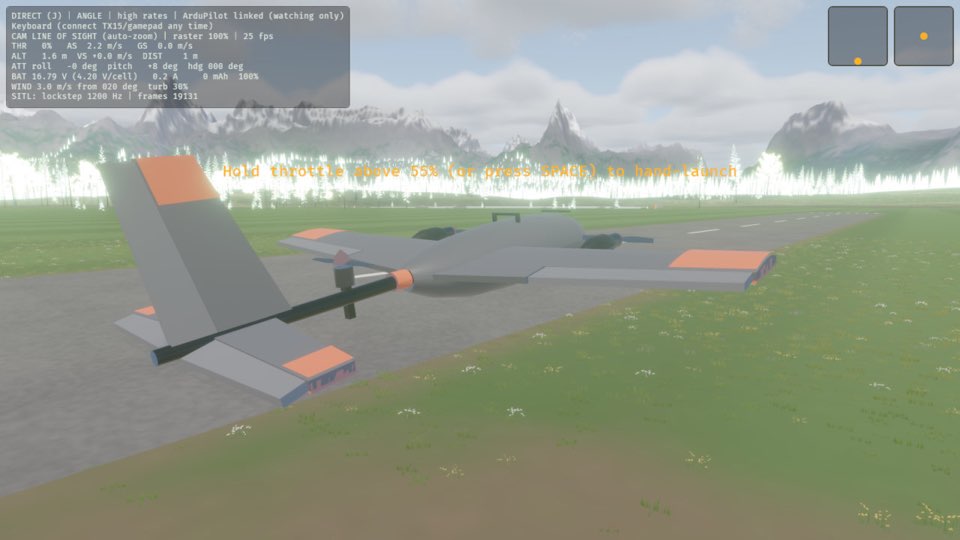
See it in Learning with self-levelling.
How this is tested verified
Given the flight controller is fitted
  And the flight mode is MANUAL
When the pilot changes flight mode
Then the flight mode is ANGLE
In ANGLE, the stick sets the bank
Hold A or D, and the plane banks to an angle of 55° or less. It does not roll over.
If the flight mode is ANGLE and the plane is flying, hold A to roll the plane to the left. The plane banks, and the roll reading on the ATT line of the HUD moves away from 0.
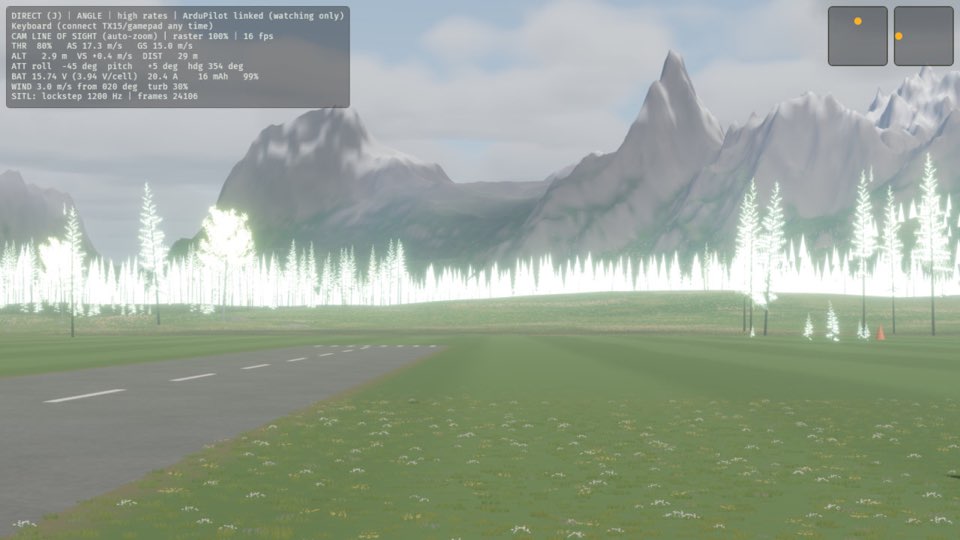
See it in Learning with self-levelling.
How this is tested verified
Given the flight mode is ANGLE
  And the plane is flying
When the pilot rolls the plane to the left
Then the wings are banked
In ANGLE, the wings become level again
Release the stick, and the plane levels its wings by itself.
If the flight mode is ANGLE, the plane is flying and the wings are banked, release A. The wings become level, and the roll reading on the ATT line of the HUD goes back to near 0.
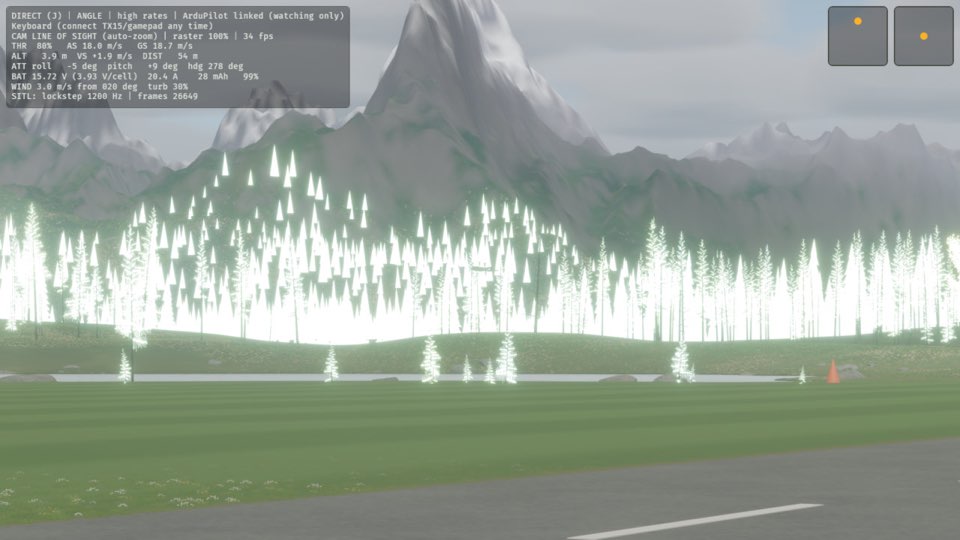
See it in Learning with self-levelling.
How this is tested verified
Given the flight mode is ANGLE
  And the plane is flying
  And the wings are banked
When the pilot releases the roll stick
Then the wings are level
ACRO holds the attitude
In ACRO, the sticks set the rate of roll and pitch. When you centre the sticks, the plane holds its attitude, also when it is upside down. Use this mode for aerobatics.
If the flight controller is fitted and the flight mode is ANGLE, press M on the keyboard. The top line of the HUD starts with ACRO.
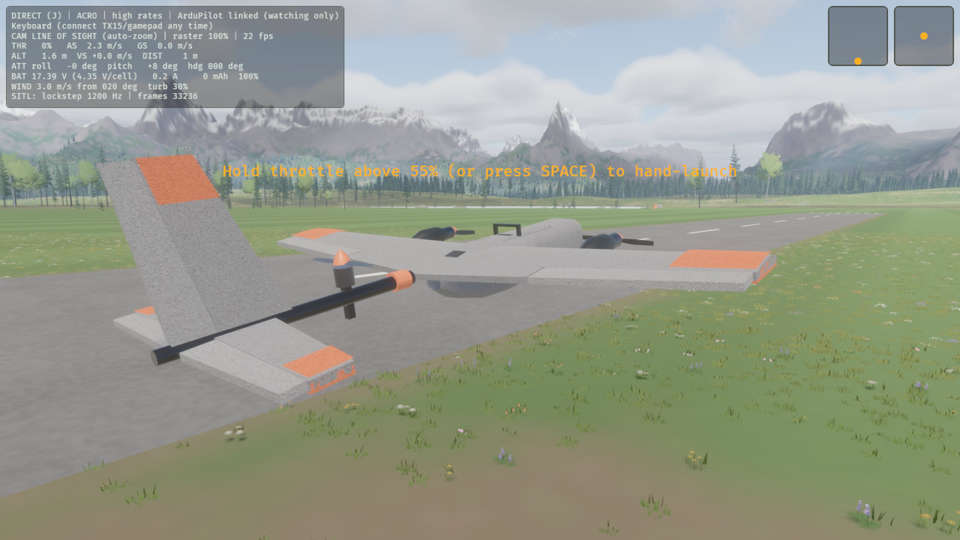
How this is tested verified
Given the flight controller is fitted
  And the flight mode is ANGLE
When the pilot changes flight mode
Then the flight mode is ACRO
MANUAL gives you the control surfaces
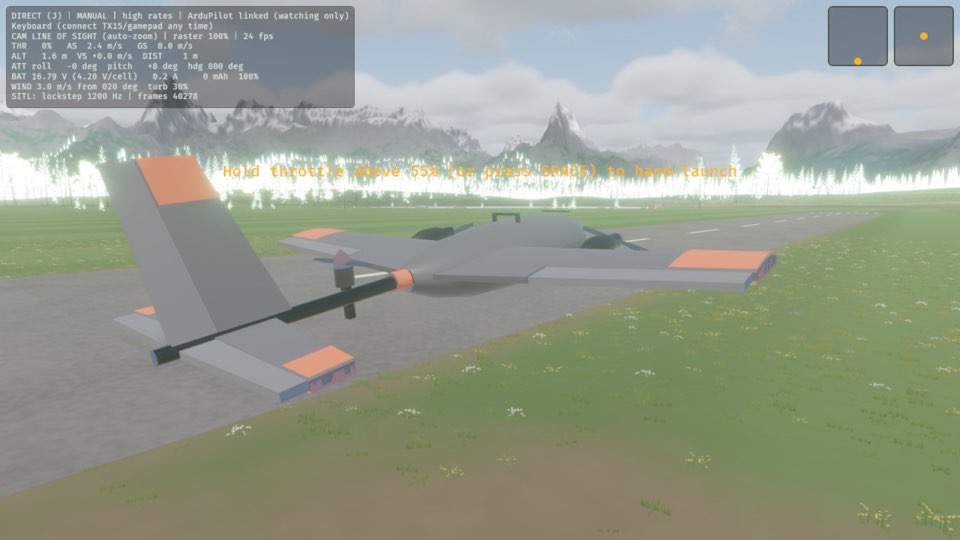
In MANUAL, the sticks move the ailerons, the elevator and the rudder directly. Nothing helps you. The plane flies as the real plane does.
If the flight controller is fitted and the flight mode is ACRO, press M on the keyboard. The top line of the HUD starts with MANUAL.
How this is tested verified
Given the flight controller is fitted
  And the flight mode is ACRO
When the pilot changes flight mode
Then the flight mode is MANUAL