SIM001 › Flying the VTOL
Flying with a flight controller
A plane with a flight controller can help the pilot. The T1-S VTOL has one, and the T1-S Ranger, which is a plain plane, does not. With a flight controller the sim has three flight modes: MANUAL, ANGLE and ACRO. On a keyboard, M selects the next one. On a radio, the switch you gave to ArduPilot mode does it.
The T1-S VTOL flies with ArduPilot too, and the six buttons on the front of the radio are its flight modes: QHOVER, QLOITER, FBWA, CRUISE, AUTO and QRTL. The six buttons of the radio says what each one does. Flying a VTOL with self-levelling is a tutorial that uses them.
Tutorials
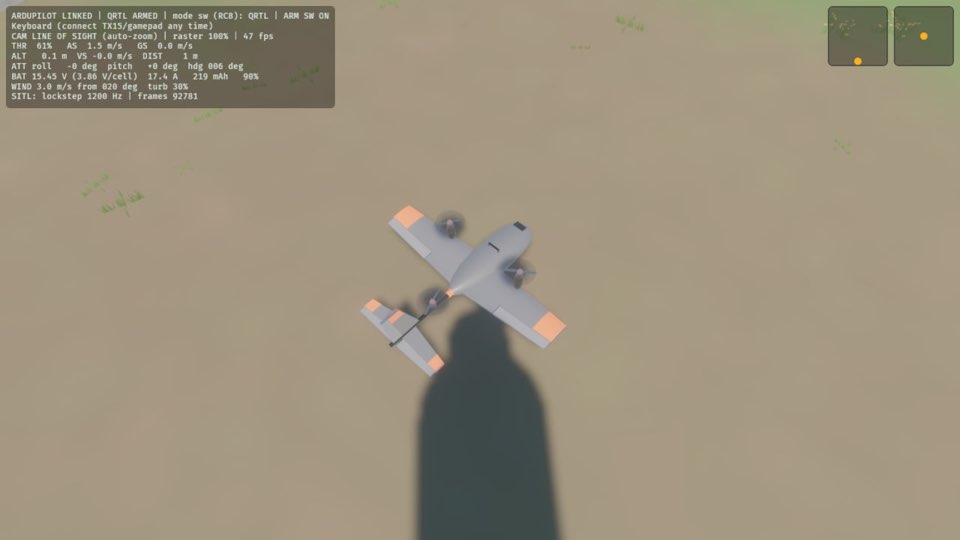 Your first hoverThis is the VTOL's Your first throw. The sim starts ArduPilot for itself, so start the sim with the T1-S VTOL (it is the default plane) and nothing else. The VTOL does not need a throw. You arm it, and it takes off straight up in QHOVER, the first mode of the radio. In this tutorial you lift off, hold the hover, and then you send the plane home. It flies back to the pilot box and lands by itself.
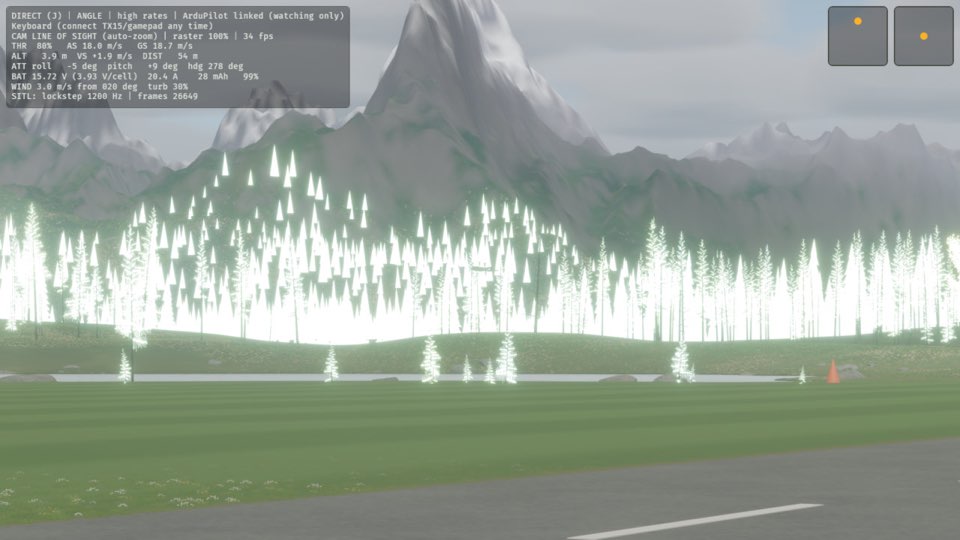 Learning with self-levellingIn ANGLE, the plane levels its wings when you release the sticks. Thus the plane stays under control while you learn. In this tutorial, you select ANGLE, throw the plane and roll it. Then you release the stick, and the wings become level again. The VTOL has the same help in FBWA: see Flying a VTOL with self-levelling.
Topics
- Flight modes
- One press selects the next flight mode: MANUAL, then ANGLE, then ACRO, then MANUAL again. On a keyboard, press M. On a radio, press the button you gave to ArduPilot mode. The top line of the HUD shows the mode.
- The VTOL on its own
- The T1-S VTOL needs no ground station. The sim starts ArduPilot for itself, and the keyboard or a radio flies the plane through it: the sticks go to ArduPilot as the radio signals of a real receiver. B is the arm switch and N picks the next mode of the radio, and QHOVER is the first. Your first hover shows each step.