SIM001 › The ground station › Ground control station › Planning a mission
Takeoff and return
+TKOF puts a takeoff at home at the start of the plan. Its altitude is the plan altitude, but not more than 40 m. With a hand launch, the takeoff waits for the throw. +RTL adds a return to launch at the end of the plan. Then the plane comes back to the point where you armed it.
+TKOF puts a takeoff first
If the takeoff is not planned, press +TKOF. A new marker appears at the end of the dashed plan, and the count on UPLOAD goes up by 1. The first item of the plan is a takeoff at home.
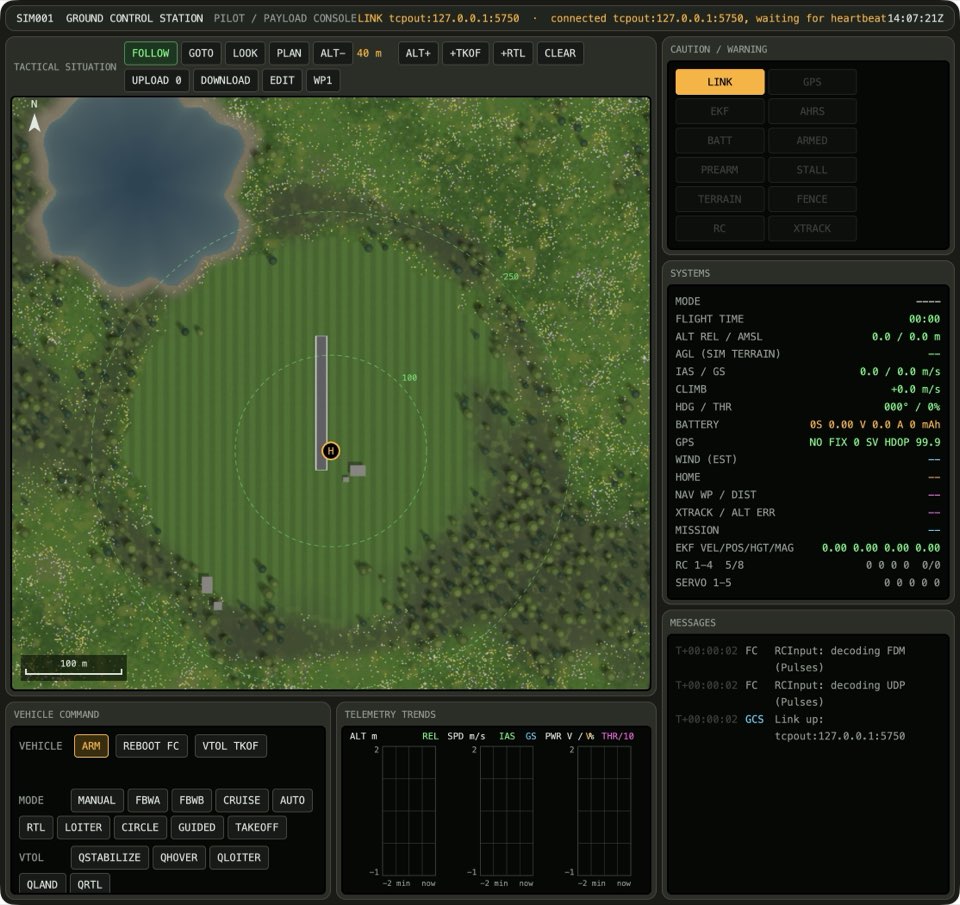
See it in Planning a hand-launched circuit, From plan to flight.
How this is tested verified
Given the takeoff is not planned
When the operator adds a takeoff
Then the plan goes up by 1
  And the takeoff is planned
The plan has only one takeoff
If the takeoff is planned, press +TKOF. The dashed plan and the count on UPLOAD do not change.
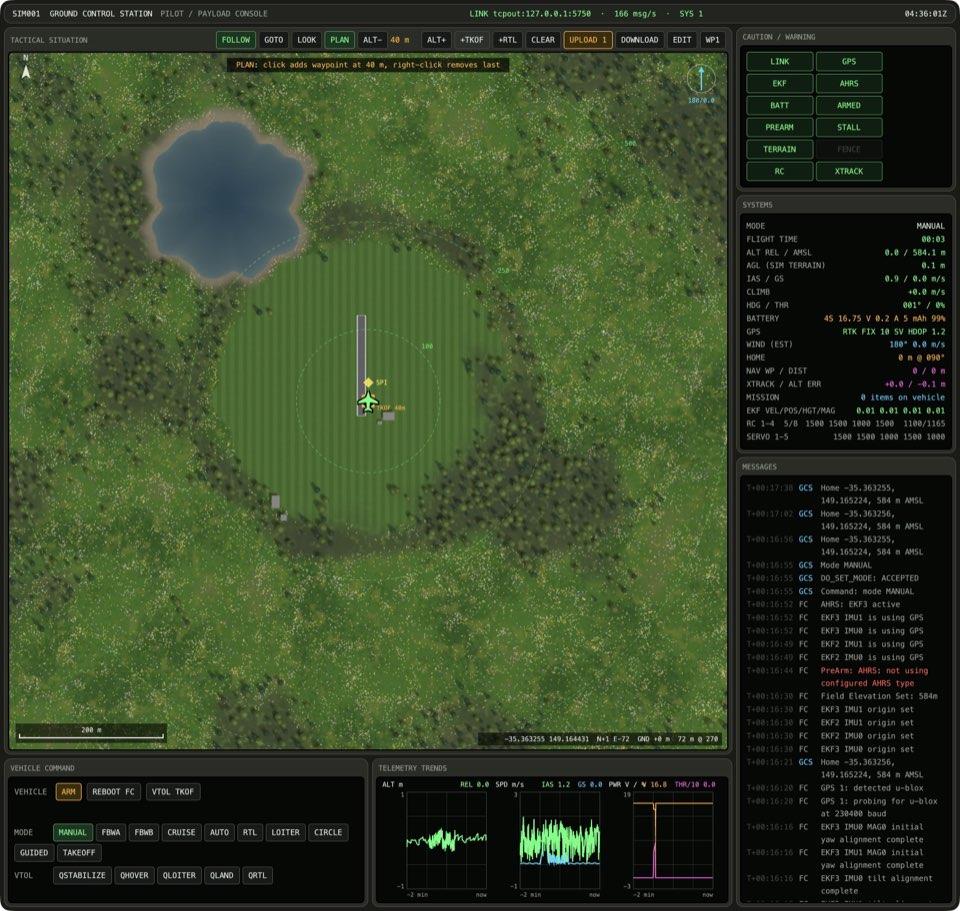
How this is tested verified
Given the takeoff is planned
When the operator adds a takeoff
Then the plan stays the same
On an empty plan the takeoff is also the last item
If the takeoff is not planned and the plan has 0 items, press +TKOF. The UPLOAD button reads UPLOAD 1. The last item of the dashed plan is TAKEOFF.
See it in Planning a hand-launched circuit, From plan to flight.
How this is tested verified
Given the takeoff is not planned
  And the plan has 0 items
When the operator adds a takeoff
Then the plan has 1 item
  And the last plan item is TAKEOFF
+RTL ends the plan with a return
Press +RTL. A new marker appears at the end of the dashed plan, and the count on UPLOAD goes up by 1. The last item of the dashed plan is RTL.
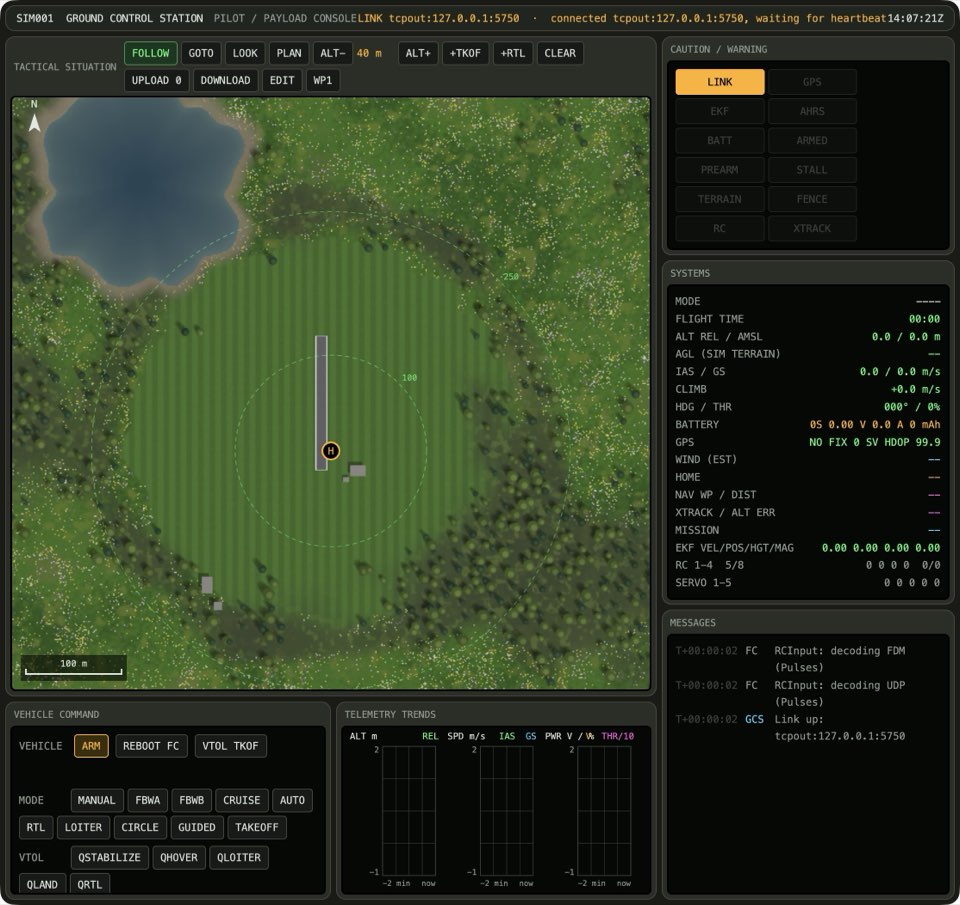
See it in Planning a hand-launched circuit, From plan to flight.
How this is tested verified
When the operator adds a return home
Then the plan goes up by 1
  And the last plan item is RTL