SIM001 › Flying the VTOL › Flying with a flight controller
Learning with self-levelling
In ANGLE, the plane levels its wings when you release the sticks. Thus the plane stays under control while you learn. In this tutorial, you select ANGLE, throw the plane and roll it. Then you release the stick, and the wings become level again. The VTOL has the same help in FBWA: see Flying a VTOL with self-levelling.
Press M on the keyboard.
The top line of the HUD starts with ANGLE.
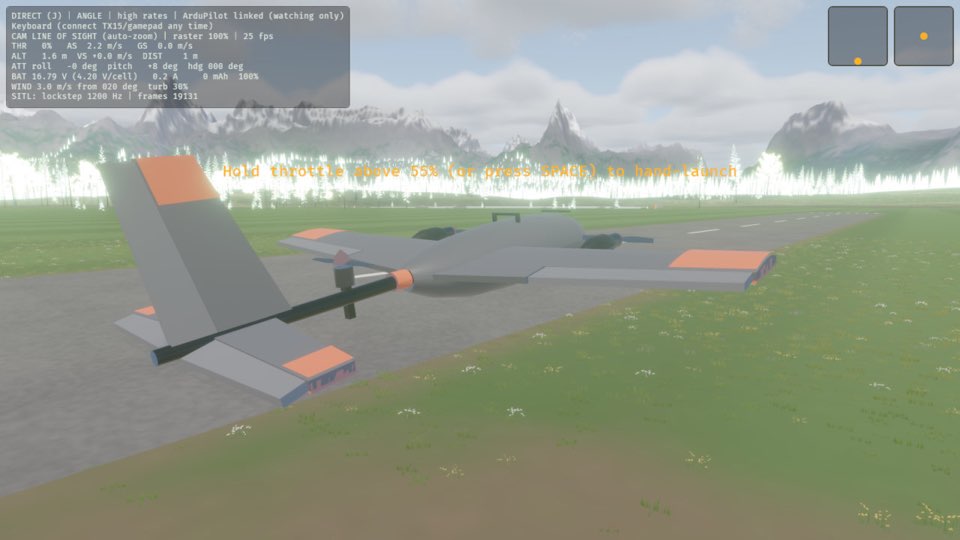
Press 4 to set the throttle to 80 %.
The plane leaves your hand and climbs away.
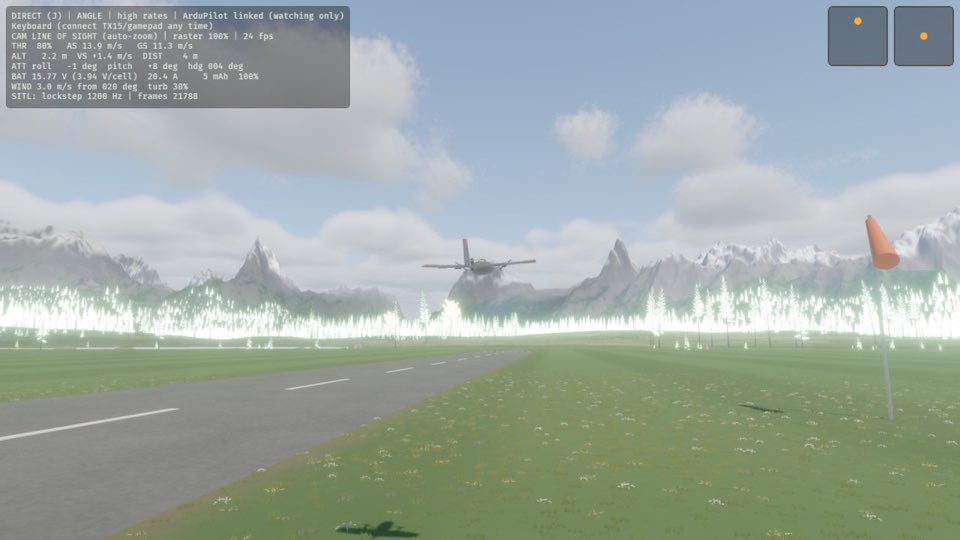
Hold A to roll the plane to the left.
The plane banks, and the roll reading on the ATT line of the HUD moves away from 0.
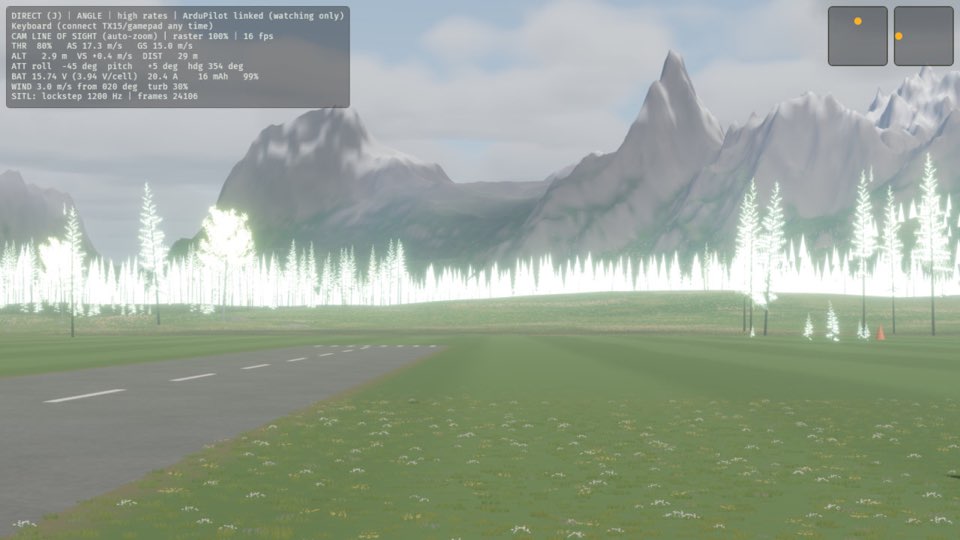
Release A.
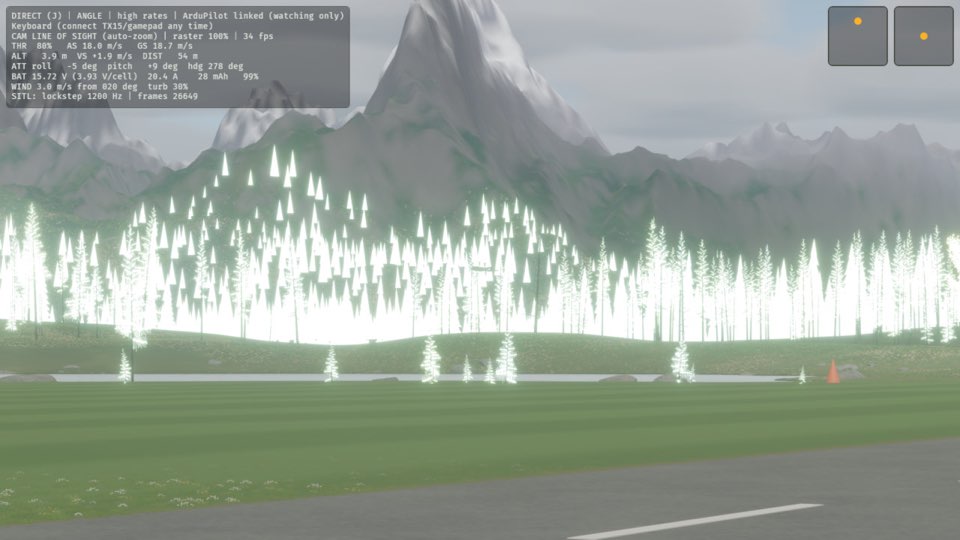
The wings become level, and the roll reading on the ATT line of the HUD goes back to near 0.
Learn more
How this is tested passed
This tutorial is also an acceptance test. Its report has every step, check and screenshot from the last run.
The user story: As a pilot learning to fly, I want the plane to level itself when I let go of the sticks, so that I can learn the controls without it getting away from me.
When the pilot changes flight mode
Then the flight mode is ANGLE
When the pilot throws the plane with the throttle
Then the plane is flying
When the pilot rolls the plane to the left
Then the wings are banked
When the pilot releases the roll stick
Then the wings are level