SIM001 › Flying in the sim
The simulator
Fly a plane of the T1-S from the pilot box at the field: the plain T1-S Ranger, which is the plane this section is about, or the T1-S VTOL (which needs ArduPilot: see Flying with a flight controller). The Ranger is hand-launched. Throw it, fly it from the keyboard, and pick it up again. Start with Your first throw.
On the keyboard, W and S move the nose down and up. A and D roll the plane, and Q and E move the rudder. Shift opens the throttle and Ctrl closes it. The keys 1 to 5 set the throttle to 20, 40, 60, 80 or 100 %, and 0 closes it. Press H at any time to see all the keys. The HUD on the view shows the flight mode, the view and all the readings.
Tutorials
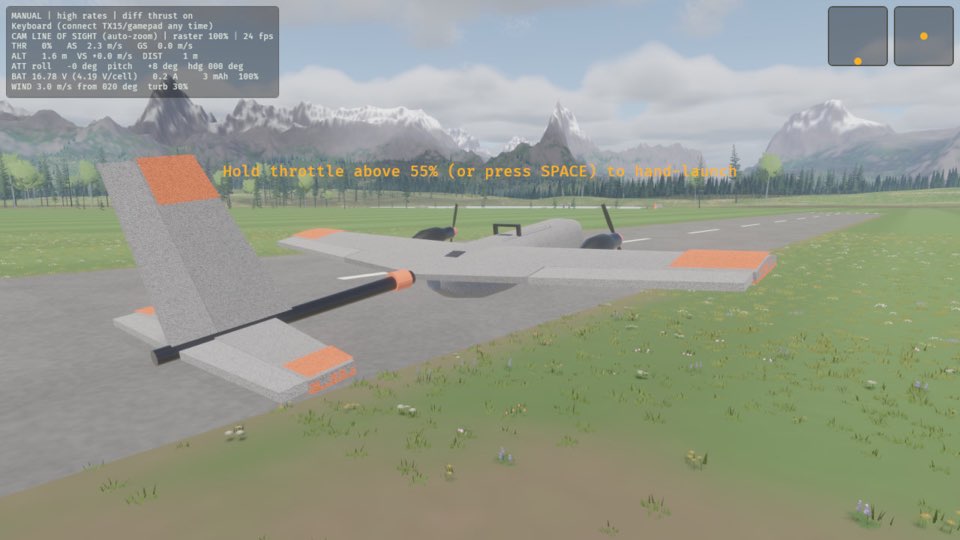
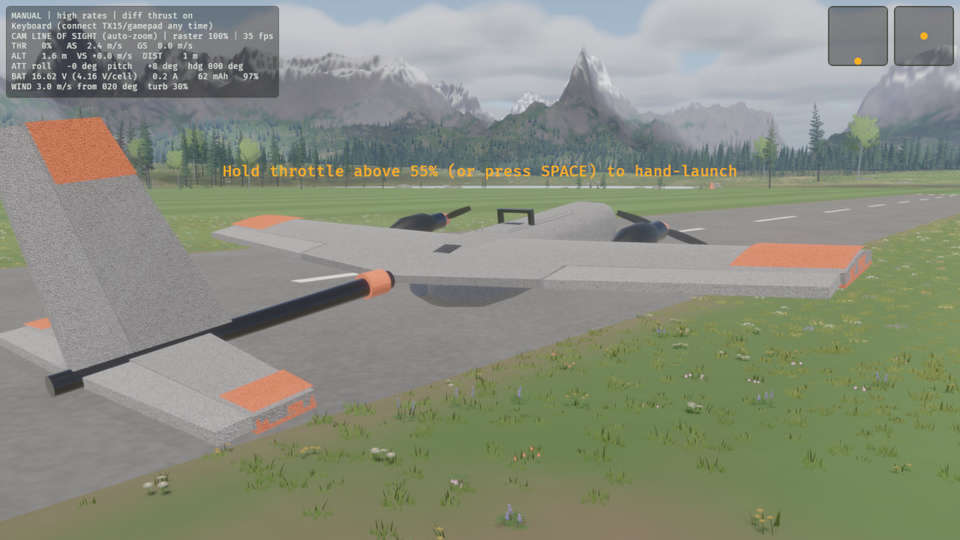 Your first throwYou launch the T1-S Ranger by hand. At the field, you hold it up, open the throttle and let it go. The sim works in the same way. In this tutorial, you throw the plane one time. Then you bring it back to your hand, so that you can throw it again. This tutorial flies the T1-S Ranger. To fly the T1-S VTOL from the sim alone, see Your first hover.
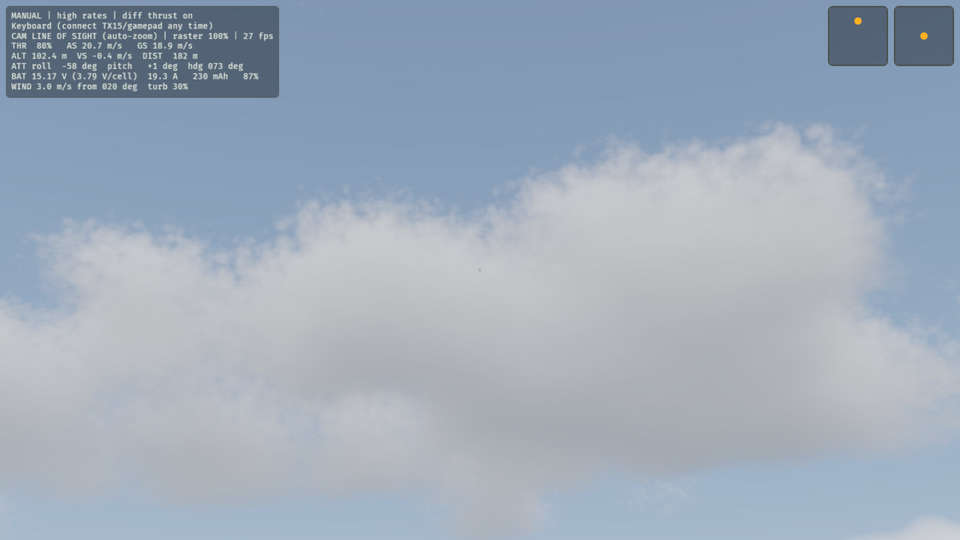 Watching from every viewYou can see the plane in three views. Line of sight is from the pilot box, as you fly at the field. Chase is from behind the plane, and FPV is through its nose camera. Throw the plane, then look at it in each view.
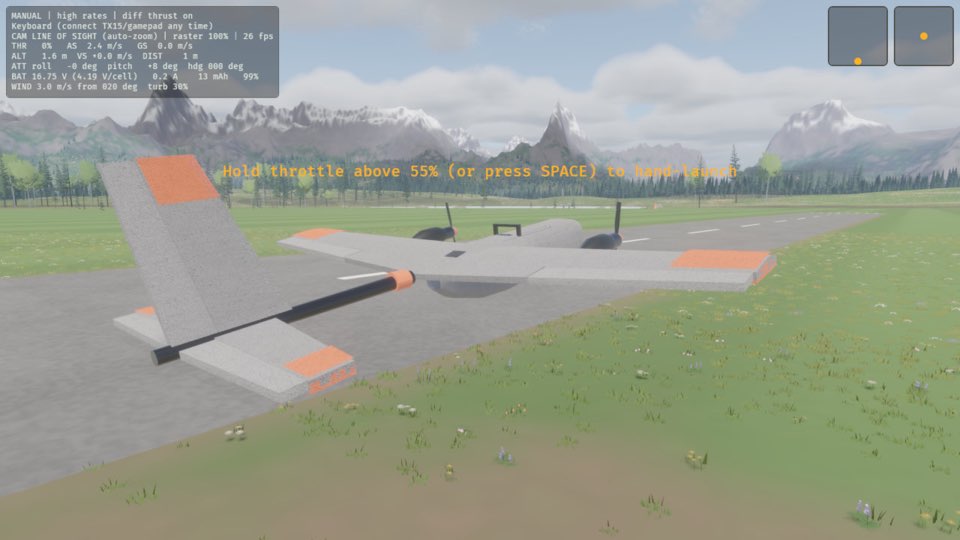 Crashing and starting againA crash in the sim costs nothing. In this tutorial, you throw the plane with the nose down, so that it crashes. Then you pick it up again.
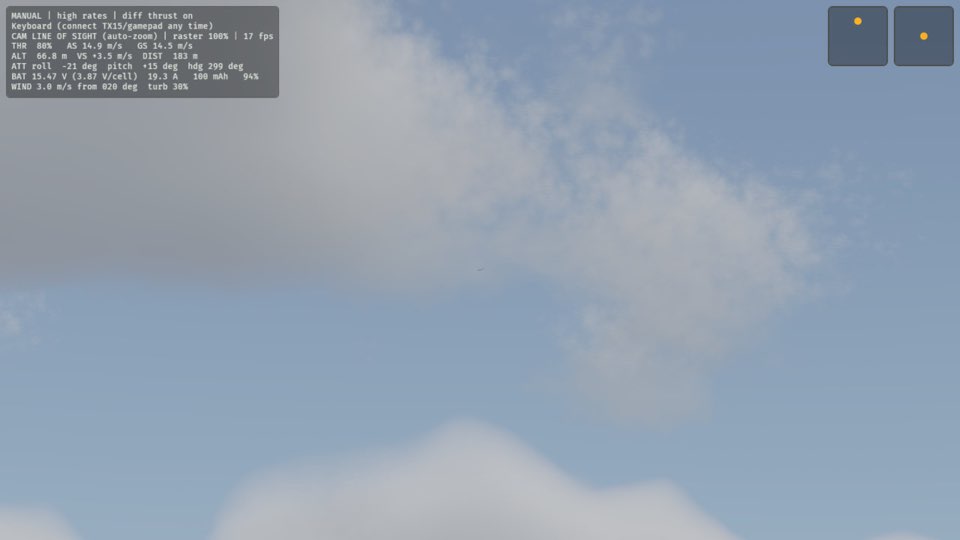 Taking a breakYou can stop time during a flight. Then you can look around, read the help or rest. The plane stays where it is until you continue.
 Checking the controls before a flightThe help screen shows all the keys and what they do. Open it before your first throw. Open it again when you forget a key.
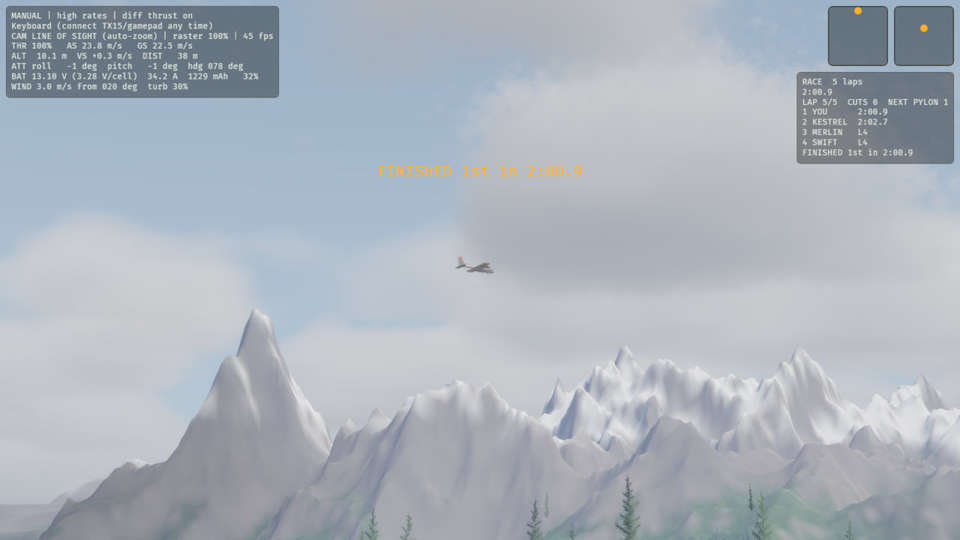 Your first pylon raceA pylon race is five laps of a triangle of three pylons, against three computer pilots. In this tutorial, you start a race, take off and fly the five laps. At the end, the game panel shows your place and your time.
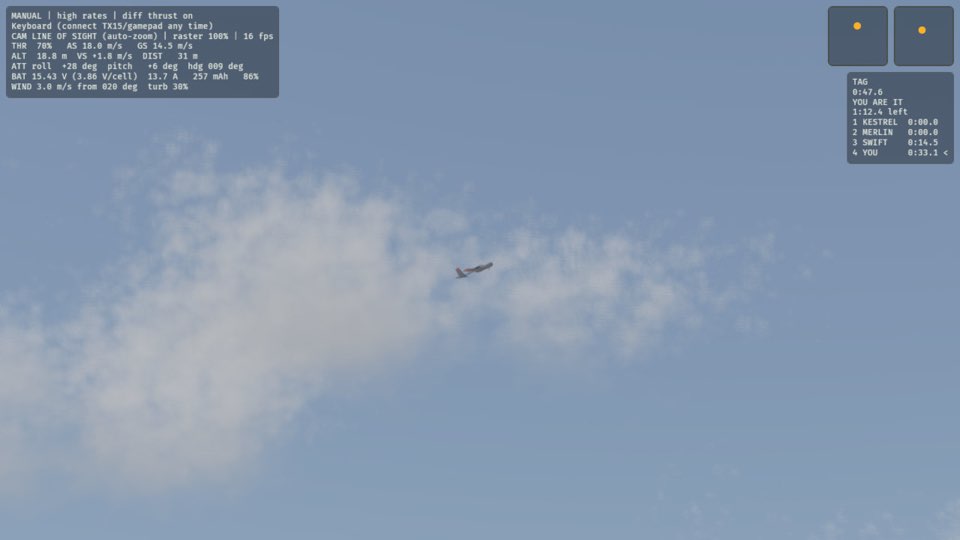 A game of tagIn a game of tag, the plane that is it chases the others. You are it first. In this tutorial, you tag a computer pilot. Then that pilot chases you, until it tags you back.
Topics
- Hand launch
- The plane starts in your hand. To throw it, hold the throttle above 55 %, as you do at the field. You can also press Space. R picks the plane up again: the sim carries it back to your hand, and then you can throw it again. Your first throw shows each step.
- Pause
- P stops the flight. Press P again to continue from the point where it stopped. During the pause, the HUD says PAUSED (P). The views, the help and the other keys continue to work.
- Handling
- The plain T1-S has no flight controller: only a receiver and two ESCs. The sticks move the ailerons, the elevator and the rudder directly, and nothing helps you. The plane flies as the real plane does. The top line of the HUD says MANUAL. L changes between high and low rates. X turns differential thrust on and off. The top line of the HUD shows both, for example "MANUAL | high rates | diff thrust on". The sim starts with high rates and differential thrust on.
- Views
- C selects the next of three views: line of sight from the pilot box, chase from behind the plane, and FPV through its nose camera. The CAM line on the HUD shows the view. In line of sight, auto-zoom keeps the plane at a good size on the screen when it flies away. Z turns auto-zoom off and on.
- Help and battery
- H (or F1) shows the keys on the view. Press H again or Esc to hide them. If a gamepad is connected, H shows a diagram of the gamepad. V installs a new 4S 1800 mAh battery, and the BAT reading on the HUD goes back to approximately 100 %.