SIM001 › Flying in the sim › The simulator
Views
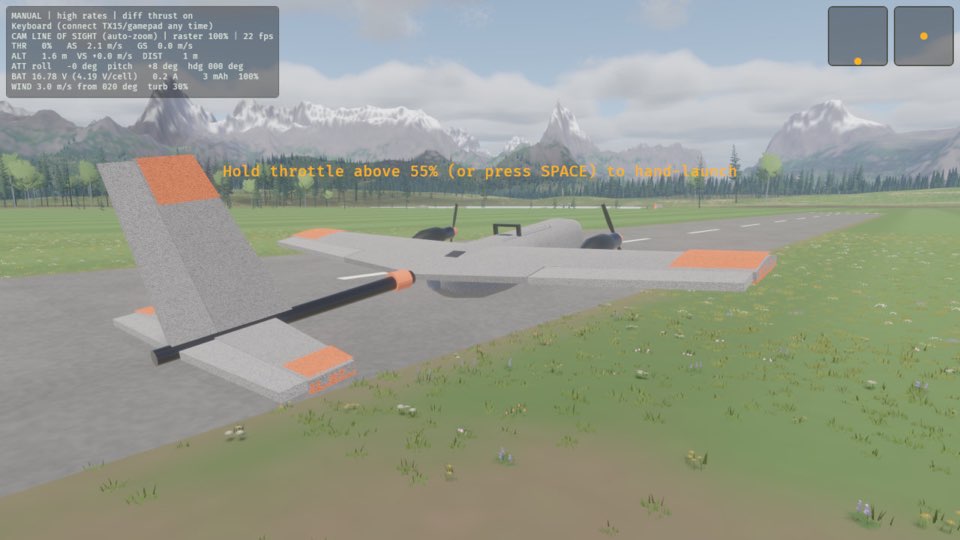
C selects the next of three views: line of sight from the pilot box, chase from behind the plane, and FPV through its nose camera. The CAM line on the HUD shows the view. In line of sight, auto-zoom keeps the plane at a good size on the screen when it flies away. Z turns auto-zoom off and on.
Chase follows the plane
The view moves behind the plane and follows it. You see the area in front of the plane, and you also see the plane.
If the view is line of sight, press C. The view follows the plane from behind, and the HUD says CAM CHASE.
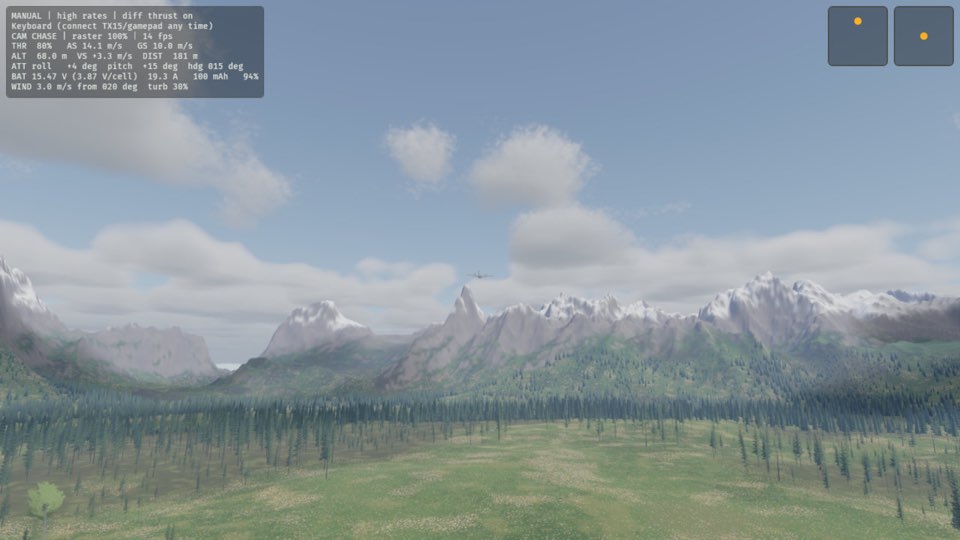
See it in Watching from every view.
How this is tested verified
Given the view is line of sight
When the pilot changes the view
Then the view is chase
FPV looks out of the nose
You see the picture from the camera in the nose of the plane. The camera points 20° up, as on a plane for FPV flight.
If the view is chase, press C. You see the picture from the nose camera of the plane, and the HUD says CAM FPV.
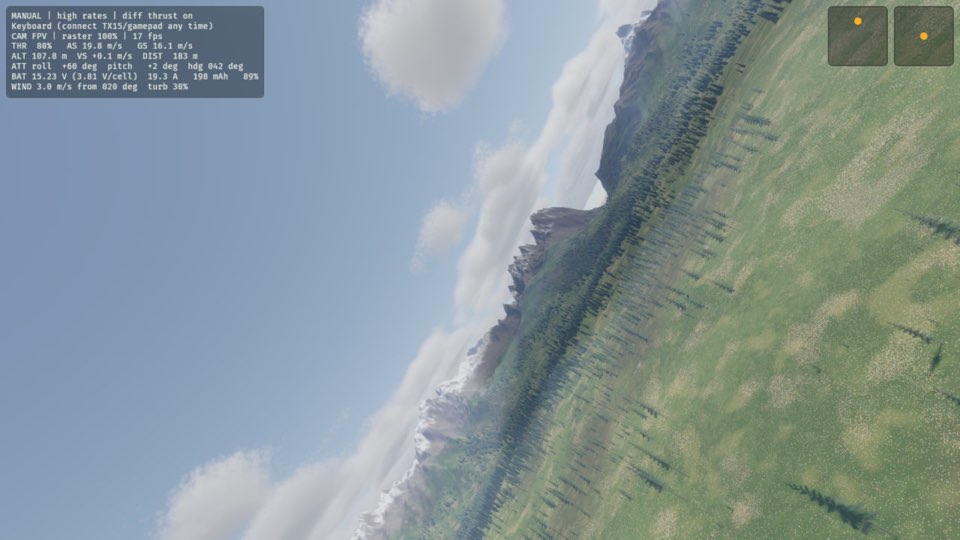
See it in Watching from every view.
How this is tested verified
Given the view is chase
When the pilot changes the view
Then the view is FPV
Line of sight is the view from the pilot box
You see the plane from the point where you stand, as at the field. The sim starts in this view.
If the view is FPV, press C. You see the plane from the pilot box again, and the HUD says CAM LINE OF SIGHT.
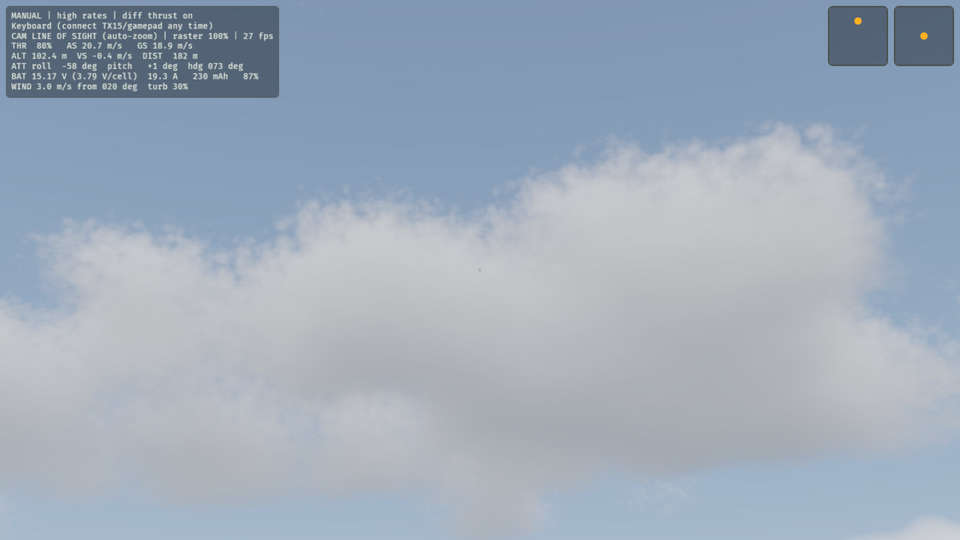
See it in Watching from every view.
How this is tested verified
Given the view is FPV
When the pilot changes the view
Then the view is line of sight
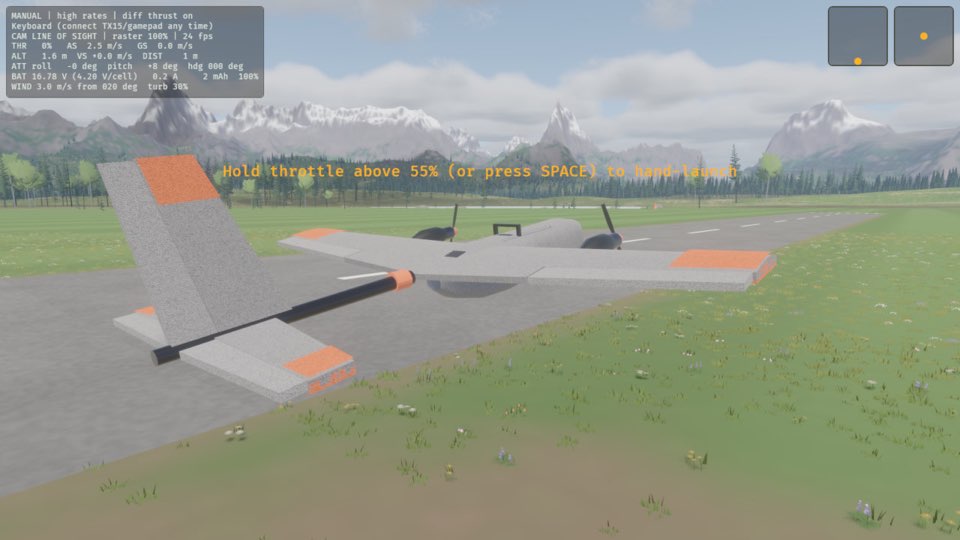
Auto-zoom off
The zoom stays the same, as with your eyes. The plane becomes small when it flies away.
If auto-zoom is on, press Z. (auto-zoom) goes away from the CAM line on the HUD, and the zoom stays the same.
How this is tested verified
Given auto-zoom is on
When the pilot toggles auto-zoom
Then auto-zoom is off
Auto-zoom on
If auto-zoom is off, press Z. The CAM line on the HUD says (auto-zoom) again, and the view zooms to keep the plane in sight.
How this is tested verified
Given auto-zoom is off
When the pilot toggles auto-zoom
Then auto-zoom is on