SIM001 › The ground station › Ground control station › Planning a mission
Planning a hand-launched circuit › Takeoff, three waypoints, home passed
As a pilot at the field, I want to plan a takeoff, a few waypoints and a return home, so that the plane flies the circuit on its own after I throw it.
The test behind the tutorial Planning a hand-launched circuit: every step it takes, what it checks and what it saw.
Start
From the setup of Planning a mission.
Everything it starts with
Given the game clock is off
  And the link is connected
  And the vehicle is disarmed
  And the autopilot mode is MANUAL
  And the map tool is PLAN
  And the plan has 0 items
  And the plan altitude is 40 m
  And the last plan item is none
  And the takeoff is not planned
  And the vehicle mission is empty
  And the home position is set
  And the waypoints are unchecked
  And the mission file is missing
  And the measured distance is hidden
  And the vehicle's current item is 0
  And the plane is on the ground
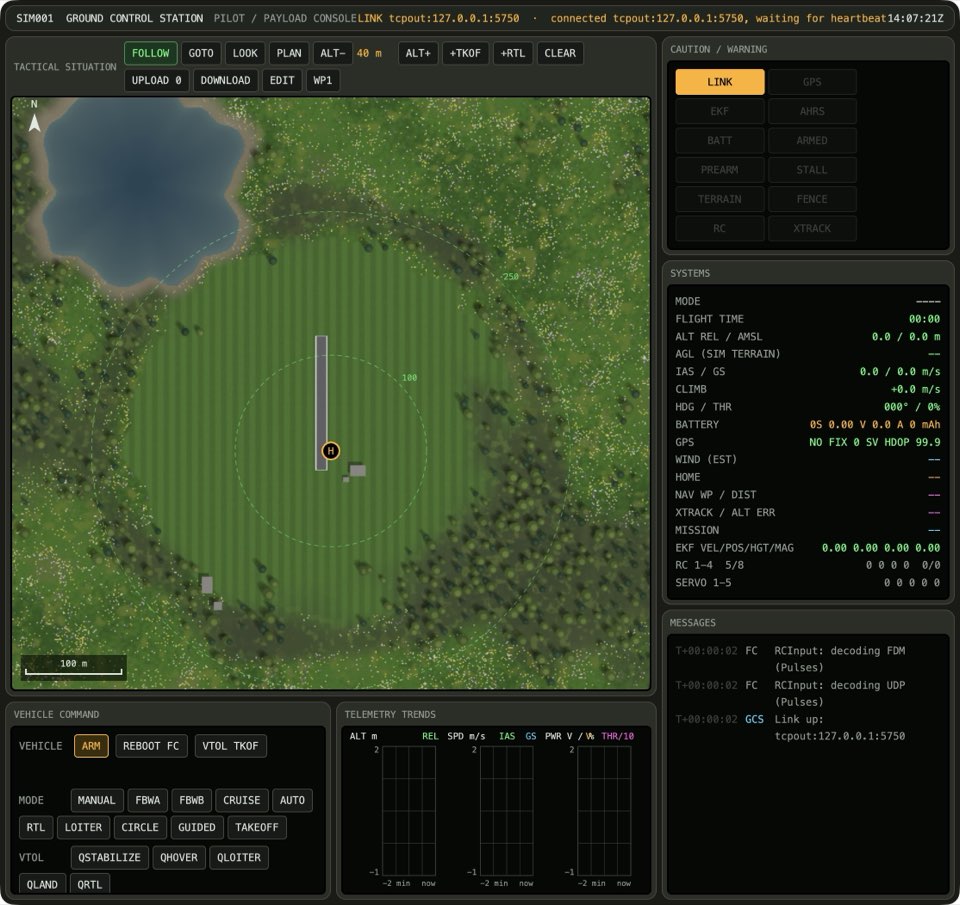
- Every arranged state read back as arranged (16)
1 When the operator adds a takeoff
When the operator adds a takeoff
Then the plan has 1 item
  And the takeoff is planned
Expected behaviour: +TKOF puts a takeoff first, On an empty plan the takeoff is also the last item.
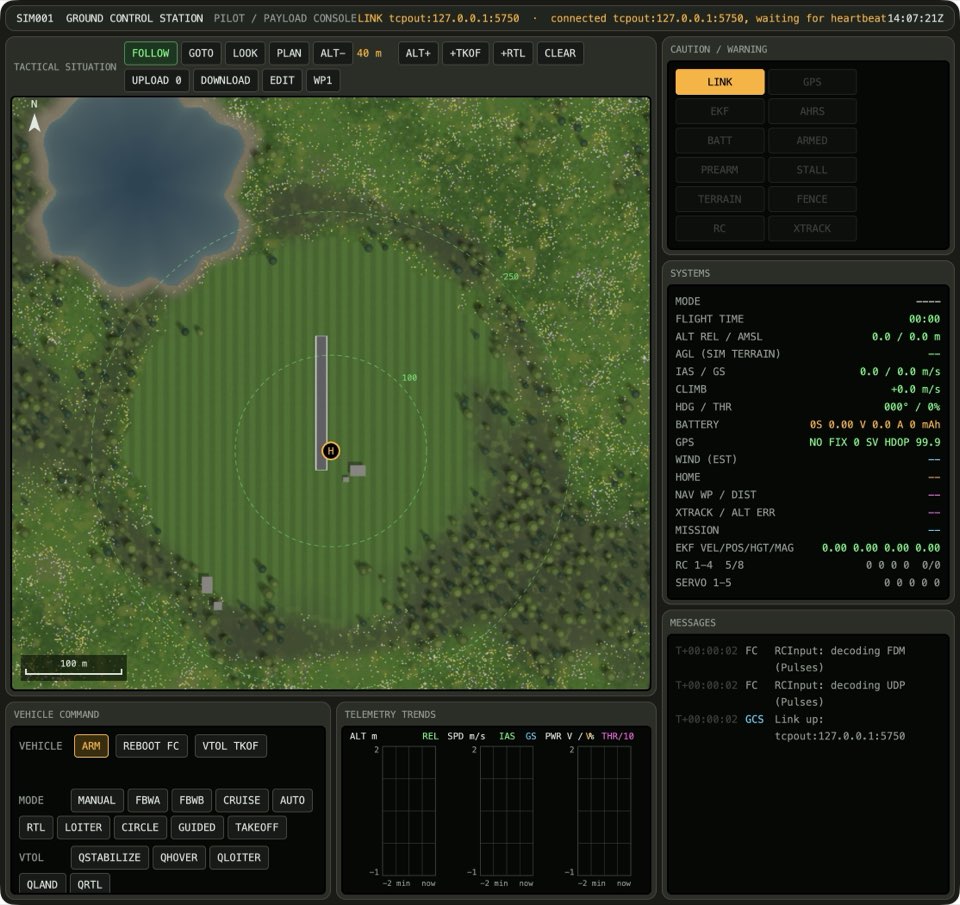
- the plan has 1 item · +TKOF puts a takeoff first
- the takeoff is planned · +TKOF puts a takeoff first
- the last plan item is TAKEOFF · On an empty plan the takeoff is also the last item
2 When the operator clicks the map
When the operator clicks the map
Expected behaviour: A click adds a waypoint.
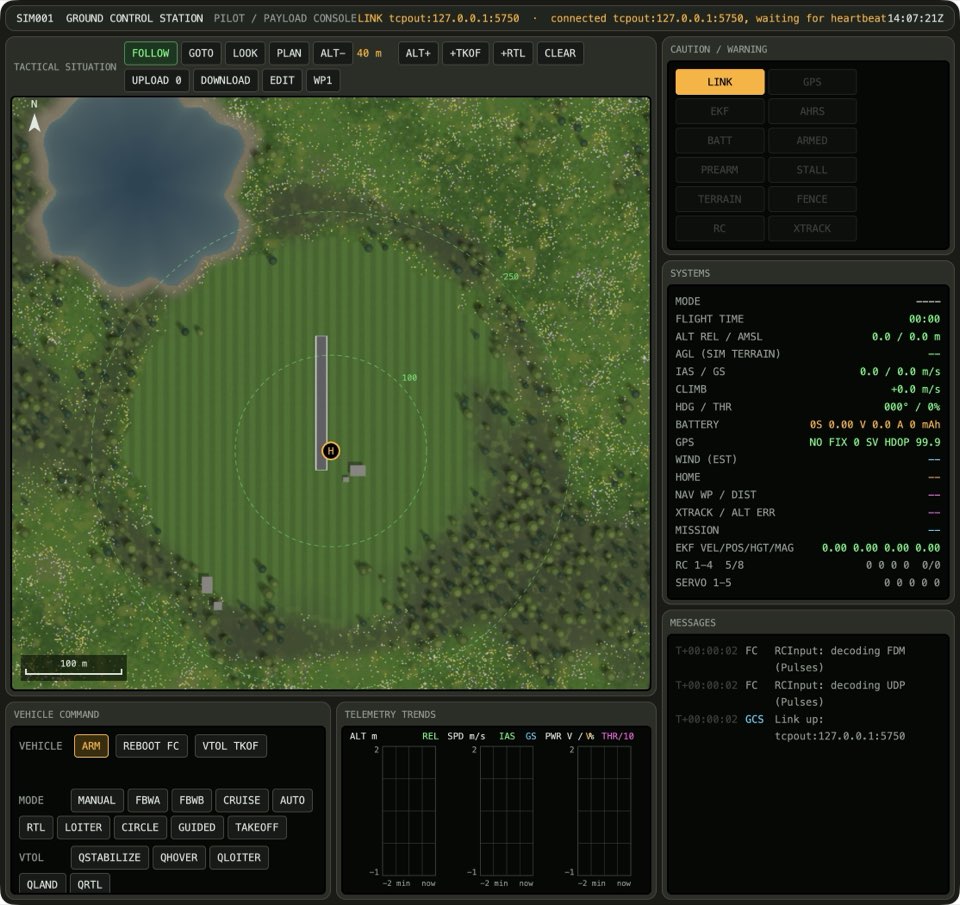
- the plan has 2 items · A click adds a waypoint
- the last plan item is WAYPOINT · A click adds a waypoint
- the newest waypoint is at the plan altitude · A click adds a waypoint
3 When the operator clicks the map
When the operator clicks the map
Expected behaviour: A click adds a waypoint.
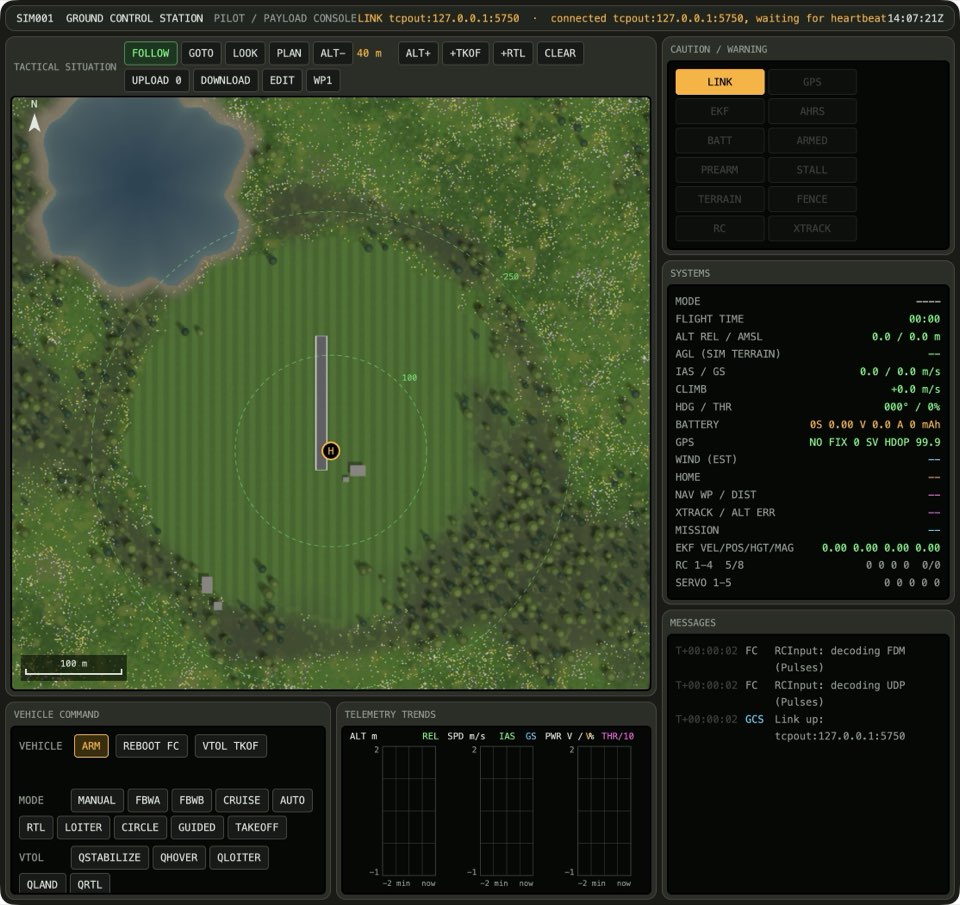
- the plan has 3 items · A click adds a waypoint
- the last plan item is WAYPOINT · A click adds a waypoint
- the newest waypoint is at the plan altitude · A click adds a waypoint
4 When the operator clicks the map
When the operator clicks the map
Then the plan has 4 items
Expected behaviour: A click adds a waypoint.
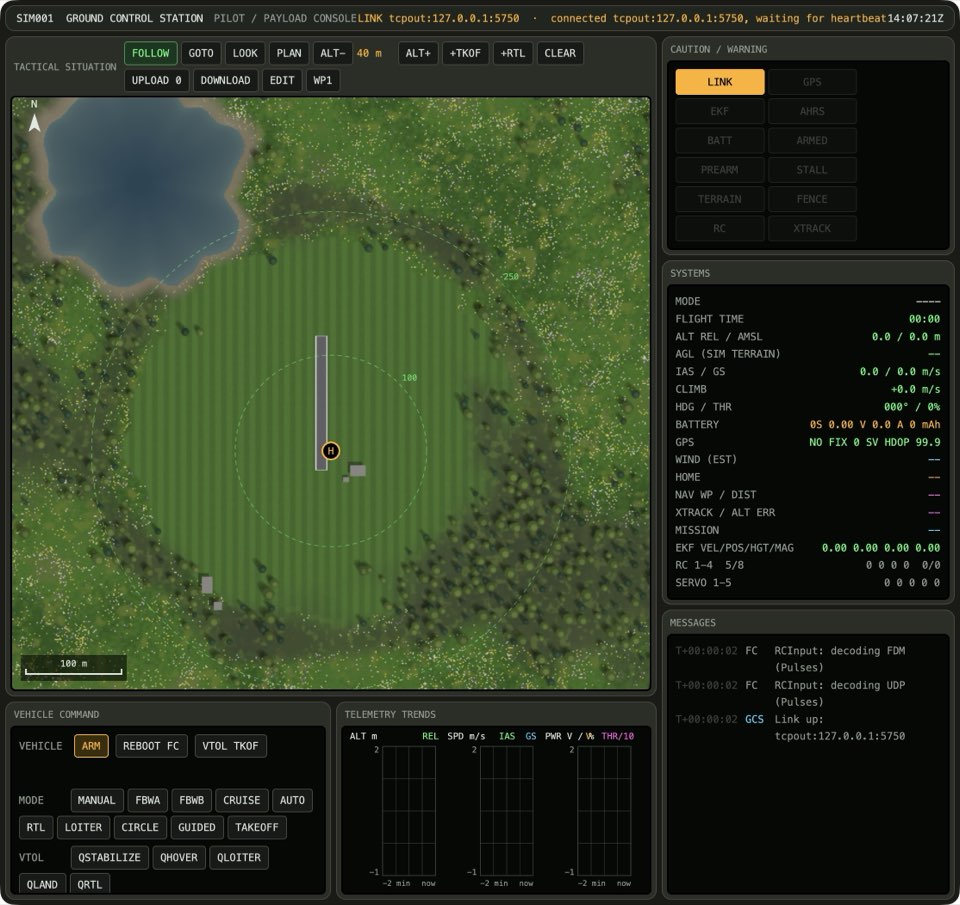
- the plan has 4 items · A click adds a waypoint
- the last plan item is WAYPOINT · A click adds a waypoint
- the newest waypoint is at the plan altitude · A click adds a waypoint
5 When the operator adds a return home
When the operator adds a return home
Then the last plan item is RTL
Expected behaviour: +RTL ends the plan with a return.
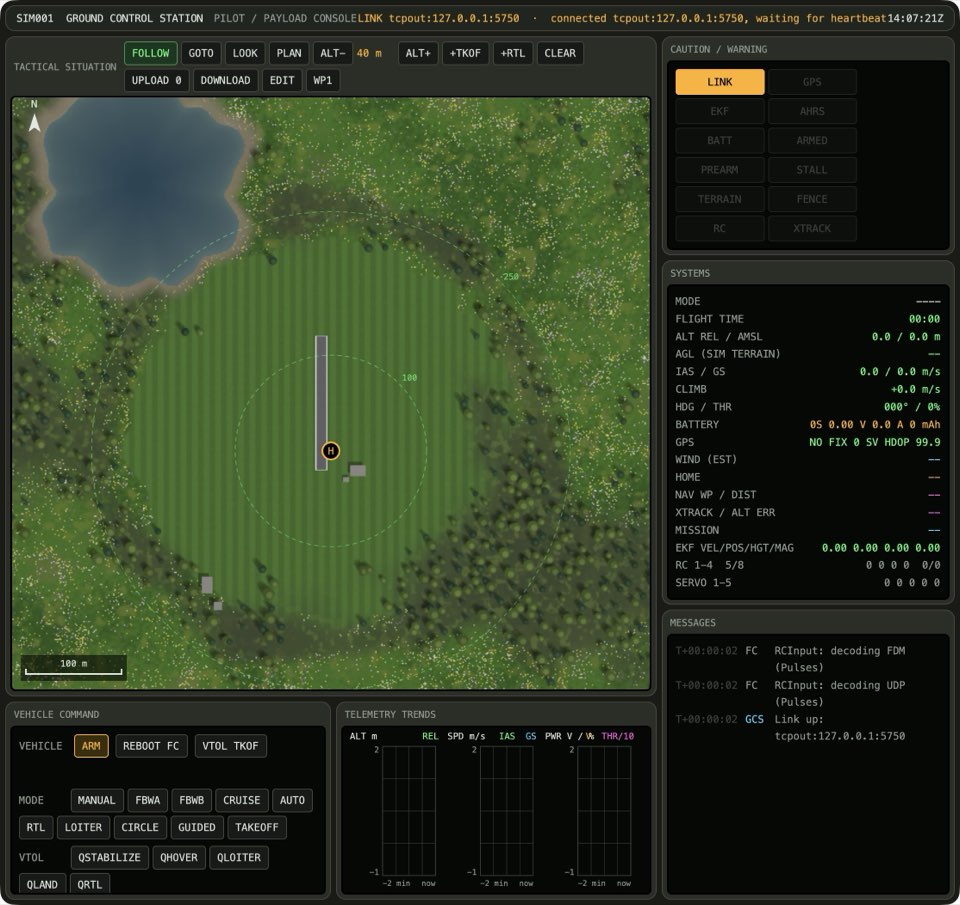
- the plan has 5 items · +RTL ends the plan with a return
- the last plan item is RTL · +RTL ends the plan with a return
6 When the operator uploads the plan
When the operator uploads the plan
Then the vehicle mission is up to date
Expected behaviour: UPLOAD writes the plan to the vehicle.
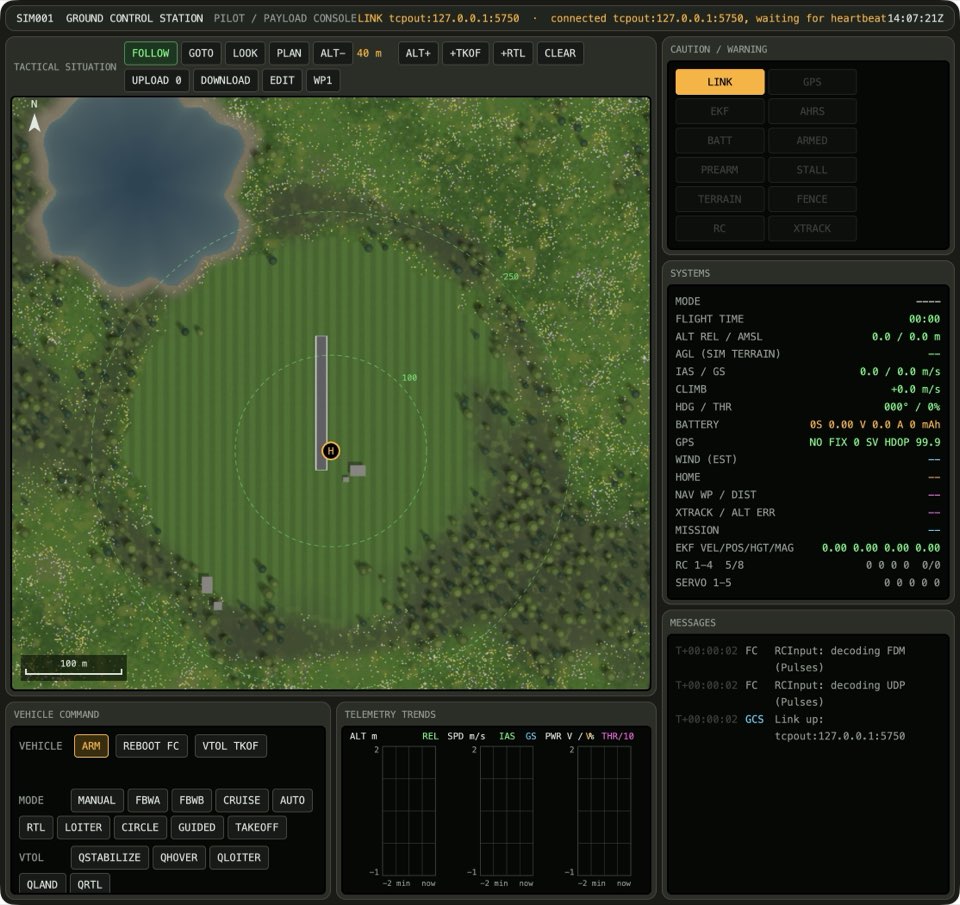
- the map tool is pan · UPLOAD writes the plan to the vehicle
- the vehicle mission is up to date · UPLOAD writes the plan to the vehicle